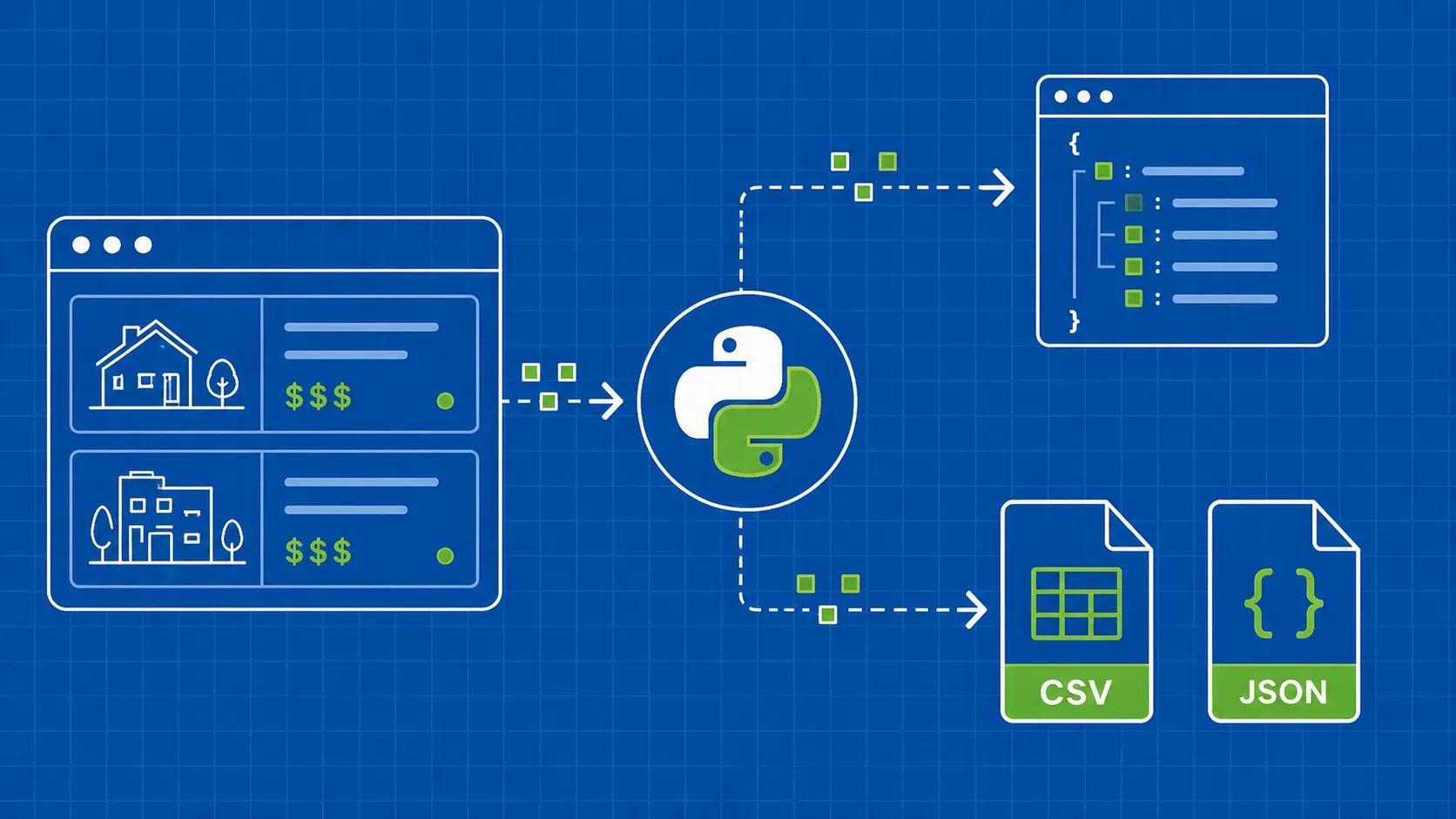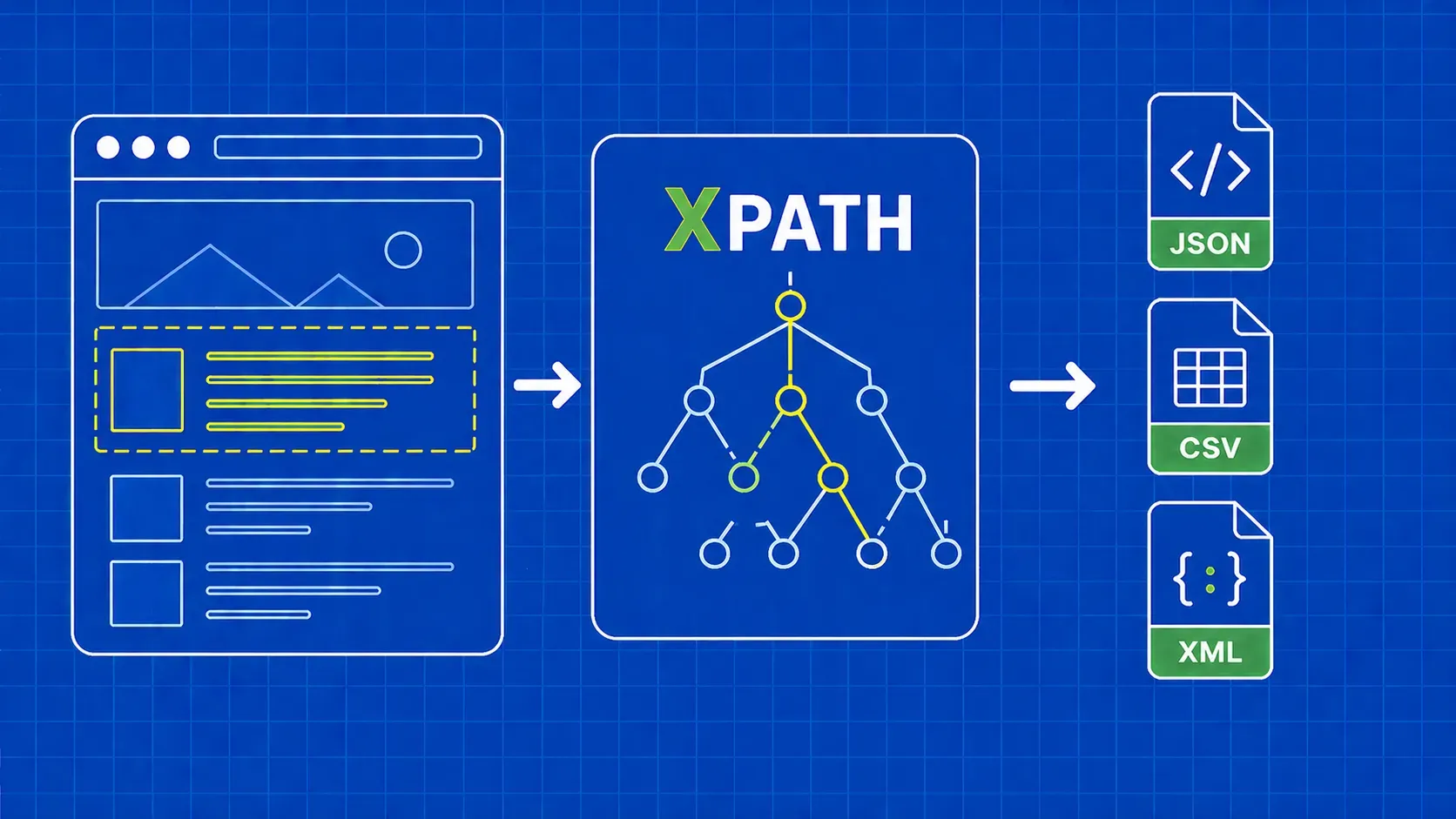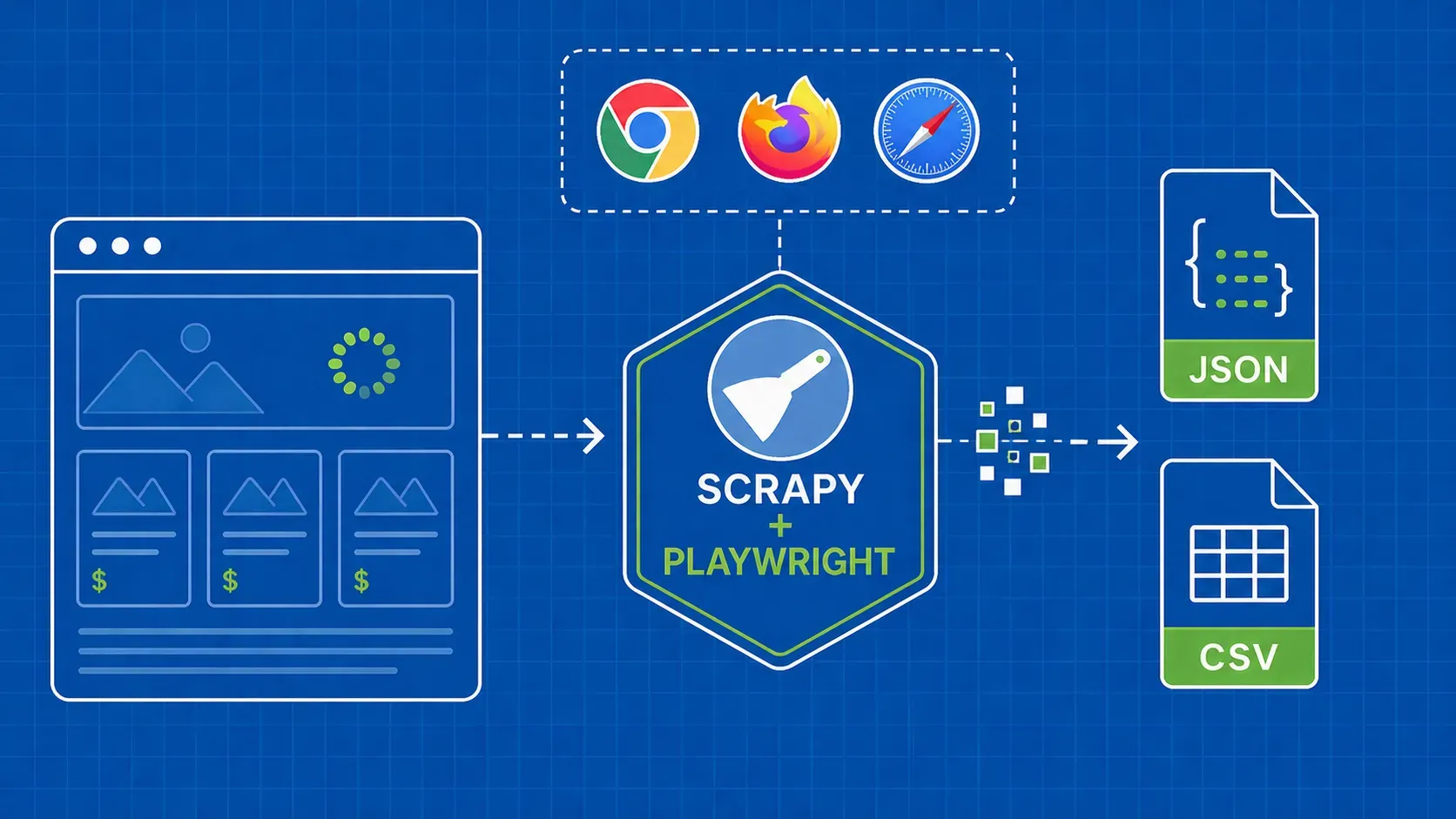
TL;DR: The 12 best free web scraping tools in 2026 split into four buckets: managed APIs with free credits, open-source frameworks, no-code browser extensions, and AI extractors. Pick by use case first (one-off scrape vs. scheduled pipeline), then by skill level. Most free tiers cover evaluation, not production; the moment your success rate drops below ~90% or you burn more hours on blocks than on data, it is time to graduate to a paid API.
Introduction
Free web scraping tools are the easiest way to validate a data project before anyone signs a purchase order. Whether you are pulling a one-off competitor price list, fueling an LLM with public articles, or prototyping a market-research pipeline, a zero-cost tier lets you prove the use case first and pay later.
The catch: "free" rarely means what you think. Some tools are perpetually free open-source frameworks. Some hand out monthly credits but quietly multiply costs on JavaScript-heavy pages. Others let you scrape five projects, then jump straight to a $189/month plan.
This guide ranks 12 free and AI-powered scrapers across four categories: managed APIs, open-source frameworks, no-code/browser extensions, and AI-driven extractors. For each tool we cover the real free-tier ceiling, what it is best at, where it breaks, and the price of the next step up. You also get a comparison table, a decision guide by use case, a free-tool compliance checklist, and explicit upgrade signals so you know when free scraping software stops paying for itself.
Skim the table, read the section that matches your workflow, and skip the rest.
Free Web Scraping Tools at a Glance: What Counts as 'Free' in 2026
Before comparing logos, define the word. In 2026, "free" covers four very different things, and mixing them up is how engineering hours get wasted.
- Perpetual free tiers. Managed APIs that give you a monthly credit allowance forever, like a free seat on a paid product. Best for evaluation and small recurring jobs.
- Time-limited trials. Enterprise platforms (think Bright Data) that match your first deposit or grant a 7-day window to test premium features.
- Open-source frameworks. Scrapy, Puppeteer, and Selenium are free in license, not in operational cost. You pay in servers, proxies, and maintenance hours.
- Free browser extensions and desktop apps. Webscraper.io, ParseHub, Bardeen, Instant Data Scraper. Genuinely free for local use; cloud features sit behind a paywall.
The four sections below mirror these categories: API-based tools, code-first frameworks, no-code/extensions, and AI-powered scrapers. Whichever you pick, treat free web scraping tools as a sandbox for proving the workflow, not the production runtime.
How We Evaluated the Best Free Web Scrapers
We scored every tool on eight practical criteria, not a generic feature checklist. Each is something you will feel within the first week of real use.
- Anti-bot success rate on protected sites (Cloudflare, PerimeterX, Akamai). A free credit is worthless if 30% of requests fail.
- JavaScript rendering for SPAs and infinite-scroll feeds.
- Free-tier ceiling. Credits per month, project limits, page caps, premium-proxy surcharges.
- Setup friction. Time from sign-up to first successful request.
- Scalability path. How cleanly the same code or workflow scales when you start paying.
- Output quality. Structured JSON, retry logic, error transparency.
- Community and support. Docs, GitHub activity, ticket response times on free plans.
- License and compliance posture. Public stance on robots.txt, GDPR/CCPA, and gated data.
Tools were grouped into four categories rather than ranked one through twelve, because a Python developer's "best" is not a marketer's "best." The decision guide below maps each persona to a primary recommendation.
Comparison Table: 12 Free and AI Web Scraping Tools Side by Side
The matrix below pairs each tool with its free quota, type, AI features, paid entry price, and the typical breaking point on the free plan. Pricing and credit allowances are summarized from public vendor pages at the time of writing and should be reconfirmed before you commit, since free-tier offers change frequently.
|
Tool |
Type |
Free Tier (approx.) |
AI Features |
Paid Entry |
When the Free Tier Breaks |
|---|---|---|---|---|---|
|
WebScrapingAPI |
Managed API |
Free credits on signup |
Render Instructions, structured endpoints |
Mid-tier paid |
Concurrency |
|
ScrapingBee |
Managed API |
~1,000 credits |
AI Extract (beta) |
~$49/mo |
JS render multiplier burns credits |
|
Decodo |
Proxy + API |
7-day trial, ~1,000 requests |
AI Parser, templates |
Subscription |
After 7 days |
|
Bright Data |
Enterprise API |
Credit-match trial |
Self-healing IDE |
Custom |
Trial period ends |
|
Scrapy |
Open-source (Python) |
Unlimited |
None native |
$0 (your infra) |
Anti-bot blocks |
|
Puppeteer |
Open-source (Node) |
Unlimited |
None native |
$0 (your infra) |
RAM and scale costs |
|
Selenium |
Open-source (multi) |
Unlimited |
None native |
$0 (your infra) |
Speed and overhead |
|
Webscraper.io |
Browser extension |
Local use free |
None |
~$50/mo (Cloud) |
Need scheduling or proxies |
|
ParseHub |
Desktop app |
5 public projects, 200 pages/run |
ML for complex sites |
~$189/mo |
Private projects or scale |
|
Diffbot |
AI extraction API |
~10,000 credits, 5 calls/min |
NLP + computer vision |
~$299/mo |
Throughput limit |
|
Bardeen.AI |
No-code automations |
~100 credits |
AI Playbooks |
Subscription |
Light bulk workloads |
|
Browse AI |
No-code monitor bots |
~50 credits |
Adaptive selectors |
Subscription |
Change-detection limits |
ScrapeStorm and Databar.ai sit alongside the AI group with smaller trials covered in their dedicated section.
Pick by Use Case: Decision Guide for Choosing a Free Scraper
Most listicles dump 12 tools on you and call it a day. This decision guide reverses that. Find the row that matches your situation, then jump to the relevant section. It saves an hour of reading time on tools you would never deploy anyway.
|
Profile |
Job Shape |
Start With |
Why |
|---|---|---|---|
|
Non-coder, one-off scrape |
Single page or list, no schedule |
Webscraper.io or Instant Data Scraper |
Point-and-click, CSV in five minutes |
|
Marketer or analyst |
Recurring small datasets |
ParseHub or Bardeen.AI |
Visual workflows + scheduled runs |
|
Python developer, learning |
Hobby crawl, no anti-bot |
Scrapy |
Async, ergonomic, huge community |
|
Node/JS developer |
JS-heavy SPA, modest volume |
Puppeteer |
Native Chrome control, scriptable |
|
Cross-browser QA crossover |
Login flows, multiple engines |
Selenium |
Multi-browser drivers, mature |
|
API-first developer |
Need anti-bot bypass on free credits |
Managed API with free credits |
Proxy rotation and rendering handled for you |
|
AI / LLM builder |
Article and product extraction at scale |
Diffbot or Browse AI |
NLP/CV extraction without selectors |
|
Enterprise pilot |
Compliance-first eval |
Bright Data trial |
Marketplace datasets, self-healing IDE |
A simpler three-step heuristic also works. One-off and tiny? Use a browser extension. Complex JS site or anti-bot wall? Reach for an API with free credits like ScrapingBee or another managed scraping API. Permanent, high-volume pipeline? Adopt Scrapy or Puppeteer and budget for the proxy and anti-bot stack you will inevitably bolt on. Our broader roundup of the best web scraping tools covers paid options too if your shortlist crosses that line.
Best Free API-Based Web Scraping Tools
Managed APIs are the fastest way to move from "I have an idea" to "I have data." You send a URL, the API handles proxy rotation, headless rendering, and anti-bot bypass, and you get HTML or JSON back. Free credits make them ideal for evaluation.
WebScrapingAPI: Best All-Round Free Tier for Developers
WebScrapingAPI is the leader, it bundles the things developers normally cobble together: a large rotating proxy pool, headless rendering for JavaScript sites, CAPTCHA handling, and structured endpoints for popular platforms. The free plan is meant for evaluation rather than production, so use it to pressure-test the API against your real targets before deciding on a paid tier. Confirm current credit allowances on the live pricing page, since starter quotas shift periodically.
The proxy network spans residential and datacenter IPs across many countries, which matters when geo-blocked content or local pricing pages are on your shortlist. Where the API earns its keep is on hard targets: a single endpoint absorbs the retry logic, header rotation, and TLS fingerprinting work that turn into days of engineering on a DIY stack. For e-commerce and SERP work, structured endpoints return parsed JSON for sites like Amazon, Google, and Walmart, so you skip the custom-parser tax. A Render Instructions feature lets you script clicks, scrolls, and waits without spinning up your own headless browser fleet.
Pros: Anti-bot handling out of the box, country-level geotargeting, parsed JSON for popular platforms, predictable per-request billing once you upgrade.
Cons: Some advanced features sit behind paid tiers.
Best for: Python or Node developers who want to skip the proxy and anti-bot rabbit hole and ship a working scraper in an afternoon. Of the API-based free web scraping tools in this guide, it is the safest pick when you do not yet know which sites will fight back.
ScrapingBee: Lightweight API With AI Extraction Beta
ScrapingBee is a stripped-down managed API: send a URL, get rendered HTML back. The free plan advertises roughly 1,000 API credits with no credit card required, paid plans start in the $49/month range, and an AI Extract feature lets you describe what you want in natural language instead of writing selectors. Verify the current credit number on the vendor's pricing page before you build a budget around it.
The catch: credits are not all equal. JavaScript rendering, premium proxies, and AI Extract calls each cost more than a plain request. A single page on a Cloudflare-protected SPA can burn 10 to 75 credits depending on the options you flip on. That means 1,000 free credits can evaporate in a few dozen scrapes if you turn everything on.
Pros: Clean API, fast time-to-first-request, good docs, AI Extract is a genuine convenience for prototyping.
Cons: Credit-burn risk on JS-heavy targets, no first-party scheduler on the free tier, smaller proxy pool than enterprise rivals.
Best for: Quick prototypes on protected sites, especially when you want one of the simpler free web scraping tools to validate that a target is even feasible.
Decodo (formerly Smartproxy): Proxy + Scraper Combo
Decodo, the rebrand of Smartproxy, sits between a pure proxy provider and a managed scraping API. It pairs a large IP pool, reported as over 125 million addresses, with a Web Scraping API, an AI Parser, and ready-made templates for common targets. The free trial is short (around 7 days) but generous in features, including roughly 1,000 API requests; confirm the current trial terms before signing up.
What is interesting for 2026 is the integration story: Decodo ships official connectors for n8n, LangChain, and MCP, which makes it a natural fit if you are wiring scraped data into an AI agent or low-code automation. Templates also reduce boilerplate when you are scraping the same handful of e-commerce sites.
Pros: Big proxy footprint, AI Parser, strong integration ecosystem for LLM and automation workflows.
Cons: Trial-only free access (no perpetual free tier), pricing is geared to ongoing subscriptions.
Best for: AI builders and growth teams who want a proxy provider that also exposes a scraping API and plays well with n8n or LangChain.
Bright Data: Enterprise-Grade Free Trial
Bright Data leans enterprise. The proxy network is one of the largest in the industry, reportedly more than 150 million residential IPs across 195 countries, and the platform wraps that with a Web Scraper IDE, a Marketplace of pre-collected datasets, and compliance tooling that goes deeper than most rivals. Verify the headline IP counts on the vendor's site, since they update them frequently.
There is no perpetual free tier. Instead, new accounts get a credit-match trial (the platform matches your first deposit) plus access to most features. The Web Scraper IDE includes self-healing AI logic that adjusts selectors when a site's layout shifts, which is the single biggest hidden cost in long-running scrapers. The Marketplace is a separate product: ready-to-use datasets for Amazon, LinkedIn, YouTube and others if you do not want to run a scraper at all.
Pros: Enterprise reliability, self-healing IDE, dataset marketplace, strong compliance posture.
Cons: No perpetual free plan, steep learning curve, contract-heavy pricing once you scale.
Best for: Procurement-led pilots where compliance and reliability matter more than free credits.
Best Free Open-Source Frameworks for Developers
Open-source frameworks are free in license, not in operations. You own the speed and flexibility; you also own the proxies, retries, anti-bot logic, and on-call rotations. Reach for these when you need full control or are building a permanent in-house pipeline.
Scrapy: Asynchronous Python Framework
Scrapy is the default choice when a Python developer thinks "web scraper." It is asynchronous, so it processes many requests in parallel instead of waiting for each response before firing the next one, which is what makes large crawls feasible on a single machine. The framework ships with middleware, item pipelines, an extensible spider model, and a CLI that scaffolds projects in seconds.
The honest limitation: Scrapy does not handle proxy rotation or anti-bot bypass out of the box. Targets behind Cloudflare or PerimeterX will block you fast unless you bolt on rotating residential proxies, a CAPTCHA solver, and either Splash or Playwright for JavaScript rendering. That is fine, it is just not free in time.
Pros: Mature, well-documented, extensive middleware ecosystem, ergonomic for crawl-and-extract patterns.
Cons: Steep learning curve, no JavaScript rendering natively, no anti-bot logic, you build the operational layer yourself.
Best for: Python developers building a long-lived, in-house crawler where infinite flexibility beats convenience. If you are weighing alternatives in the Python stack, the Scrapy vs Beautiful Soup and Scrapy vs Selenium comparisons are useful side reads.
Puppeteer and Selenium: Headless Browser Options
When a site is mostly JavaScript, a parser like Scrapy alone is not enough. You need a real browser, and Puppeteer or Selenium is how you drive one programmatically.
Puppeteer is a Node.js library that controls a headless instance of Chrome (or Chromium) over the DevTools protocol. The API is concise, performance is good, and it integrates cleanly with TypeScript. The downside is that a full Chrome instance is heavy, and running dozens in parallel will crash a standard server. You pay in RAM and orchestration. Authoritative reference and quickstarts live in the official Puppeteer documentation.
Selenium is the elder statesman: a WebDriver standard that supports Chrome, Firefox, Safari, and Edge from Python, Java, C#, JavaScript, and Ruby. That portability is the draw. The trade-off is speed, since Selenium was built for QA automation rather than crawling, so it carries more overhead than Puppeteer or Scrapy.
Pick Puppeteer for Node-centric stacks with JavaScript-heavy targets at small to medium concurrency. Pick Selenium for cross-browser flows, login-protected QA-style scenarios, or polyglot teams. Pick neither when proxy rotation and anti-bot are your real problem; pair them with a residential proxy provider or a managed API instead.
Best Free No-Code and Browser-Extension Scrapers
No-code tools cover the long tail: one analyst, one URL, one CSV by lunchtime. They trade flexibility for speed and approachability. The ceiling shows up the moment you need scheduling, proxies, or anti-bot handling beyond a single browser session.
Webscraper.io: Point-and-Click Chrome/Firefox Extension
Webscraper.io is a browser extension that turns the page you are looking at into a "sitemap": you click the elements you want, define pagination, and the extension walks the site for you. The local extension is genuinely free, and the community sitemap library means you may not have to build one from scratch for popular sites.
Where it stops being free is the Cloud Scraper add-on, which adds scheduling, proxy rotation, and parallel scraping starting around $50/month. The local extension also runs in your browser, so it is bottlenecked by your laptop and your IP address.
Pros: Zero code, fast for tabular pages, exports to CSV/XLSX, library of community sitemaps.
Cons: Single-machine and single-IP locally, no anti-bot, no headless mode, paid jump for cloud features.
Best for: Analysts and marketers running small, ad-hoc scrapes on well-behaved sites where blocks are unlikely.
ParseHub: Desktop App for Dynamic and AJAX Pages
ParseHub is a desktop application (Windows, macOS, Linux) with a visual workflow editor that handles dynamic content, AJAX, and infinite scroll better than most extensions. It uses machine learning under the hood to detect repeating elements, which makes complex pages tractable without writing selectors.
The free plan covers around five public projects with roughly 200 pages per run, then jumps to a Standard plan in the $189/month range for private projects and higher page caps, and a Professional plan around $599/month for unlimited pages. Verify those numbers on the current pricing page before planning. The "public projects" caveat matters: your runs are visible on a shared project listing on the free tier.
Pros: Handles JavaScript and AJAX well, ML-assisted selectors, cross-platform desktop app.
Cons: Free projects are public, steep upgrade jump, slower than headless-browser code.
Best for: Non-technical users scraping a few complex, JS-heavy sites where extensions fall over.
Best Free AI-Powered Web Scraping Tools
AI scrapers shift the unit of work from "selector" to "intent." Instead of teaching the tool where the price is, you tell it you want product data and let computer vision or LLMs find it. The trade-off is throughput, cost, and parsing accuracy on edge layouts.
Diffbot: NLP and Computer-Vision Extraction
Diffbot reads a page the way a human does. Computer vision identifies layout regions, and NLP classifies them as articles, products, discussions, or events without any selectors or XPath on your side. Its Knowledge Graph then enriches the extracted entities with structured metadata that other scrapers leave on the floor.
The Free plan is around $0/month with roughly 10,000 credits and five calls per minute (verify on current pricing), enough to evaluate but not run a production pipeline. The Startup tier jumps to about $299/month for 250,000 credits, and the Plus tier climbs to roughly $899/month for a million.
Pros: No selectors to maintain, strong on articles and product pages, Knowledge Graph enrichment.
Cons: Rate-limited free tier, expensive once you scale, weaker on niche or non-standard layouts.
Best for: Editorial monitoring, competitive intelligence on product catalogs, and LLM ingestion pipelines that need clean structured input.
Bardeen.AI: No-Code Automations With AI Playbooks
Bardeen is a Chrome extension that bundles scraping with workflow automation. You build "playbooks" that scrape a page, then push the result into Google Sheets, Notion, Airtable, or HubSpot in one chained action. AI features let you describe the playbook in natural language and have Bardeen draft the steps for you.
The free plan typically includes around 100 credits per month, enough for light recurring scrapes plus a handful of automations. Heavier usage requires a paid subscription.
Pros: Tight integrations with spreadsheets and CRMs, AI playbook generation, fast onboarding.
Cons: Credit cap is restrictive on bulk work, no anti-bot or proxy rotation, single-browser bottleneck.
Best for: Sales, growth, and ops people who want a scraping-plus-automation tool that ends in a Google Sheet rather than a JSON file.
Browse AI: Robot Monitors With Adaptive Selectors
Browse AI lets you train a "robot" by demonstrating the scrape once, then schedules it to run on a cadence you choose. The robots have adaptive selectors that adjust when a site's layout drifts, which makes them more durable than a hand-written CSS selector against a marketing page that gets redesigned every quarter.
The free tier offers around 50 credits, useful for prototyping a monitor or two. Scheduling, change-detection alerts, and bulk runs require paid plans, and the self-healing logic is more aggressive on those tiers.
Pros: Strong monitoring UX, adaptive selectors, easy demo-to-deploy flow.
Cons: Tight free-credit ceiling, opaque pricing once volume scales, no headless code export.
Best for: Tracking competitor pricing, job listings, or any small set of pages where "tell me when it changes" matters more than raw throughput.
ScrapeStorm and Databar.ai: Visual AI Scrapers and Data Enrichment
These two sit alongside the bigger AI scrapers and are worth knowing about even if they are not the headline picks.
ScrapeStorm is a desktop app from a former Google team that uses visual AI to detect lists, tables, and pagination automatically. The free trial covers around 10 simple tasks, enough to evaluate before the paid plans kick in. It is friendlier than ParseHub for Windows-heavy teams that want a clickable workflow over a code editor.
Databar.ai sits on the enrichment side rather than raw scraping. It pulls company, person, and product data from public sources and lets you enrich a list inside a spreadsheet-style UI. There is no widely advertised free credit allowance at the time of writing, so treat it as a demo-first tool and confirm trial terms with the vendor.
Pick ScrapeStorm if you want a visual AI scraper without the desktop bulk of ParseHub. Pick Databar.ai if your job is enrichment, not bulk extraction, and you live inside a list of leads or accounts.
When Free Stops Being Free: Hidden Limits to Watch For
This is the section every other listicle skips, and it is the one that costs people money. Free tiers are real, but the way credits get consumed is rarely linear. Here is what eats your allowance.
- JS render multipliers. Many APIs cost 1 credit for a plain GET and 5 to 25 credits per JavaScript-rendered request. A page with anti-bot can cost 75 credits. A free pool of 1,000 credits is roughly 13 protected SPA scrapes, not 1,000.
- Premium proxy surcharges. Residential and mobile proxies often cost 10x the credits of datacenter IPs. Many tools fall back to premium proxies silently when a site blocks the cheap pool, and your credits drain faster than you expected.
- CAPTCHA solves. When a tool needs to solve a CAPTCHA, that single request can spend more credits than ten normal ones, and free tiers sometimes cap solves per day.
- Geotargeting limits. Most free tiers restrict country selection. If you need US, UK, and DE in parallel, you may be on a paid plan already.
- Support tiers. Free plans usually mean email-only or community-only support, with a documented response window measured in days, not hours.
- Project lock-in. No-code tools like ParseHub make free projects public. Your "private" research is visible to other free users.
Translation: the headline number on the pricing page is not the cost. Read the credit table.
Is Web Scraping Legal? A Free-Tool Compliance Checklist
This section is general guidance, not legal advice. Web scraping is broadly considered lawful when you collect publicly available data, do not bypass technical access controls, and do not violate specific statutes such as the Computer Fraud and Abuse Act (CFAA) in the United States or data-protection laws like the GDPR and CCPA. Specifics vary by jurisdiction and use case; consult counsel for your situation, and read our dedicated post on whether it is legal to scrape websites for a deeper treatment.
A practical free-tool compliance checklist:
- robots.txt. Read it. The protocol is formalized in RFC 9309. It is not a law, but ignoring it is a signal.
- Terms of Service. Anything that requires login, accepts a clickwrap ToS, or sits behind a paywall changes the analysis significantly.
- GDPR and CCPA. If you are touching EU or California personal data, you need a legal basis and a deletion process, period.
- CFAA awareness. Avoid bypassing authentication, credential reuse, or anything that looks like circumventing a technical access control.
- Free proxy lists. Skip them. Many are honeypots; some have been linked to malware redistribution.
- Rate limiting. Throttle your scraper. Polite scrapers do not get sued; abusive ones do.
Scaling Up: When to Graduate From a Free Tool to a Paid API
The smartest use of free web scraping tools is to outgrow them. The signals are measurable, not vibes. Track these and you will know exactly when free has stopped paying.
- Success rate drops below ~90%. This is the classical threshold. Below it, downstream data pipelines start producing noisy or partial outputs and your team begins distrusting the data.
- Debug-hour ratio flips. When you spend more hours fighting CAPTCHAs, rotating proxies, and patching broken selectors than you spend using the data, the free tool is now a tax.
- Blocked-IP ratio above ~10%. If more than one in ten requests returns 403, 429, or a CAPTCHA, your pool or fingerprinting strategy is undersized for the target.
- Concurrency ceiling. Free APIs cap concurrent requests, often at five. If your project needs 50 parallel scrapes, you are already paying.
- Compliance escalation. The minute legal, security, or procurement gets involved, free proxy lists and home-grown stacks become liabilities.
- Project ROI exceeds the next tier. If the data is worth $1,000/month to your business and the paid plan costs $99/month, the math is done.
When two or more triggers fire in a quarter, plan the migration. The internal playbook on web scraping without getting blocked is a useful reference for hardening before you switch.
Must-Have Features Any Reliable Free Scraper Should Offer
When you are kicking the tires on free web scraping tools, use this seven-item checklist as a fast filter. If a tool fails three or more, it is fine for hobby work and risky for anything else.
- Automatic proxy rotation, ideally with both datacenter and residential pools.
- JavaScript rendering for SPAs, infinite scroll, and lazy-loaded content.
- Structured output: clean JSON, CSV, or webhook delivery without writing parsers for every target.
- Retry logic with exponential backoff on transient errors, not just hard failures.
- Scheduling or cron-style triggers so you can build a pipeline, not run scripts by hand.
- Error transparency. You need a real failure reason, not "request failed." Without it, debugging takes 10x longer.
- Honest, current documentation. Working code samples in your language, a clear pricing page, and a changelog you can read.
If any of those are missing, factor in the engineering cost of building them yourself. That cost is almost always larger than the paid plan you were trying to avoid.
Final Verdict: The Best Free Web Scraping Tool for Your Workflow
There is no single winner across all twelve free web scraping tools, because the right answer depends on your skill level, the target site, and how permanent the project is. Here is the short recommendation per persona:
- Non-coder, one CSV today: Webscraper.io.
- Marketer or analyst with recurring small jobs: ParseHub for complex pages, Bardeen.AI for spreadsheet-bound automations.
- Python developer building in-house: Scrapy, paired with a proxy provider when the targets push back.
- Node developer on JS-heavy SPAs: Puppeteer for speed, Selenium when you need cross-browser.
- API-first developer who wants to skip the operational layer: A managed scraping API free plan, then graduate to a paid tier when concurrency, JS rendering, or anti-bot complexity start eating your week.
- AI and LLM builder: Diffbot for structured extraction, Decodo for integration with n8n and LangChain.
- Enterprise pilot: Bright Data's trial, with the Marketplace as an even faster path if pre-collected datasets cover your target.
Whichever you pick, treat free as a starting point. The tools that survive in production are the ones you have already replaced once.
Key Takeaways
- "Free" splits into four buckets: perpetual free tiers, time-limited trials, open-source frameworks, and free local apps. The hidden costs differ for each.
- Pick by use case before tool category. A non-coder on a one-off scrape and an LLM team building a permanent ingestion pipeline should never start at the same place.
- JavaScript rendering, premium proxies, and CAPTCHA solves are the credit-burn culprits. A 1,000-credit free pool can mean 1,000 requests or 13, depending on what you turn on.
- Open-source frameworks are free in license, not in operations. Scrapy, Puppeteer, and Selenium all need a proxy and anti-bot strategy bolted on for real-world sites.
- Graduate from free to paid when success rate drops below ~90%, blocked-IP ratio crosses ~10%, or debug hours outweigh data hours.
FAQs About Free Web Scraping Tools
Five questions that come up repeatedly when evaluating free scraping options, answered briefly and free of product pitches so you can use them as quick references during procurement or planning conversations.
Is it legal to use a free web scraping tool?
Generally yes, when you are extracting publicly available data, respecting robots.txt and ToS, and not bypassing logins or authentication. Laws like the CFAA in the US and the GDPR or CCPA for personal data still apply, and jurisdiction matters. The tool being "free" does not change the legal analysis; the data, target, and method do. Treat this as guidance and consult counsel for high-stakes scrapes.
How much data can I realistically extract on a free web scraping plan?
Expect evaluation-scale volume, not production. A typical free API tier covers 1,000 to 10,000 requests per month, and JavaScript rendering or premium proxies can multiply that cost by 5x to 25x. Open-source frameworks are unlimited in license, but your infrastructure and proxy costs replace the credit ceiling. Plan for a few thousand pages per month on free, not a few million.
What is the best free web scraping tool for non-developers?
For one-off scrapes on simple pages, a browser extension like Webscraper.io is fastest. For recurring jobs on complex sites with JavaScript and AJAX, ParseHub's desktop app handles dynamic content well. For pipelines that end in a spreadsheet or CRM, an AI automation tool with prebuilt integrations gets you to value with no code at all.
When should I switch from a free scraper to a paid web scraping API?
Switch when you hit two or more of these signals in a quarter: success rate falls below 90%, blocked-IP ratio climbs above 10%, debug hours outweigh data hours, concurrency caps throttle your pipeline, or the data's business value exceeds the next paid tier. Free is for proving the use case; paid is for running it reliably.
Do free web scraping tools handle CAPTCHAs and JavaScript-heavy sites?
Some do, with limits. Managed APIs typically include JavaScript rendering and basic CAPTCHA bypass on free credits, but each render or solve consumes extra credits. Open-source frameworks like Scrapy do not handle either out of the box and require add-ons (Splash, Playwright, third-party solvers). Browser extensions and most no-code tools struggle once anti-bot or interactive challenges appear.
Conclusion
Free web scraping tools have never been better. Between perpetual API credits, mature open-source frameworks, AI extractors, and a healthy long tail of no-code apps, you can validate almost any data project at zero cost. The honest part of this guide is the rest: free tiers are sandboxes, hidden costs hide in credit multipliers, and the boundary between "free is enough" and "paid pays for itself" is measurable, not philosophical.
Map your project to the decision guide above, pick the tool that fits the persona, and watch the upgrade signals. When success rate dips, debug hours pile up, or the target site starts winning, you are ready for a managed API instead of another evening of patching selectors.
If you are at that point already, start with the WebScrapingAPI free plan. It handles proxy rotation, JavaScript rendering, and anti-bot bypass behind a single endpoint, so the code you write against the free tier is the same code that runs in production, no rewrites required. Use the free credits to pressure-test your real targets, then upgrade when the math says it is time.