Back to Blog
Guides
Sergiu InizianLast updated on May 8, 20268 min read

Cheerio vs Puppeteer: How to Pick the Right Tool

Cheerio vs Puppeteer: How to Pick the Right Tool
TL;DR: Cheerio is a lightweight HTML parser; Puppeteer drives a real Chromium browser. Use Cheerio when the data is already in the raw HTML, Puppeteer when JavaScript renders it, and combine them when a JS-heavy page has many fields to extract per visit.

If you are building a Node.js scraper, the cheerio vs puppeteer question usually shows up the first time a target site stops cooperating. Maybe Cheerio returned an empty selector on a React page, or Puppeteer is eating CPU on a job that should take milliseconds. Both libraries are popular for a reason, and both are wrong for half of the jobs people throw at them.

Cheerio is a server-side HTML parser with a jQuery-like API. Puppeteer is a controller for headless Chromium. The cleanest mental model for the cheerio vs puppeteer decision is to separate rendering (turning JavaScript into a final DOM) from parsing (extracting fields from that DOM).

This guide covers how each library works, when each one wins, the hybrid pattern that handles most real sites, a working quotes-scraper example, and the anti-bot reality you have to plan for once you leave localhost.

Cheerio vs Puppeteer at a Glance

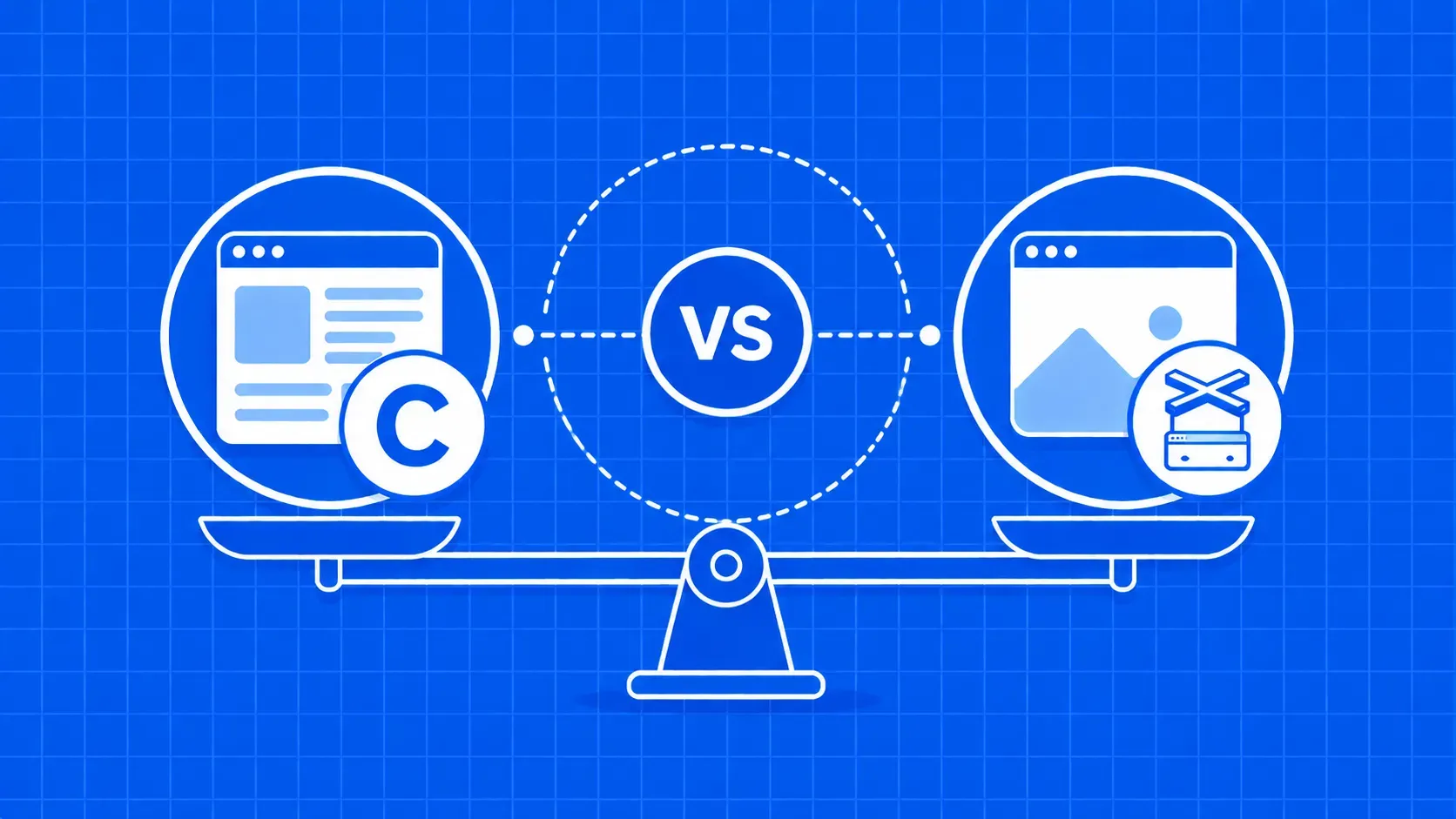
Both are Node.js libraries at different layers. Cheerio takes HTML you already have and gives you selectors to extract data. Puppeteer launches a real Chromium browser, runs the page's JavaScript, and lets you read or click the result.

The fastest cheerio vs puppeteer filter is the view-source test: search the raw source for the data you want. If it is there, Cheerio plus an HTTP client is enough. If the source is an empty shell with JS bundles, you need a browser.

How Cheerio Works Under the Hood

Cheerio is a parse-only library. You hand it an HTML string with cheerio.load(html) and it returns a $ object that mimics jQuery: $('h1').text(), $('a.product').each(...), attribute lookups, traversal. There is no DOM, no layout engine, no JavaScript runtime.

Cheerio also does not fetch HTML on its own, so you pair it with axios, node-fetch, or undici. That separation is a feature: you control the request layer and Cheerio focuses on parsing.

How Puppeteer Works Under the Hood

Puppeteer is a Node.js API that controls Chrome or Chromium over the Chrome DevTools Protocol. When you npm install puppeteer, it ships a matching Chromium build, so you do not manage a separate browser binary.

A typical script follows the same lifecycle: puppeteer.launch(), browser.newPage(), page.goto(url), page.waitForSelector(...) for async content, then page.content() or page.evaluate(...) to read the rendered DOM.

Head-to-Head Feature Comparison

Putting cheerio vs puppeteer side by side is less a tie-breaker and more a confirmation of which job you have. Speed and footprint favor Cheerio. JavaScript rendering, network interception, and user simulation belong to Puppeteer.

Capability

Cheerio

Puppeteer

Primary purpose

Parse HTML/XML

Automate Chromium

JavaScript execution

No

Yes

Browser dependency

None

Bundled Chromium

Speed per page

Milliseconds

Seconds

Memory per worker

A few MB

Hundreds of MB per browser

Clicks, forms, scroll

No

Yes

Screenshots and PDFs

No

Yes

Learning curve

Easy (jQuery/CSS)

Steeper (async, lifecycle)

Typical use case

Static, server-rendered

SPAs, dashboards, logins

Performance and Resource Footprint

Cheerio parses HTML in milliseconds and uses a few megabytes per worker, so thousands of parses fit in one Node.js process or a small serverless function. Each Puppeteer browser instance commonly needs in the range of 150 to 300 MB of RAM (community benchmark figures at the time of writing; verify against your workload). On a 1 GB Lambda, that caps parallelism fast.

Learning Curve and Developer Experience

If you can write $('div.card .price').text(), you can write Cheerio. Most jobs are 10 to 20 lines. Puppeteer asks more: comfort with async/await, page lifecycle, and debugging timing bugs where a selector fires before the data lands.

When Cheerio Is the Right Pick

Reach for Cheerio when the response body already contains the data. That covers a huge slice of the public web: blogs, news, marketing pages, RSS, sitemaps, server-rendered search results, documentation.

In the cheerio vs puppeteer matchup for these targets, Puppeteer is overkill. A Cheerio plus axios pipeline scrapes more pages per second and fits inside cheap serverless workers. If curl URL | grep finds your data, Cheerio will too.

When Puppeteer Is the Right Pick

Puppeteer earns its weight when the page is more application than document. SPAs built on React, Vue, or Angular often ship an empty shell and inject content via XHR after load. You also need a real browser for infinite scroll, login-gated dashboards, cookie or session handling, and multi-step forms.

Puppeteer also fits when scraping is a side effect of broader automation: screenshots, PDFs, form submissions, ad-placement checks.

The Hybrid Approach: Render With Puppeteer, Parse With Cheerio

The cleanest cheerio vs puppeteer answer for most non-trivial sites is both. Treat rendering and parsing as separate concerns: Puppeteer builds the final DOM, then hands the HTML to Cheerio.

Why split them? Running querySelectorAll inside page.evaluate ships a callback into the browser for every selector pass, and each round-trip crosses the DevTools Protocol. For ten fields across a thousand pages, the cost compounds.

Grabbing the rendered HTML once with page.content() and parsing it locally with Cheerio is faster, and your selector logic stays debuggable without a browser.

Practical Walkthrough: Scrape Quotes With Puppeteer + Cheerio

After npm init -y && npm install puppeteer cheerio, a hybrid scraper against quotes.toscrape.com looks like this:

const puppeteer = require('puppeteer');
const cheerio = require('cheerio');

(async () => {
  const browser = await puppeteer.launch({ headless: 'new' });
  const page = await browser.newPage();
  await page.goto('https://quotes.toscrape.com/', { waitUntil: 'networkidle2' });

  const html = await page.content();
  await browser.close();

  const $ = cheerio.load(html);
  const quotes = [];
  $('div.quote').each((_, el) => {
    quotes.push({
      quote: $(el).find('span.text').text().trim(),
      author: $(el).find('.author').text().trim(),
    });
  });
  console.log(quotes);
})();

page.content() returns the serialized HTML of the current document, the cleaner modern equivalent of older page.evaluate(() => document.documentElement.innerHTML) patterns. The Cheerio block is identical to what you would write if axios had fetched the HTML.

Scaling Up: Proxies, Anti-Bot Defenses, and Reliability

On localhost, every scraper works. In production, failure modes show up as 403s, 429s, fingerprinting challenges, and CAPTCHAs the moment you cross a rate threshold. Running Puppeteer alone is not a stealth solution: vanilla headless Chromium has detectable signals.

Realistic scaling means rotating residential or mobile proxies, randomizing user agents, retrying with backoff, and routing harder requests through a managed scraping API that returns rendered HTML for Cheerio.

Cheerio and Puppeteer Alternatives Worth Knowing

Neither library is the only option. Playwright is similar to Puppeteer but supports Chromium, Firefox, and WebKit, with auto-waiting that removes a lot of timing pain. Selenium is the older polyglot workhorse, the right pick if your team already runs a grid. On the parsing side, jsdom gives you a real DOM and runs scripts, and htmlparser2 is the streaming parser Cheerio is built on.

Key Takeaways

  • Rendering and parsing are different jobs. Cheerio parses HTML; Puppeteer renders pages. Match the tool to the job, not your habit.
  • Use the view-source test. If the data is in the raw response, Cheerio plus an HTTP client is faster, cheaper, and easier to maintain.
  • Reach for Puppeteer when JavaScript builds the DOM, when you need clicks, scrolls, or logins, or when the page is an SPA shell.
  • The hybrid pattern wins on JS-heavy pages with many fields. Render once with page.content(), then parse the HTML in Node with Cheerio.
  • Plan for anti-bot defenses early. Proxies, fingerprint hardening, retries, and CAPTCHAs decide whether your scraper survives production.

FAQ

Is Cheerio actually faster than Puppeteer, and by how much?

Yes, Cheerio is dramatically faster because it never starts a browser. A Cheerio parse runs in milliseconds against an in-memory string, while a Puppeteer page load is bound by network, render, and JavaScript execution time, typically a few seconds. On equal hardware you can usually run 10x to 100x more Cheerio workers in parallel than Puppeteer workers.

Can Cheerio scrape JavaScript-rendered pages or single-page applications?

No. Cheerio only sees the HTML you give it, so if a page builds its content from client-side JavaScript, Cheerio returns an empty shell. You either need a headless browser like Puppeteer or Playwright in front of it, or you can sometimes hit the underlying JSON API the SPA calls and skip rendering entirely.

Do I need axios or node-fetch to use Cheerio?

You need some HTTP client, but it does not have to be axios. Cheerio expects an HTML string, so anything that fetches one works: axios, node-fetch, undici, the built-in fetch in modern Node.js, or even reading a saved .html file. Pick whichever client gives you the retry, proxy, and header control your project needs.

Can Puppeteer fully replace Cheerio if I am already using it for testing?

Technically yes, since Puppeteer can query the DOM with page.$$eval and similar helpers. In practice it is wasteful: every selector pass crosses the DevTools Protocol, and you pay the browser's memory cost for jobs that never needed JavaScript. Most teams keep Puppeteer for rendering and let Cheerio handle extraction.

Should I pick Puppeteer or Playwright for a brand-new scraping project?

Playwright is usually the safer default today. It supports Chromium, Firefox, and WebKit through one API, ships better auto-waiting, and has stronger debugging tools out of the box. Choose Puppeteer if your team already has Puppeteer expertise, if you only target Chromium, or if you are extending an existing Puppeteer codebase.

Conclusion

The cheerio vs puppeteer decision is really about whether your target page needs a browser to exist. If the HTML response already carries the data, Cheerio plus an HTTP client is the lean, fast, cheap answer. If a JavaScript framework assembles the DOM at runtime, you need Puppeteer or Playwright to render it first. And when a page is JS-heavy but you have to extract a lot from each visit, render once with Puppeteer and parse with Cheerio.

The part no library solves on its own is the production reality: blocks, rotating IPs, fingerprinting, and CAPTCHAs. If you would rather keep your Cheerio code and stop fighting the request layer, WebScrapingAPI returns rendered, unblocked HTML through a single endpoint, so your parser can stay focused on selectors instead of stealth. Pick the tool that matches your page, plan for anti-bot defenses early, and you will spend a lot less time debugging scrapers and more time using the data.

About the Author
Sergiu Inizian, Technical Content Writer @ WebScrapingAPI
Sergiu InizianTechnical Content Writer

Sergiu Inizian is a Technical Content Writer at WebScrapingAPI, creating clear, practical content that helps developers understand the product and use it effectively.

Start Building

Ready to Scale Your Data Collection?

Join 2,000+ companies using WebScrapingAPI to extract web data at enterprise scale with zero infrastructure overhead.