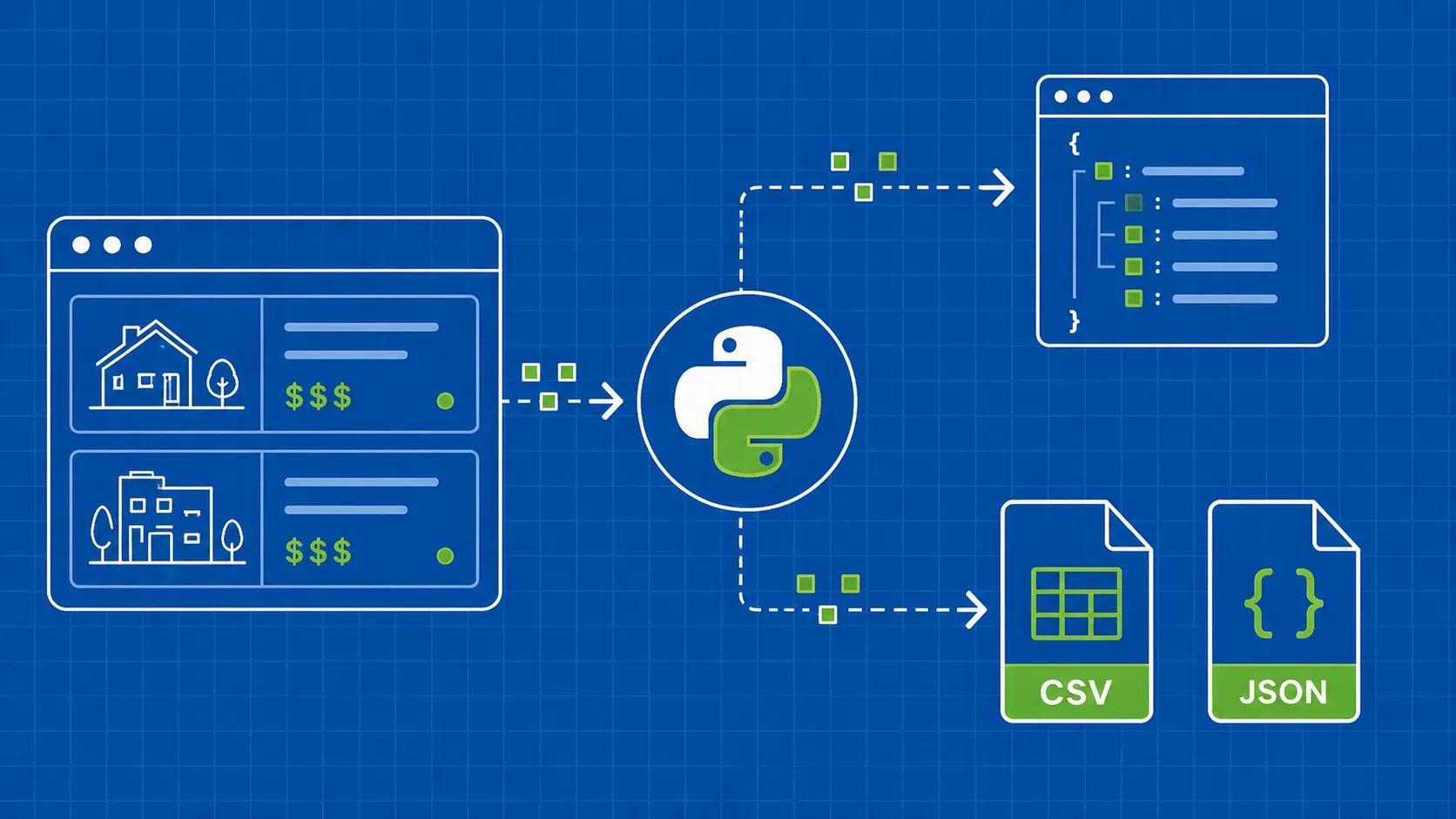
TL;DR: Redfin exposes hidden API endpoints that return structured JSON for property listings, making it possible to skip fragile HTML parsing entirely. This guide walks you through building a Python scraper that extracts rental and sale data, searches by location, monitors new listings via XML sitemaps, and exports clean results to CSV or JSON.
Introduction: Why Extract Property Data from Redfin
Redfin is one of the largest real estate platforms in the United States, covering millions of residential listings across virtually every metro area. If you need to scrape Redfin for market analysis, investment research, or building a property database, the platform's internal architecture actually works in your favor. Unlike sites that render everything server-side, Redfin's front end pulls data from hidden API endpoints that return well-structured JSON. That means you can extract property data programmatically without wrestling with CSS selectors that break every time the site updates its layout.
In this tutorial, you will build a Python-based Redfin scraper from scratch. We will cover three distinct scraping targets (rental listings, for-sale properties, and search results), show you how to monitor newly listed properties via Redfin's XML sitemaps, and walk through exporting your data to both CSV and JSON. Along the way, we will address rate limiting, anti-bot protections, and the legal considerations you should keep in mind before running any real estate web scraping project at scale.
Redfin Data Fields You Can Scrape
Before writing any code, it helps to know what Redfin actually exposes. The platform organizes property information across several categories, and knowing the available data fields will help you plan which endpoints to target and what your output schema should look like.
Here is a reference of the primary scraping targets and the fields you can expect:
|
Scraping Target |
Key Data Fields |
|---|---|
|
For-Sale Listings |
List price, sale history, price/sqft, beds, baths, square footage, lot size, year built, HOA dues, property type, MLS number, listing agent |
|
Rental Listings |
Monthly rent, deposit, lease terms, beds, baths, square footage, pet policy, amenities, available date, property manager |
|
Search Results |
Property address, thumbnail URL, listing status, price, beds/baths summary, days on market, coordinates |
|
Open Houses |
Scheduled dates, time windows, listing agent, associated property URL |
|
Agent Profiles |
Agent name, brokerage, recent transactions, ratings, service area |
|
Land/Lot Listings |
Acreage, zoning, price per acre, utilities available, topography notes |
The rental and sale endpoints return different JSON schemas, which matters when you are designing your data pipeline. Sale listings include fields like sale history and market performance metrics that do not appear in rental responses, while rental data carries lease-specific fields such as pet policy and deposit requirements.
Prerequisites and Project Setup
You will need Python 3.8 or later for this project. We will rely on two core libraries: httpx for making HTTP requests (it handles async well and has a clean API) and parsel for parsing any HTML or XML responses, particularly when working with sitemaps.
Create a project directory and install dependencies:
mkdir redfin-scraper && cd redfin-scraper
python -m venv venv
source venv/bin/activate  # On Windows: venv\Scripts\activate
pip install httpx parsel
Optionally, add pandas if you want more advanced data cleaning during export:
pip install pandas
Your requirements.txt should look like this:
httpx>=0.27.0
parsel>=1.9.0
pandas>=2.0.0
That is all you need to start. No browser automation libraries, no Selenium, no Playwright. Because we are targeting Redfin's hidden API endpoints directly, a simple HTTP client is sufficient.
Understanding Redfin's Hidden API Endpoints
When you load a Redfin property page in your browser, the visible HTML is mostly a shell. The actual property data gets fetched asynchronously from internal API endpoints. You can discover these endpoints yourself by opening your browser's DevTools (F12), navigating to the Network tab, and filtering by "XHR" or "Fetch" requests while loading a listing page.
What you will see is a series of requests to URLs like https://www.redfin.com/stingray/api/home/details/... that return structured data. The responses typically start with a comment prefix (something like {}&&{) followed by valid JSON. This prefix is a cross-site scripting protection pattern, so you will need to strip it before parsing.
This API-first approach to scraping Redfin has significant advantages over traditional HTML parsing:
- Stability: JSON field names rarely change, while CSS class names can shift with every deploy.
- Completeness: The API response often contains more data than what is rendered on the visible page.
- Speed: You make one request per listing instead of loading a full page with images, scripts, and stylesheets.
- Simplicity: No need for browser automation. A standard HTTP client handles everything.
To discover the right endpoint for any listing type, load the page, watch the network requests, and look for the one that carries the bulk of property data in its JSON response. The URL pattern will include identifiers like the property ID or a URL-encoded address.
Scraping Redfin Rental Property Pages
Let us start with rental listings. Redfin serves rental data through a dedicated API path that differs from the for-sale endpoint. When you visit a rental property page, the browser makes a request to an endpoint that returns the full rental details as JSON.
Here is a complete working example that fetches a rental listing:
import httpx
import json

HEADERS = {
    "User-Agent": "Mozilla/5.0 (Windows NT 10.0; Win64; x64) "
                   "AppleWebKit/537.36 (KHTML, like Gecko) "
                   "Chrome/125.0.0.0 Safari/537.36",
    "Accept": "text/html,application/xhtml+xml,application/xml;q=0.9,*/*;q=0.8",
    "Accept-Language": "en-US,en;q=0.9",
    "Referer": "https://www.redfin.com/",
}

def clean_json_response(text: str) -> dict:
    """Strip Redfin's XSS prefix and parse JSON."""
    start = text.find("{")
    if start == -1:
        raise ValueError("No JSON object found in response")
    return json.loads(text[start:])

def scrape_rental(url: str) -> dict:
    """Fetch rental property data from Redfin's internal API."""
    with httpx.Client(headers=HEADERS, follow_redirects=True) as client:
        resp = client.get(url)
        resp.raise_for_status()
        data = clean_json_response(resp.text)

    payload = data.get("payload", {})
    rental_info = {
        "address": payload.get("streetAddress", {}).get("assembledAddress"),
        "rent_price": payload.get("listingPrice"),
        "beds": payload.get("beds"),
        "baths": payload.get("baths"),
        "sqft": payload.get("sqFt"),
        "pet_policy": payload.get("petPolicy"),
        "amenities": payload.get("amenities", []),
        "photos": [p.get("photoUrl") for p in payload.get("photos", [])],
        "listing_agent": payload.get("listingAgent", {}).get("name"),
    }
    return rental_info

# Example usage
listing_url = "https://www.redfin.com/stingray/api/home/details/rental/..."
# result = scrape_rental(listing_url)
# print(json.dumps(result, indent=2))
A few things to note about this code. The clean_json_response function handles the XSS prefix that Redfin prepends to API responses. The headers mimic a real browser session, which is important because Redfin will reject requests that look like they come from a bare script. The response structure nests most useful fields under a payload key, though the exact nesting can vary depending on the listing type. Rental-specific fields like petPolicy and amenities will not appear in for-sale responses.
Scraping Redfin For-Sale Property Pages
The for-sale endpoint follows a similar pattern, but the JSON schema carries additional fields that are unique to purchase listings. Sale properties include historical pricing data, market competitiveness scores, and tax assessment records that rental listings simply do not have.
def scrape_for_sale(url: str) -> dict:
    """Fetch for-sale property data from Redfin's internal API."""
    with httpx.Client(headers=HEADERS, follow_redirects=True) as client:
        resp = client.get(url)
        resp.raise_for_status()
        data = clean_json_response(resp.text)

    payload = data.get("payload", {})
    property_info = {
        "address": payload.get("streetAddress", {}).get("assembledAddress"),
        "list_price": payload.get("listingPrice"),
        "price_per_sqft": payload.get("pricePerSqFt"),
        "beds": payload.get("beds"),
        "baths": payload.get("baths"),
        "sqft": payload.get("sqFt"),
        "year_built": payload.get("yearBuilt"),
        "lot_size": payload.get("lotSize"),
        "hoa_dues": payload.get("hoaDues"),
        "property_type": payload.get("propertyType"),
        "mls_number": payload.get("mlsId"),
        "sale_history": payload.get("priceHistory", []),
        "tax_history": payload.get("taxHistory", []),
        "listing_agent": payload.get("listingAgent", {}).get("name"),
    }
    return property_info
The key differences from the rental scraper are the fields you extract. The priceHistory array gives you a chronological record of every price change since the listing went live, including listing, pending, and sold events. The taxHistory field provides assessed values over time, which is useful for investment analysis. Fields like hoaDues and lotSize only appear in sale listings.
When you scrape Redfin for-sale data, pay attention to the propertyType field. It tells you whether you are looking at a single family home, condo, townhouse, or multi-family unit, and this distinction matters if you are filtering results for a specific market segment.
Scraping Redfin Search Result Pages
Individual listings are useful, but most real estate data projects need bulk extraction. Redfin's search functionality also runs through an internal API, returning paginated results for a given location or set of filters.
The search endpoint accepts parameters like region ID, property type, price range, and pagination offset. Here is how to build a search scraper:
import time
def scrape_search_results(region_id: str, max_pages: int = 5) -> list:
"""Scrape paginated Redfin search results for a region."""
all_listings = []
with httpx.Client(headers=HEADERS, follow_redirects=True) as client:
for page in range(1, max_pages + 1):
search_url = (
f"https://www.redfin.com/stingray/api/gis?"
f"region_id={region_id}®ion_type=6"
f"&num_homes=350&page={page}"
)
resp = client.get(search_url)
resp.raise_for_status()
data = clean_json_response(resp.text)
homes = data.get("payload", {}).get("homes", [])
if not homes:
break
for home in homes:
listing = {
"address": home.get("streetLine", {}).get("value"),
"city": home.get("city"),
"state": home.get("state"),
"price": home.get("price", {}).get("value"),
"beds": home.get("beds"),
"baths": home.get("baths"),
"sqft": home.get("sqFt", {}).get("value"),
"status": home.get("listingType"),
"days_on_market": home.get("dom"),
"latitude": home.get("latLong", {}).get("latitude"),
"longitude": home.get("latLong", {}).get("longitude"),
"url": home.get("url"),
}
all_listings.append(listing)
# Respectful delay between pages
time.sleep(2)
return all_listings
You will need the region_id for your target area, which you can find by inspecting the network requests when you perform a search on Redfin's website. The region_type=6 parameter indicates a city-level search. Pagination is handled by incrementing the page parameter, and the loop breaks when the API returns an empty homes array.
Notice the time.sleep(2) between requests. This is not optional if you want your scraper to last more than a few minutes. We will cover rate limiting in more detail in the anti-bot section, but spacing your requests is the single most important thing you can do to scrape Redfin search results reliably.
Exporting Scraped Data to CSV and JSON
Once you have collected property data, you need to get it into a usable format. Both CSV and JSON have their place: CSV is better for spreadsheet analysis and importing into databases, while JSON preserves nested structures like sale history arrays.
import csv

def export_to_csv(listings: list, filename: str = "redfin_data.csv"):
    """Export flat listing data to CSV with basic cleaning."""
    if not listings:
        return

    # Normalize price fields: strip $ and commas
    for item in listings:
        if isinstance(item.get("price"), str):
            item["price"] = item["price"].replace("$", "").replace(",", "")

    keys = listings[0].keys()
    with open(filename, "w", newline="", encoding="utf-8") as f:
        writer = csv.DictWriter(f, fieldnames=keys)
        writer.writeheader()
        writer.writerows(listings)

def export_to_json(listings: list, filename: str = "redfin_data.json"):
    """Export listing data to JSON with indentation."""
    with open(filename, "w", encoding="utf-8") as f:
        json.dump(listings, f, indent=2, ensure_ascii=False)
For production use, consider a few data cleaning steps before export. Standardize date strings into ISO 8601 format (YYYY-MM-DD). Convert price strings to integers or floats so downstream tools do not choke on currency symbols. If you are dealing with nested fields like sale_history, flatten them into separate columns for CSV or keep the nested structure in JSON. Using pandas with json_normalize() can make this flattening step trivial for large datasets.
Tracking New and Updated Listings via Sitemaps
Most Redfin scraping tutorials stop at fetching individual pages. But if you are building a real estate monitoring pipeline, you need a way to discover new and recently updated listings automatically without re-crawling the entire site.
Redfin publishes XML sitemaps that solve this problem. At the time of writing, the relevant feeds include:
https://www.redfin.com/newest_listings.xmlfor recently added propertieshttps://www.redfin.com/sitemap_com_latest_updates.xmlfor recently modified listings
Here is how to parse these sitemaps and feed the URLs into your scraper:
from parsel import Selector

def parse_sitemap(sitemap_url: str) -> list:
    """Extract property URLs and last-modified dates from a Redfin sitemap."""
    with httpx.Client(headers=HEADERS) as client:
        resp = client.get(sitemap_url)
        resp.raise_for_status()

    sel = Selector(text=resp.text, type="xml")
    sel.remove_namespaces()

    entries = []
    for url_tag in sel.css("url"):
        loc = url_tag.css("loc::text").get()
        lastmod = url_tag.css("lastmod::text").get()
        entries.append({"url": loc, "last_modified": lastmod})

    return entries

# Example: get newest listings
# new_listings = parse_sitemap("https://www.redfin.com/newest_listings.xml")
# for listing in new_listings[:10]:
#     print(listing["url"], listing["last_modified"])
The strategy here is straightforward: poll the sitemap on a schedule (daily or hourly, depending on your needs), compare the URLs and timestamps against your existing database, and only scrape the new or updated entries. This approach is dramatically more efficient than brute-force crawling because you let Redfin tell you what changed instead of guessing. If you are interested in scraping website sitemaps more broadly, the same XML parsing technique applies to almost any site that follows the sitemap protocol.
Handling Anti-Bot Measures and Avoiding Blocks
Redfin employs several layers of protection against automated access. If your Redfin scraper starts returning 403 errors or CAPTCHA pages, here is what to check and how to address it.
Browser-like headers are non-negotiable. At minimum, set a current User-Agent, Accept, Accept-Language, and Referer header. Our code examples already include these headers. Rotate your User-Agent string periodically, since a single static value across thousands of requests is a signal. Understanding how to set up HTTP headers for is foundational to any scraping project.
Request spacing matters more than proxies. Before investing in proxy infrastructure, try slowing down. A delay of 2 to 5 seconds between requests will keep you under most rate-limit thresholds. Implement exponential backoff on retries: if you get a 429 or 403, wait 30 seconds, then 60, then 120 before giving up.
import random

def polite_delay(base: float = 2.0, jitter: float = 1.5):
    """Sleep with randomized jitter to avoid request pattern detection."""
    time.sleep(base + random.uniform(0, jitter))
Proxy rotation becomes necessary at scale. If you need to collect thousands of listings, rotating through a pool of residential proxies makes your requests look like they come from different users. Datacenter IPs tend to get flagged quickly on real estate sites.
Session management also helps. Redfin tracks cookies across requests, so maintaining a session (reusing the same httpx.Client instance) can actually reduce suspicion compared to firing stateless requests. Just be sure to start a fresh session periodically.
For high-volume projects, dedicated scraping APIs can handle anti-detection, proxy rotation, and CAPTCHA solving behind a single endpoint, letting you focus on the parsing logic. Tips for avoiding IP bans when web scraping apply broadly across all real estate platforms, not just Redfin.
Legal and Ethical Considerations
On the data privacy front, real estate listings can contain personally identifiable information: seller names, agent contact details, and sometimes phone numbers. If you store or process this data and serve users in the EU, GDPR obligations apply regardless of where your servers are located. Minimize PII collection to only what your use case requires, and implement retention policies.
Finally, consider whether scraping is even necessary for your use case. Redfin offers a Data Center that provides aggregate housing market data (median sale prices, inventory levels, days on market) as free downloadable CSVs. If you need market-level trends rather than individual listings, the official data may be sufficient.
Key Takeaways
- Use Redfin's hidden API endpoints instead of parsing HTML. The JSON responses are more stable, more complete, and faster to process than scraping rendered pages.
- Treat rental and sale listings as separate data models. Their API responses contain different fields, so your extraction logic and output schemas should account for both.
- Monitor sitemaps for new listings rather than re-crawling the entire site. Polling
newest_listings.xmlon a schedule is dramatically more efficient. - Respect rate limits first, add proxies second. A 2 to 5 second delay between requests prevents most blocks. Proxies are for scaling, not for replacing basic politeness.
- Check Redfin's official data offerings before building a scraper. The Data Center may already have the aggregate metrics you need.
FAQ
Does Redfin have a public API for accessing property data?
No. Redfin does not offer a documented public API for third-party developers. The endpoints used in this guide are internal APIs that the Redfin website calls to populate its own pages. They are undocumented and can change without notice, so you should build your scraper with error handling that accounts for schema changes.
Is it legal to scrape Redfin listings?
Scraping publicly available data is generally legal in the US, but it exists in a gray area. Courts have ruled that accessing public web data does not violate the Computer Fraud and Abuse Act, yet violating a site's Terms of Service could create breach-of-contract liability. Always consult a legal professional for commercial use cases, and never scrape data behind login walls without authorization.
How can I avoid getting blocked while scraping Redfin?
Start with realistic browser headers and add a 2 to 5 second delay between requests. Randomize your timing to avoid predictable patterns. Rotate User-Agent strings and, for large-scale collection, use residential proxies. Implement exponential backoff when you receive 403 or 429 responses. Maintaining persistent sessions with cookies also reduces detection risk.
What are the best alternatives to Redfin for real estate data?
Zillow, Realtor.com, and Trulia are the most comparable platforms in terms of listing coverage. The MLS (Multiple Listing Service) is the authoritative data source but requires licensed access. For aggregate market statistics, the US Census Bureau and Federal Housing Finance Agency publish free datasets. Each source has different coverage, update frequency, and access restrictions.
Summary and Next Steps
You now have a working Python toolkit for scraping Redfin across three major data types: rental listings, for-sale properties, and search results. The hidden API approach gives you clean, structured JSON without the brittleness of HTML parsing, and the sitemap monitoring technique lets you track new inventory without wasteful full-site crawls.
From here, natural extensions include scheduling your scraper with cron or a task queue, storing results in a database like PostgreSQL for historical analysis, and expanding your pipeline to cover other real estate data sources. If you find yourself spending more time fighting anti-bot protections than writing parsing logic, a dedicated scraping API like WebScrapingAPI's Scraper API can handle proxy rotation and request management for you, so you can focus on the data itself.