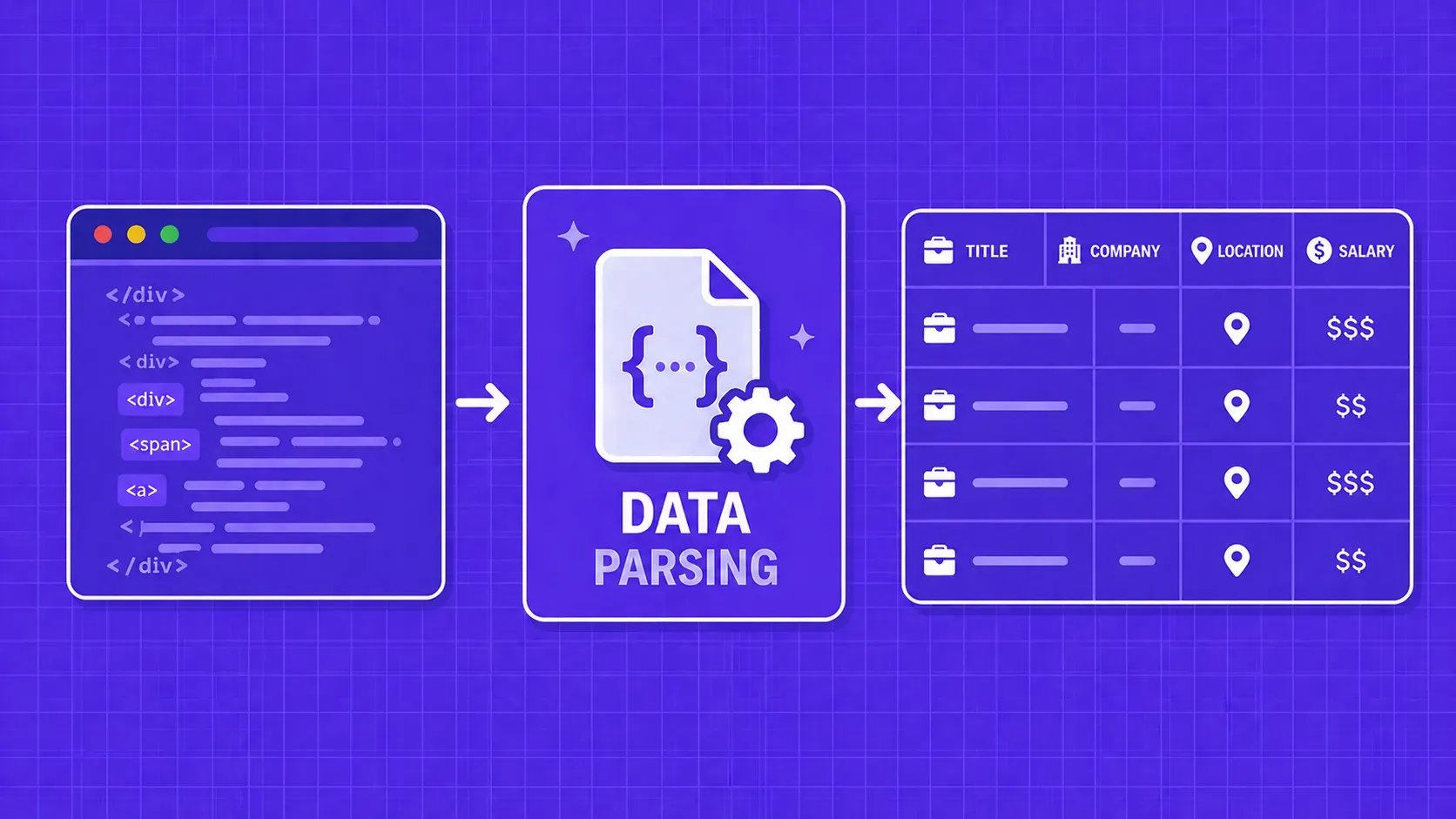
TL;DR: Data parsing converts raw content (HTML, JSON, XML, PDFs) into structured fields your code can actually use. This guide walks through how data parsing works step by step, compares the major techniques and libraries, and gives you a practical framework for deciding whether to build or buy your parsing layer.
Every web scraping pipeline, ETL job, and data integration workflow hits the same bottleneck: turning raw, messy content into something your application can actually consume. That bottleneck is data parsing, the process of transforming unstructured or semi-structured input into a well-defined, structured format that code can query, store, and analyze.
Whether you are pulling product prices from an e-commerce site, ingesting JSON payloads from a third-party API, or extracting tables from a PDF report, the quality of your parsed output determines the quality of everything downstream. Get the parsing step wrong and you end up with missing fields, broken pipelines, and dashboards full of nulls.
In this guide, we will cover what data parsing actually involves under the hood, walk through the most common parsing techniques (from regex to machine learning), compare the top libraries across multiple languages, and help you decide whether building your own parser or buying a managed solution makes more sense for your situation.