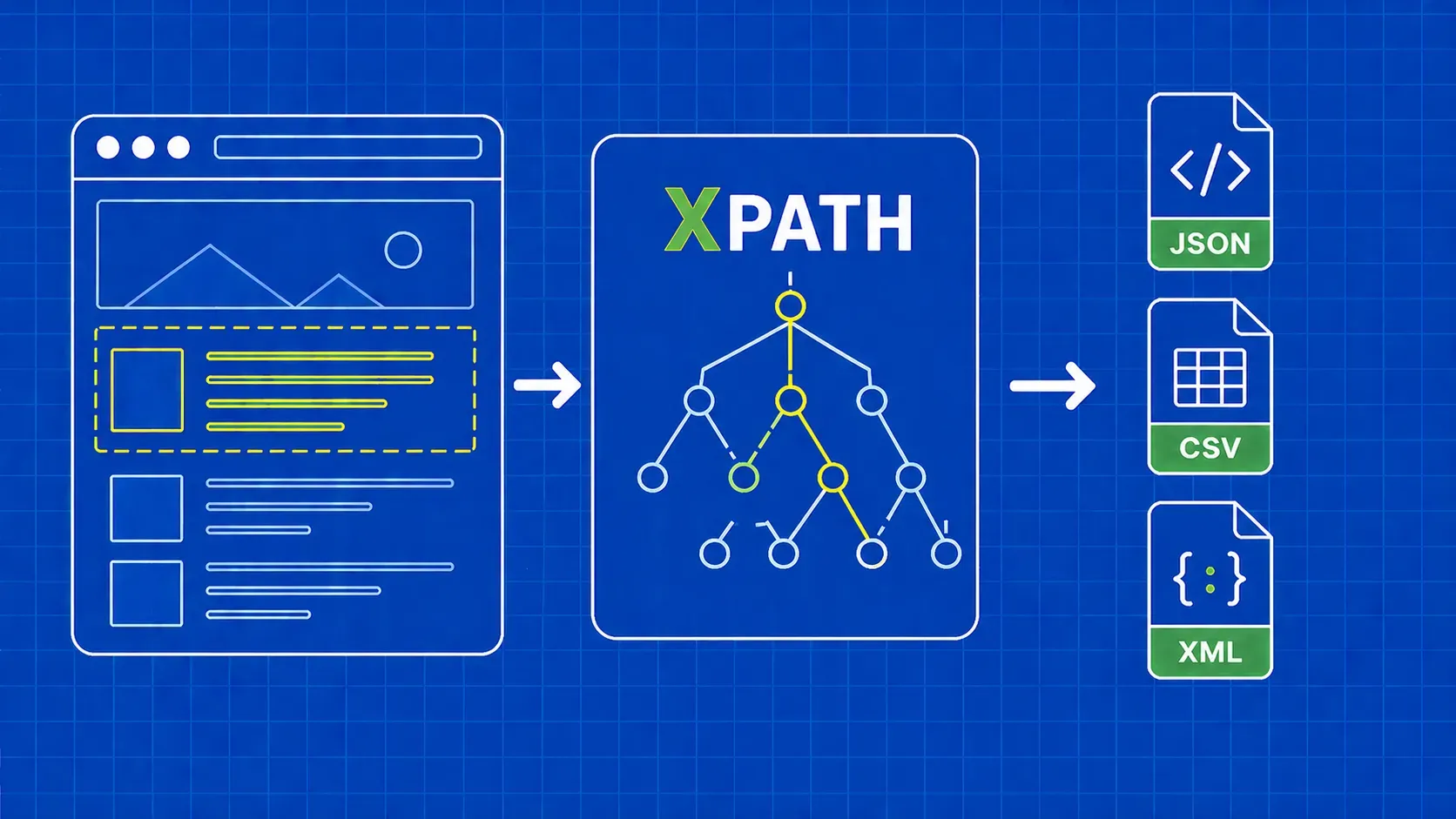
TL;DR: XPath is a query language for navigating HTML/XML trees by path, attribute, or text content. This guide covers XPath syntax, axes, and functions, then shows working Python scrapers with lxml and Selenium. You will also get a consolidated cheat sheet and a troubleshooting section for the most common XPath mistakes.
XPath (XML Path Language) is a query language that selects nodes from XML and HTML documents using path expressions. If CSS selectors feel too limited for your scraping tasks, XPath web scraping is the natural next step.
Where CSS selectors only move forward and downward through the DOM, XPath traverses in any direction: up to a parent, sideways to a sibling, or deep into nested descendants. It can also match elements by their visible text, a capability CSS lacks entirely. These features make XPath for web scraping especially valuable on complex or poorly structured pages.
In this tutorial you will learn core XPath syntax (paths, predicates, axes, functions), see how to test expressions in your browser, and build real Python scrapers with lxml and Selenium. We also cover the common pitfalls that break XPath selectors in production and how to avoid them.