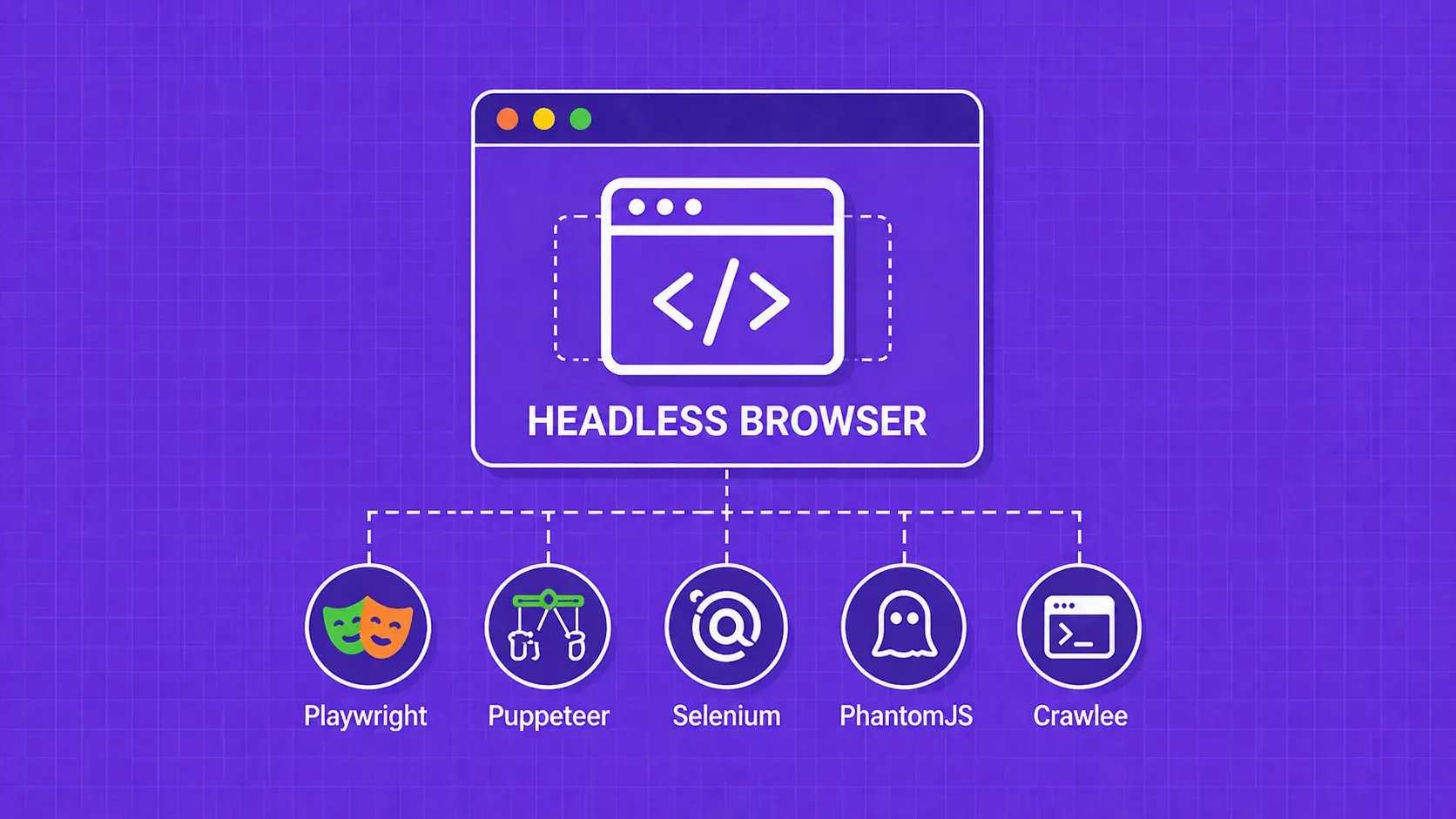
TL;DR: A headless browser is a web browser that runs without a visible graphical interface, controlled entirely through code or command-line instructions. Developers use headless browsers for automated testing, web scraping, performance monitoring, and increasingly to power AI agents. This guide covers how they work internally, when to choose one over a regular browser, and which frameworks are worth your time.
If you have ever asked "what is a headless browser?", here is the concise answer: it is a web browser stripped of its graphical user interface (GUI). A headless browser parses HTML, executes JavaScript, and processes CSS exactly like the browser on your desktop, but it never paints pixels to a screen. Everything happens programmatically, controlled through code or a command-line flag.
Headless browsers first gained traction among QA engineers who needed faster test suites. Today they underpin everything from large-scale data extraction pipelines to autonomous AI agents that browse the web on a user's behalf. The tooling has matured rapidly: Puppeteer, Playwright, and Selenium all offer first-class headless modes, and the Chrome DevTools Protocol has become a de facto standard for programmatic browser control.
In this guide, you will learn how headless browsers work under the hood, where they fit into real workflows, how to pick the right framework, and what limitations to plan for before you commit to a headless architecture.