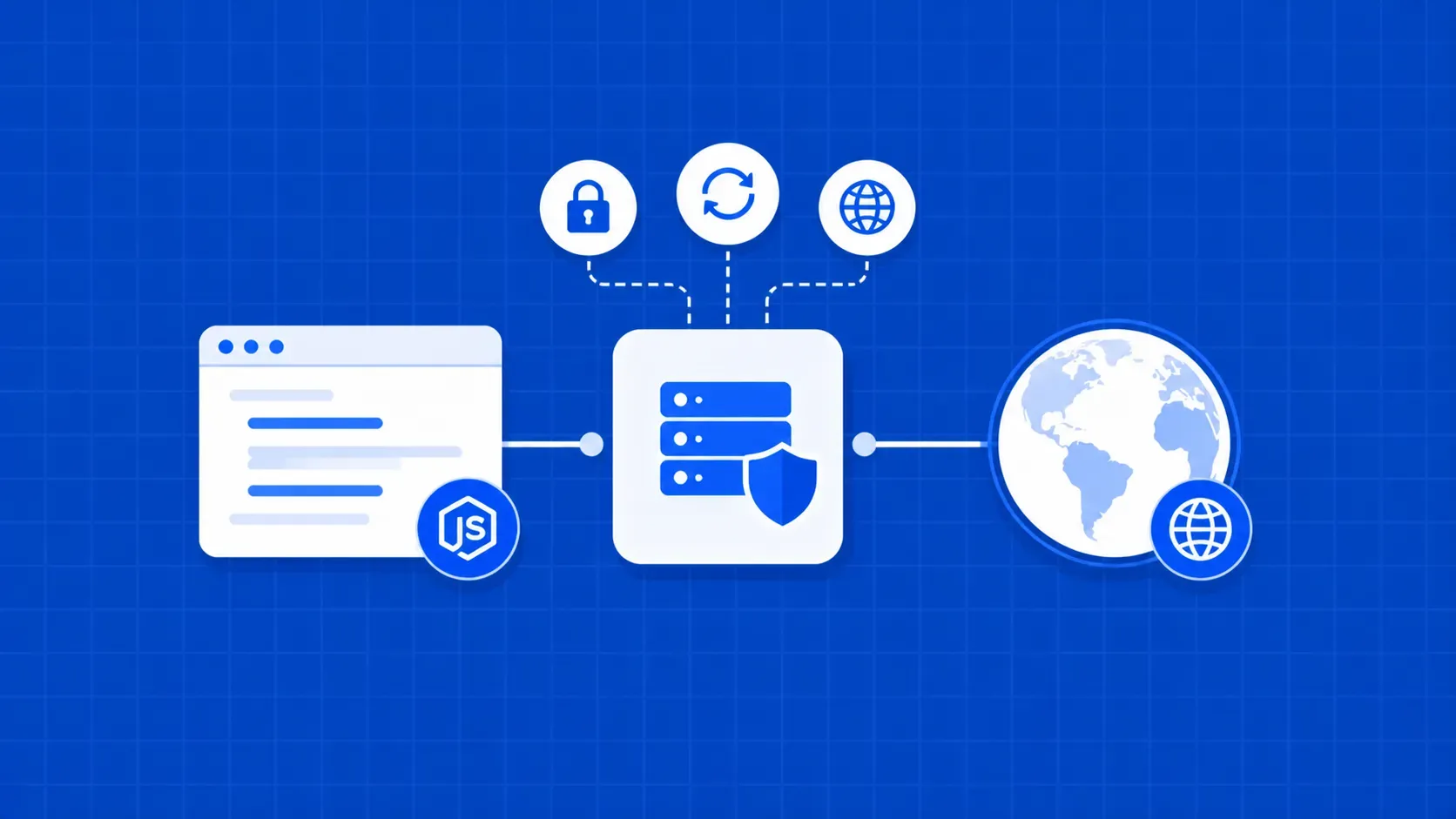
TL;DR: Axios routes requests through a proxy by accepting aproxyobject withhost,port, and optionalauthfields. This guide covers how to set up Axios proxy configuration from scratch: basic wiring, authenticated proxies, HTTPS tunneling, a rotation system using interceptors, SOCKS5 viasocks-proxy-agent, and diagnosing common errors. Every snippet is copy-pasteable Node.js code.
If you need to route HTTP traffic through an intermediary server in Node.js, understanding how to set up Axios proxy configuration correctly is the first hurdle. Axios is one of the most widely used HTTP clients in the Node.js ecosystem, offering promise-based requests and a clean config API. Unlike many other HTTP libraries, it exposes a dedicated proxy object in its request config rather than relying on environment variables or URL-string hacks.
This article is not a "what is a proxy" primer. You already know what proxies do. Instead, we jump straight into Axios-specific implementation: the minimal three-line Node.js proxy setup, authenticated proxies, HTTPS tunneling mechanics, a production-grade rotation pattern using interceptors, SOCKS5 proxy support, selective proxy bypass, and a troubleshooting reference. Every Axios proxy example here targets Node.js and is designed to run as-is after an npm install.