Back to Blog
Science of Web Scraping
Raluca PenciucLast updated on May 1, 202612 min read

Best Proxies Types for Web Scraping in 2026

Best Proxies Types for Web Scraping in 2026
TL;DR: Web scraping proxies sit between your scraper and the target site, mask your IP, and let you survive rate limits, geo-walls, and anti-bot defenses. The right type (datacenter, residential, ISP, or mobile) and the right protocol (HTTP/HTTPS or SOCKS5, IPv4 or IPv6) depend on the target's defenses, your geo needs, and how heavy each page is. This guide walks the trade-offs and ends with a vendor-neutral checklist.

If your scraper hits the same site a few hundred times an hour from a single IP, you have minutes before something on the other end notices. Rate limits land first, then soft 403s, then CAPTCHAs, then a permanent ban. Web scraping proxies are the lever you pull to keep those requests flowing.

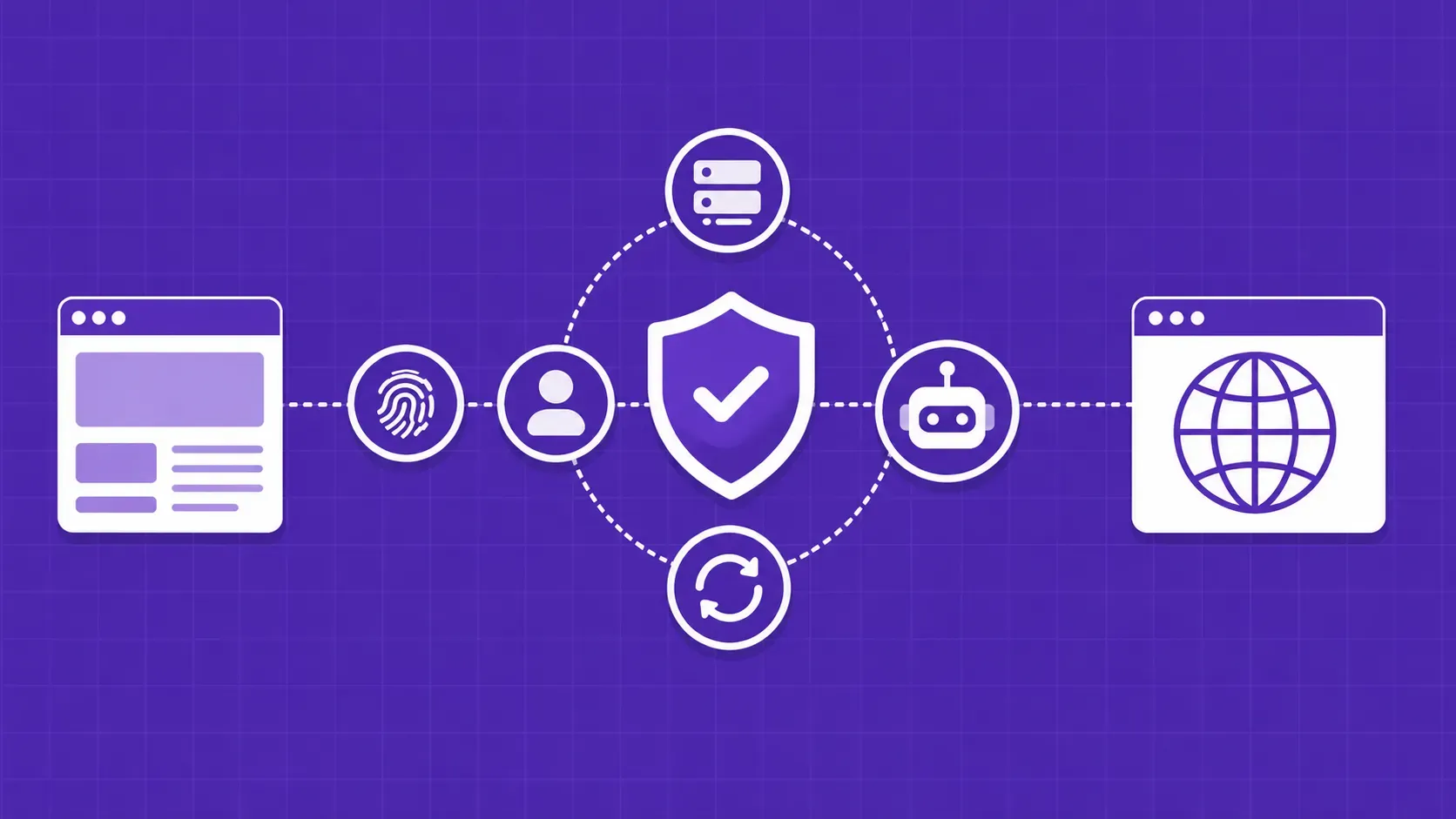
A proxy server is a middleware that sits between your client and the target host. Its primary job in scraping is to hide the originating IP, distribute load across many addresses, and make traffic look closer to a normal user. That lets you maintain throughput, route through specific countries, and dodge most coarse-grained anti-bot defenses without redesigning your scraper.

This guide is for engineers who already know they need web scraping proxies but are tired of being sold the "best" type. We compare datacenter, residential, ISP, and mobile pools on cost and trust, dig into protocol decisions most articles skip, map proxy choice to scraping scenarios, and finish with a checklist you can apply to any provider's free trial.

Why proxies are non-negotiable for web scraping at scale

When a single IP fires hundreds of requests at the same domain, the target's defenses see an obvious automation pattern. The standard escalation: rate limit, then 403 Forbidden, then permanent ban. Geo-walls add another layer, blocking entire address ranges from region-specific catalogs, search results, or pricing pages. CAPTCHAs sit on top, slowing every retry to human speed.

Web scraping proxies fix this by spreading the same workload across many IPs, networks, and countries. They make your scraper look less like one impatient bot and more like a fleet of normal users.

How a proxy actually intermediates a scraping request

A proxy takes your outbound request, forwards it to the target with its own IP in the source field, and ships the response back to you. The target sees the proxy's address, headers, and TLS fingerprint, never your own. What gets interesting is what the proxy preserves: most scraping proxies leave your User-Agent, Accept-Language, and cookies untouched, which means your header hygiene still matters. If those look automated, swapping IPs alone will not save you.

IPv4 vs IPv6: the protocol decision most guides skip

The IPv4 address pool tops out around 4 billion addresses, and the regional registries effectively exhausted available blocks years ago, which is why a clean datacenter IPv4 still costs real money. IPv6 has trillions of addresses available and is significantly cheaper to source, but it is a trap for scrapers: most commercial sites still negotiate IPv4-only at the CDN edge. Test before you commit. Run curl -6 https://target.example from an IPv6-only host. If it returns a 200, IPv6 proxies are safe for that target. Otherwise stick to IPv4.

HTTP, HTTPS and SOCKS5: which proxy protocol fits your scraper

Most scraping libraries default to HTTP and HTTPS proxies, which is fine for the vast majority of cases. They handle web traffic, integrate cleanly with requests, httpx, axios, and Scrapy's downloader middleware, and most providers expose them by default. SOCKS5, defined in RFC 1928, is protocol-agnostic and tends to be slightly faster and more secure for non-HTTP traffic, but library and provider support is thinner. Pick HTTP/HTTPS unless you have a specific reason, like routing alongside non-web tooling.

The four main web scraping proxies at a glance

Datacenter, residential, ISP, and mobile are the four IP origins you will choose between. They trade off cleanly on price, speed, anti-bot trust, and concurrency. The next four sections dig into when each one earns its keep.

Type

Indicative price

Speed

Trust

Best for

Datacenter

Lowest

Fastest

Low

Public content, light defenses

Residential

High

Mid

High

Geo-targeted, anti-bot targets

ISP / static

Mid

Fast

High

Account-based, long sessions

Mobile

Highest

Slowest

Very high

Heaviest defenses

Datacenter proxies: when speed and cost win

Datacenter IPs are commercially assigned through cloud and hosting providers, with no consumer ISP affiliation. That makes them cheap, plentiful, and built on backbone-grade infrastructure, which is why they post the lowest latency of any proxy type. The downside mirrors the upside: anti-bot systems already know AWS, OVH, Hetzner, and similar ranges, and treat traffic from them as automation by default.

Reach for datacenter proxies when defenses are light (public news portals, government data, forums) or when you can trade block rate for throughput. Two flavors matter: dedicated for reliability and shared for cost. Indicative pricing at the time of writing runs around $1 to $3 per IP per month, or $50 to $150 for pools of 50 to 100 IPs.

Residential proxies: high trust scores at a higher price

Residential IPs are issued by consumer ISPs to real home networks, so traffic from them looks like a person on a normal broadband line. Anti-bot systems weight that signal heavily, which is why residential pools clear protected sites that flag datacenter ranges. Pricing follows the trust premium: providers usually bill per gigabyte rather than per IP, with indicative rates around $5 to $15 per GB at the time of writing, with steep volume discounts.

Rotation is the main lever. A rotating pool gives you a fresh IP per request, which is great for parallel crawling but breaks cookie-based sessions. Sticky sessions hold one IP for a few minutes, which is what you want for search-then-paginate flows. A focused guide on rotating proxies is worth reading before tuning timeouts.

ISP (static residential) proxies: the hybrid sweet spot

ISP proxies, also called static residential, host residential IPs on datacenter-grade infrastructure. You get the trust score of a real consumer ISP allocation with the uptime and bandwidth headroom of a server rack. That hybrid is what you want for two patterns: long-running sessions on a single account where IP changes would trip session checks, and account-based scraping on platforms (review sites, marketplaces, ticketing) that pin sessions to the IP they were created on. Pricing typically lands between datacenter and residential, often around $2 to $5 per IP per month at the time of writing. A deeper write-up on ISP proxies for web scraping is worth bookmarking.

Mobile proxies: stealth on 4G and 5G networks

Mobile proxies route traffic through 4G or 5G IPs assigned by carrier networks. Carrier-grade NAT pools thousands of users behind the same address, so blocking a mobile IP risks blocking legitimate phones, and anti-bot systems rarely pull that trigger. Trust score is the highest you can buy. The trade-off is real: mobile IPs are slower, less stable, and harder to pin to one endpoint because of forced carrier rotation. Indicative rates run around $10 to $20 per GB or $50 to $200 per dedicated IP per month at the time of writing. Reserve them for the heaviest defenses. When shortlisting mobile proxy services for web scraping, score stickiness, carrier mix, and concurrency before pricing.

Match the proxy to your scraping scenario

Stop comparing types in the abstract. Start with the target profile, then back into the proxy.

  • Heavy anti-bot fortress (Amazon, LinkedIn, Instagram, ticketing): residential or ISP proxies, paired with anti-fingerprinting and JavaScript rendering. Datacenter pools will burn retries and budget.
  • Public content at scale (news, open directories, government data): datacenter proxies are usually fine. Pay for trust only if block rate climbs above 5%.
  • Geo-targeted SERP, local pricing, regional catalogs: residential or ISP proxies in the exact country, ideally the exact city. Datacenter geo data is often inaccurate at metro level, which kills local-SEO and price-intelligence work.
  • Long sessions on an account (review monitoring, marketplace dashboards): ISP proxies, since stable IPs matter more than rotation.
  • Image-heavy or browser-rendered scrapes: any type works, but watch bandwidth (next section).

Bandwidth budgeting and pricing models that bite scrapers

Three pricing models dominate web scraping proxies: per-IP per month (datacenter and ISP), per-GB (residential and mobile), and credit- or request-based (often bundled in unblocking APIs). Pick the model that mirrors your traffic shape, not the vendor's preferred SKU.

Per-GB pricing is where bandwidth math hurts most. A 16 to 50 KB HTML page lets you fetch roughly 20,000 to 60,000 URLs per gigabyte. Render the same page in a headless browser and each request balloons to 1 to 4 MB, collapsing the budget to 250 to 2,000 pages per gigabyte. Amazon product pages alone span 200 KB stripped to 2 to 4 MB with images loaded. Block fonts and images in your headless browser before you scale.

Free vs paid web scraping proxies: the real cost comparison

Free proxy lists look attractive until you measure them. Public pools advertise thousands of IPs but post success rates in roughly the 5 to 15 percent range at any given moment, and the working subset rotates constantly. Maintaining a usable free pool typically costs around 10 hours of engineering time per month, enough that the salary line easily exceeds a paid plan once you factor it in (both numbers are indicative and worth re-checking against your own data). Free proxies also carry a real security risk, since traffic can be inspected upstream. Use curated free proxy lists for one-off testing only. In production, reach for paid web scraping proxies.

How to evaluate a web scraping proxy provider

Vendor claims of 95%+ uptime are easy to publish and hard to verify, so test, do not trust. Run a free trial through your real targets and score these dimensions before signing for web scraping proxies:

  • Success rate by geography, not global average: cleared rate against the specific countries and target sites you actually hit.
  • Geo granularity: country, state, and city, with accuracy verified by reverse-lookup on a 50-IP sample.
  • Concurrency caps: connection limit at your plan tier, in writing.
  • Sticky-session length: min and max durations, and whether stickiness survives a 4xx response.
  • Billing transparency: per-GB, per-IP, or credit-based, with itemized receipts.
  • Refund and credit policy: how failed requests and outages are credited back.

Common proxy pitfalls and how to fix them

A few operational issues quietly tank scrapers running on otherwise solid proxy stacks:

  • HTTP/2 and HTTP/3 support: many proxy networks still tunnel HTTP/1.1, which is itself a fingerprint on modern targets. Confirm protocol negotiation before scaling.
  • Concurrency caps: providers impose connection ceilings below what scrapers assume. Check the plan terms, not the marketing copy.
  • Retry-with-backoff on 403: when a target returns 403 Forbidden, back off exponentially and rotate to a new IP before retrying. Tight retry loops on the same IP cement the block.
  • Header and TLS hygiene: rotate User-Agent, Accept-Language, and other client hints. Mismatched headers betray automation regardless of how clean your IP is.

Proxy management for web scraping becomes its own discipline past one target.

Wrapping up: building a proxy stack that scales

Choose by target, not by feature list. Datacenter for tolerant sites, residential for anti-bot targets, ISP for sticky sessions, mobile for the worst defenses. Layer in retry logic, header hygiene, and bandwidth controls so the per-GB bill does not outpace the data you collect. Invest in monitoring early, since block-rate dashboards by geo and target are the cheapest insurance you will buy.

Key Takeaways

  • Match proxy type to target: datacenter for public content, residential for anti-bot sites, ISP for long sessions, mobile for the heaviest defenses.
  • Verify at the protocol layer too. Most targets are still IPv4-only, and HTTP/2 support varies wildly across proxy networks.
  • Pricing models matter as much as the type. Per-GB billing rewards lean HTML scrapers and punishes browser-rendered jobs unless you block fonts and images.
  • Free proxies are fine for testing and risky in production, with success rates roughly in the 5 to 15 percent range and ongoing maintenance overhead.
  • Pressure-test providers on success rate by geography, concurrency caps, and sticky-session length before committing to a plan.

FAQ

How many proxies do I actually need for a web scraping project?

Estimate from request volume and target rate limits, not raw IP count. If a site tolerates one request per IP every 5 seconds and you need 10,000 pages an hour, you need at least 14 working IPs, plus a 2x to 3x safety margin for retries and rotation churn. For per-GB residential plans, the question shifts to bandwidth, not IP count.

Should I use a VPN or a proxy for web scraping?

Use a proxy. VPN IPs are typically shared across many subscribers, which gives them low trust scores, and they expose only one egress IP at a time. Proxy services give you a pool you can rotate, geo-target at country or city level, and integrate directly into your HTTP client. VPNs are built for personal privacy. Proxies are built for automated traffic at scale.

Do residential proxies work better than datacenter proxies for Google or Amazon?

Yes. Both Google and Amazon fingerprint heavily and flag datacenter ranges almost on sight, especially at meaningful query volume. Residential and ISP IPs clear those checks because they look like real consumer connections. Pair them with realistic browser fingerprints, JavaScript rendering when needed, and request pacing. Baseline success rates jump from single digits into the 80% range on most queries.

How can I test whether a proxy provider supports HTTP/2 and sticky sessions?

For HTTP/2, send curl --http2 -v https://www.cloudflare.com through the proxy and check the negotiated protocol line; a fallback to HTTP/1.1 means the proxy does not carry HTTP/2. For sticky sessions, fetch https://api.ipify.org ten times through the same session ID and confirm one IP returns each time, then wait past the documented stickiness window and retest.

Are free proxies ever safe for production scraping?

Practically, no. Free proxy lists carry low success rates, frequent downtime, and a real risk that traffic is inspected or modified by whoever runs the exit node. They are useful for one-off scripts and testing a scraper's failure handling. For anything touching credentials, customer data, or production schedules, the engineering time spent nursing them costs more than a paid plan.

Conclusion

Choosing web scraping proxies is less about finding the "best" type and more about matching cost, trust, and concurrency to the sites on your roadmap. Datacenter pools win on speed and price for tolerant targets. Residential and ISP networks earn their premium on anti-bot sites and geo-targeted work. Mobile is the last resort for the hardest defenses. Wrap any of those in retry-with-backoff, header hygiene, and bandwidth controls, and your scraper will keep running long after the first round of 403s would have killed it.

Run any provider through your actual targets before you sign. Use the checklist in this guide: success rate by geo, concurrency caps, sticky-session length, billing transparency, and refund policy.

If you would rather skip the infrastructure work entirely, our team at WebScrapingAPI bundles datacenter, residential, ISP, and mobile pools with a managed unblocking layer behind one endpoint, so you can ship the scraper and stop debugging block patterns.

About the Author
Raluca Penciuc, Full-Stack Developer @ WebScrapingAPI
Raluca PenciucFull-Stack Developer

Raluca Penciuc is a Full Stack Developer at WebScrapingAPI, building scrapers, improving evasions, and finding reliable ways to reduce detection across target websites.

Start Building

Ready to Scale Your Data Collection?

Join 2,000+ companies using WebScrapingAPI to extract web data at enterprise scale with zero infrastructure overhead.