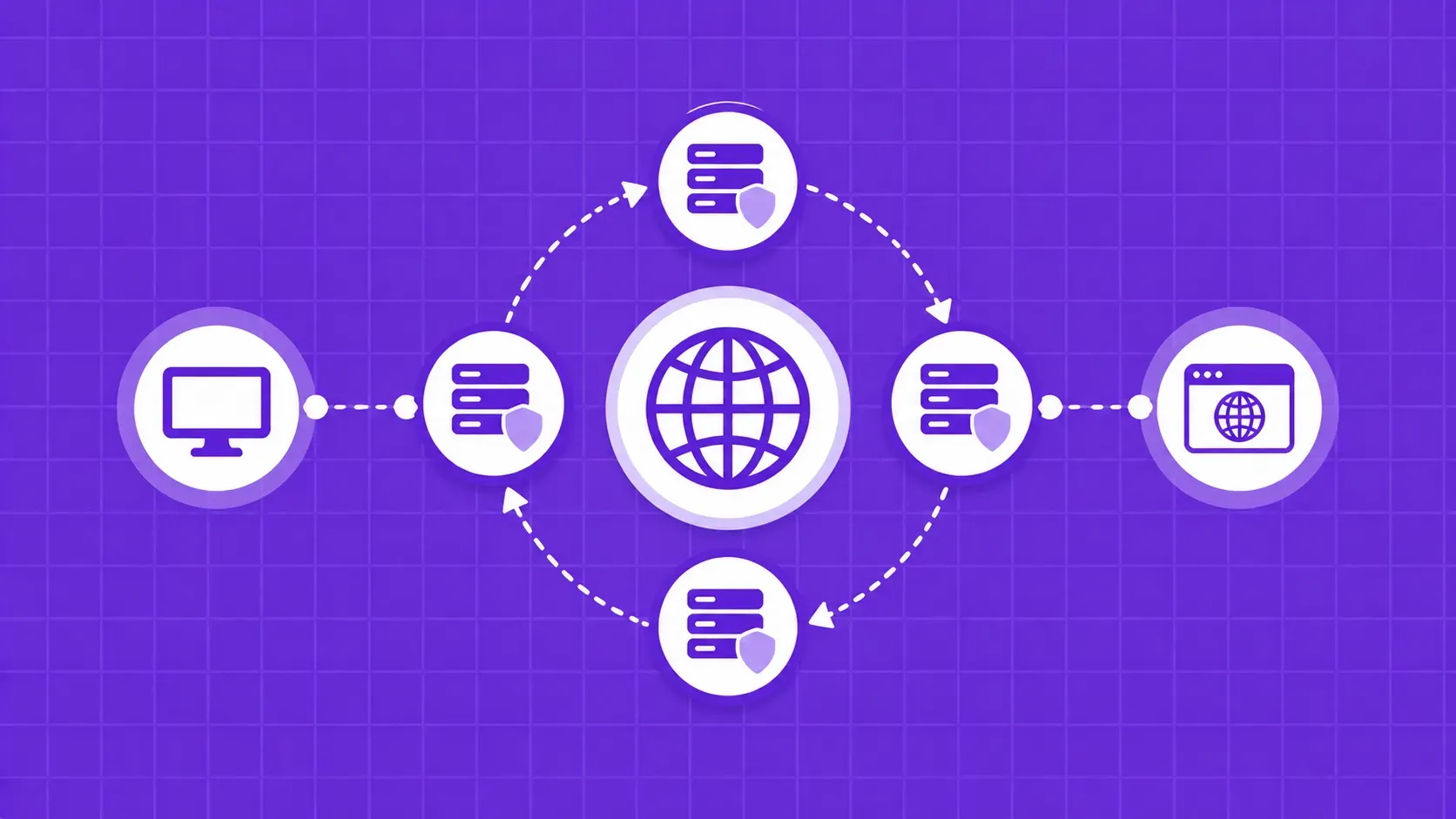
Like web scrapers, you can build, manage and use a proxy rotator all on your own. For that, you’ll need programming knowledge (Python is ideal as it has many valuable frameworks and an active community), some general CS knowledge, a list of proxies, and a whole lot of patience.
The most basic form would be a script that receives a variable containing your proxy list and assigns random IPs for each request. For example, you could use the random.sample() function to pick one IP at complete random each time, but that means that the same proxy might be used several consecutive times. In that case, you could make it so that after an IP is used, it’s taken out of the proxy list, so it won’t be used again until all other addresses are used as well.
Here’s a short example in Python:
import random
import requests
proxy_pool = ["191.5.0.79:53281", "202.166.202.29:58794", "51.210.106.217:443", "5103.240.161.109:6666"]
URL = 'https://httpbin.org/get'
while len(proxy_pool) >0:
random_proxy_list = random.sample(proxy_pool, k=1)
random_proxy = {
'http': 'http://' + random_proxy_list[0],
}
response = requests.get(URL, proxies=random_proxy)
print(response.json())
proxy_pool.remove(random_proxy_list[0])
The code only cycles the proxy pool once and does it for a single URL, but it should illustrate the logic well. I grabbed the IPs from https://free-proxy-list.net/, by the way. Unsurprisingly, they didn’t work.
That’s kind of the problem with building your own rotator, in fact. You’ll still need good dedicated or at least shared IPs. Once you’re at the point of buying proxies, you might as well look for a solution that rotates the IPs for you as well. This way, you don’t spend extra time building it or extra money outsourcing it. Also, you get more goodies like:
- A quick option to rotate only IPs from a specific region;
- The chance to choose what kinds of proxies to cycle (datacenter or residential; regular or mobile; etc.)
- Setting up static IPs for when you’re scraping behind a login screen;
- Automatic retries with fresh IPs when a request fails.
Let’s take WebScrapingAPI as an example of how easy it is to scrape a page with rotating proxies. The following code is straight from the documentation, where there are many other snippets like it:
import requests
url = "https://api.webscrapingapi.com/v1"
params = {
"api_key":"XXXXXX",
"url":"https://httpbin.org/get",
"proxy_type":"datacenter",
"country":"us"
}
response = requests.request("GET", url, params=params)
print(response.text)
This is all the code you need to scrape an URL while using datacenter proxies from the US. Note that there’s no list of IPs to rotate or even a parameter for it. That’s because the API switches proxies by default. If you want to use the same IP for multiple sessions, just add a new parameter:
import requests
url = "https://api.webscrapingapi.com/v1"
params = {
"api_key":"XXXXXX",
"url":"https://httpbin.org/get",
"proxy_type":"datacenter",
"country":"us",
"session":"100"
}
response = requests.request("GET", url, params=params)
print(response.text)
Just use the same integer for the “session” parameter to use the same static IP for any URL.