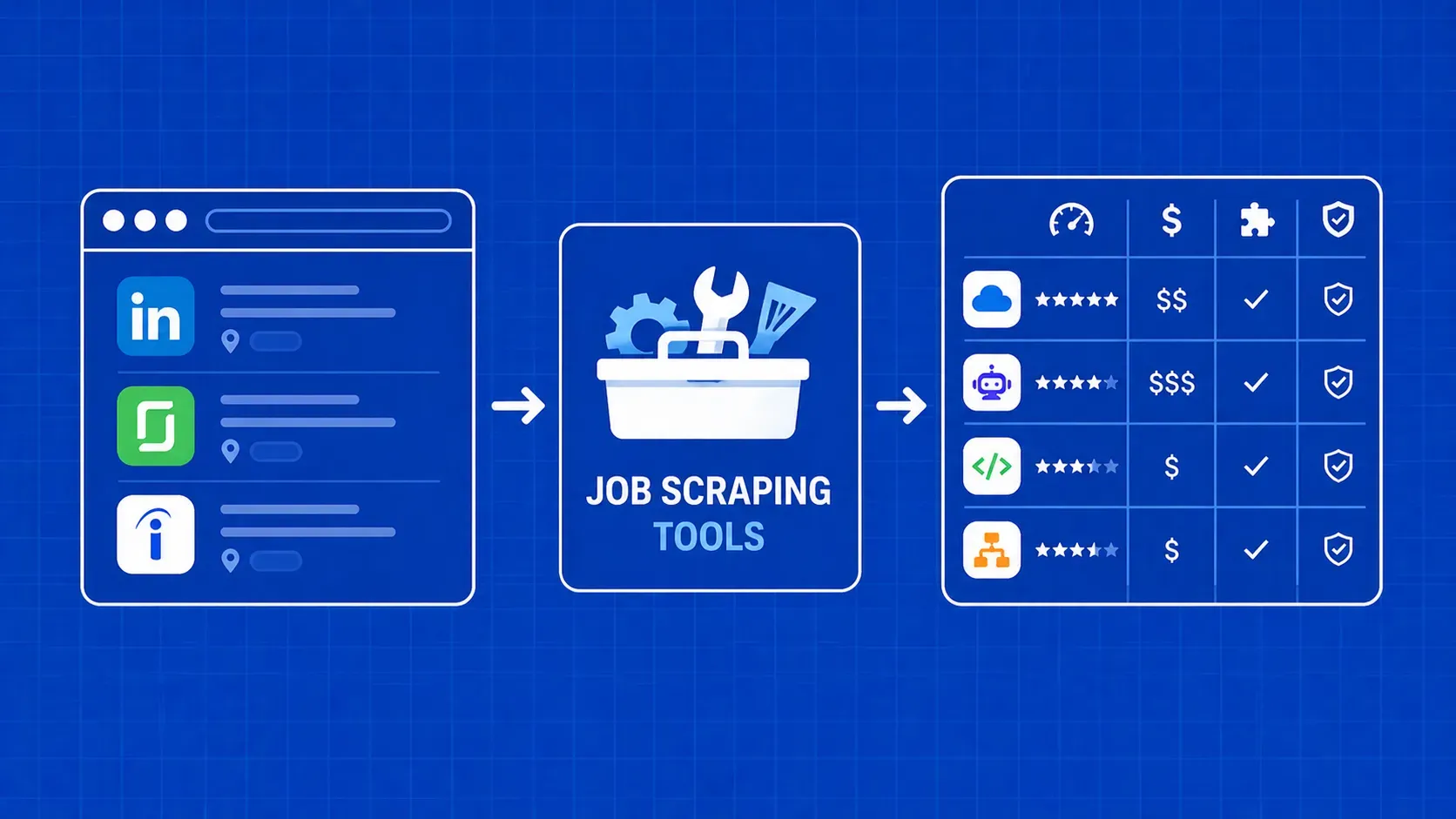
TL;DR: Job scraping tools range from lightweight API services and open-source browser automation to AI-powered extractors and visual no-code platforms. This guide compares the best job scraping tools across Google Jobs, Indeed, Monster, Upwork, and freelance marketplaces, then walks you through building a reliable pipeline with deduplication, scheduling, and anti-bot handling so you can start collecting clean job data at scale.
A job scraping tool is software that programmatically visits job boards, career pages, and aggregator sites to extract structured posting data (titles, companies, salaries, locations, and more) so you can analyze the labor market without clicking through thousands of listings by hand. If you are evaluating the best job scraping tools to build a hiring intelligence pipeline, benchmark salaries, or track competitor openings, the ecosystem has expanded dramatically.
The options now span managed API services, visual point-and-click builders, AI-driven extractors, and full-blown browser automation frameworks. Each category makes different tradeoffs around flexibility, cost, maintenance burden, and the technical skill required to scrape job postings reliably. In this guide we compare the leading options side by side, explain when each category shines, and lay out a practical workflow for collecting job data, even from boards that fight back with CAPTCHAs and anti-bot walls.