How to Scrape Expedia with Python: Hotels, Prices & Ratings (2026 Guide)
WebscrapingAPI on Mar 25 2026
TL;DR: Expedia relies on JavaScript rendering and anti-bot protections, so a plain requests call won't return hotel listings. This guide covers identifying CSS selectors with DevTools, building a working scraper via a scraping API, paginating across result pages, and exporting clean CSV data.
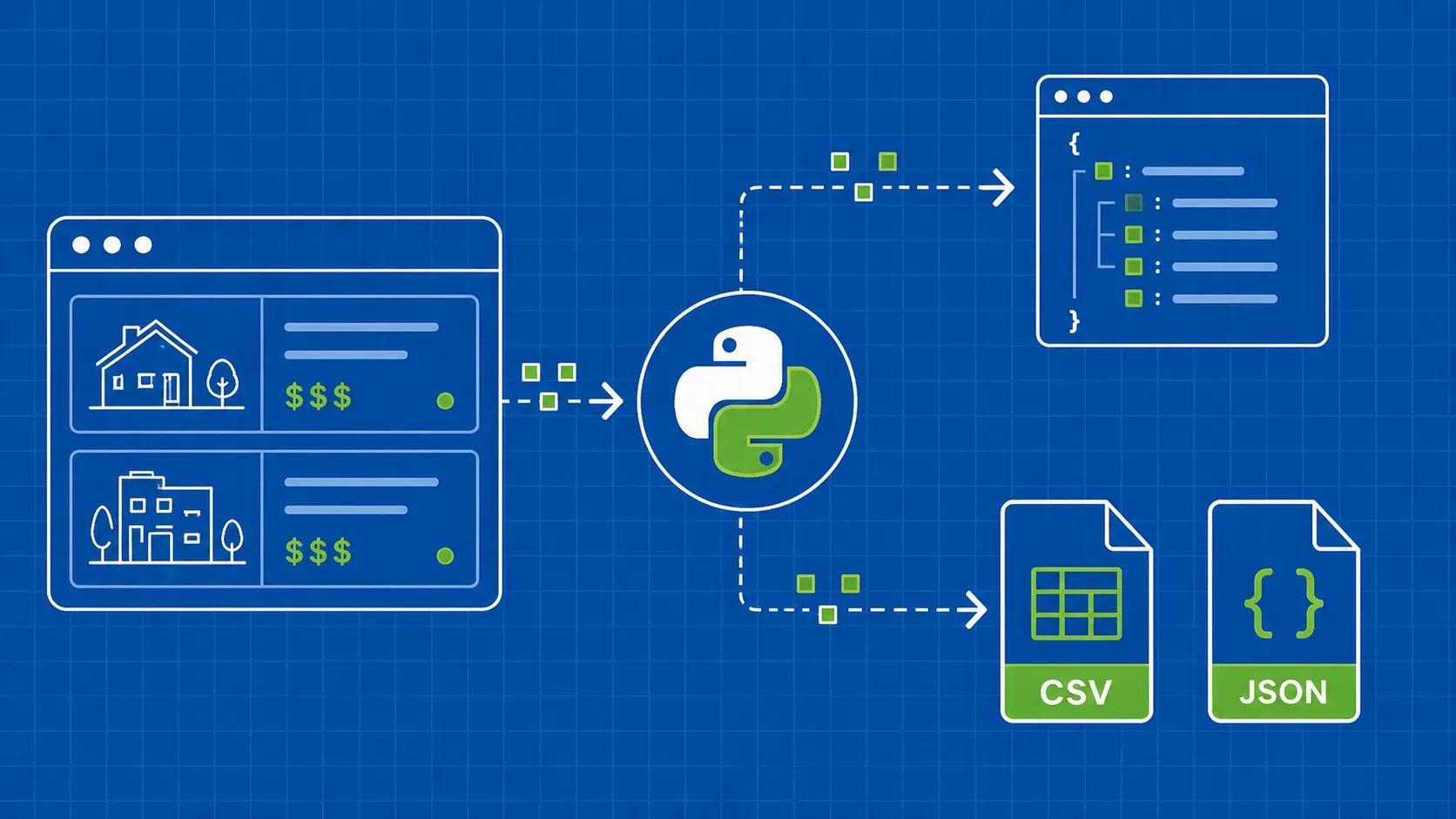
Expedia scraping is the automated extraction of hotel prices, ratings, availability, and location data from Expedia's search results — useful for price-monitoring tools, travel comparison apps, and competitive benchmarking. If you've tried a basic HTTP client and gotten back an empty page, you already know the problem: Expedia loads its hotel listings dynamically, so the data isn't in the raw HTML response.
This guide is for Python developers and data engineers who want a working, maintainable solution. We'll cover why Expedia is hard to scrape, how to identify CSS selectors using browser DevTools, how to build a scraper that handles JavaScript rendering and proxy rotation, and how to paginate across multiple result pages — plus how to clean the extracted data before writing it to CSV.

What You Can Extract from Expedia and Why It Matters
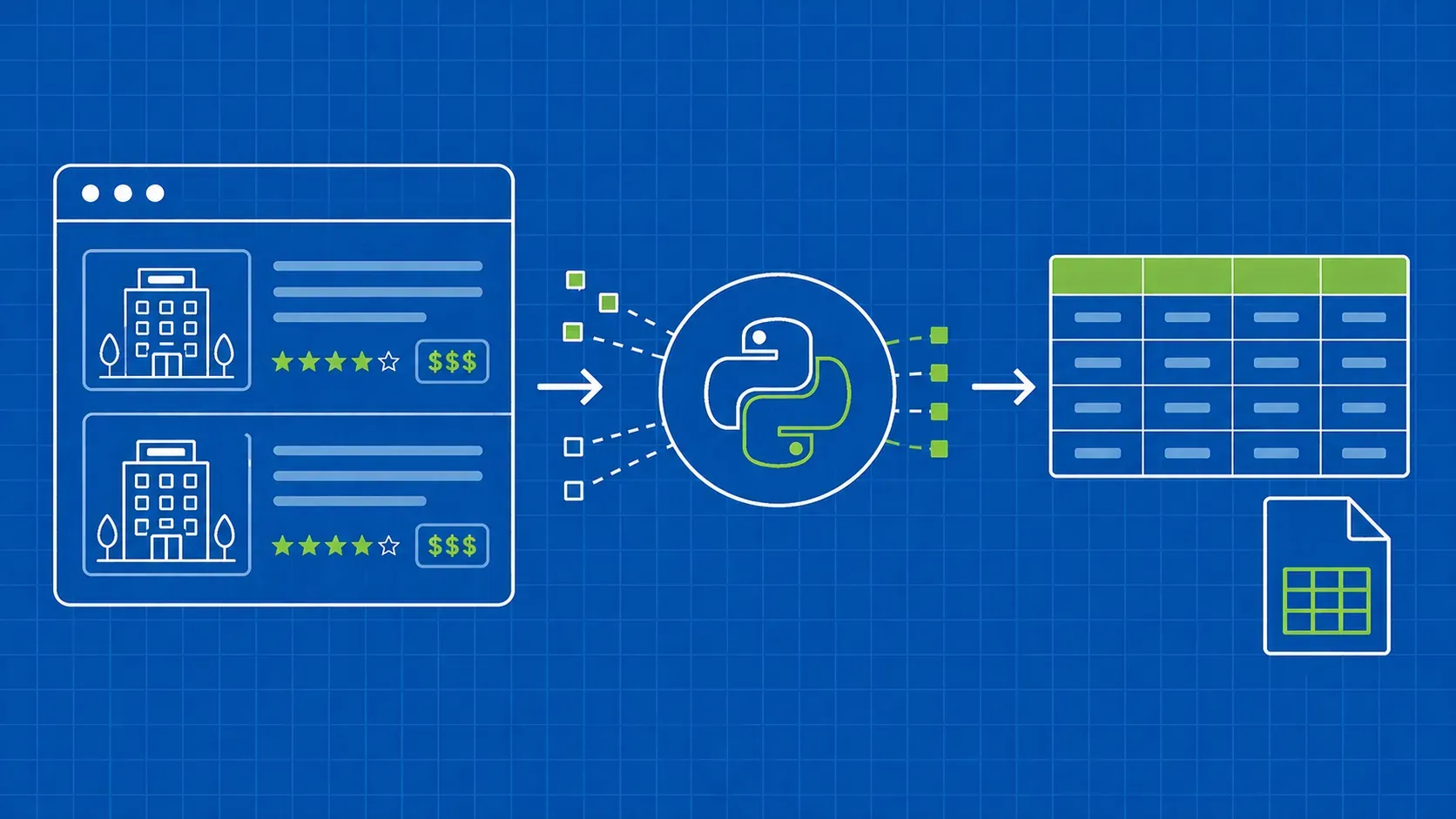
When you scrape Expedia hotel search results, a well-built scraper can pull the following fields from each listing card:
- Hotel name — the property's display name as shown in search results
- Nightly price — the rate for your selected dates, including any promotional pricing
- Star rating — the official star classification (1–5)
- Guest review score — aggregated user rating (e.g., 8.4/10)
- Review count — the number of reviews behind the score
- Location / neighbourhood — useful for geo-filtering and mapping
The dataset can be extended to capture promotional badges or thumbnail photos for richer downstream analysis.
Real-world use cases include price monitoring (tracking rate changes across dates and destinations), travel comparison apps (aggregating listings from multiple OTAs), and competitor benchmarking (understanding how a property's pricing stacks up against nearby hotels). Scraped Expedia data can also feed recommendation engines and customer-facing travel tools.
Legal and Ethical Considerations Before You Start
Before writing a single line of code, run through this checklist:
- Check robots.txt — Visit https://www.expedia.com/robots.txt and respect disallowed paths. (Verify at publication time — directives change.)
- Review the Terms of Service — Expedia's ToS restricts automated access. Personal research sits in a different risk category than commercial resale. Consult a lawyer if unsure.
- Scrape only public data — Hotel listings shown to any anonymous visitor are public. Don't attempt to access account-gated content or submit forms automatically.
- Rate-limit your requests — Add deliberate delays (minimum 2–5 seconds between requests). Hammering a server is both ethically poor and a fast path to getting blocked.
- Store data responsibly — Retain only what you need and avoid republishing scraped content in ways that compete directly with Expedia's own products.
Why Expedia Is Difficult to Scrape
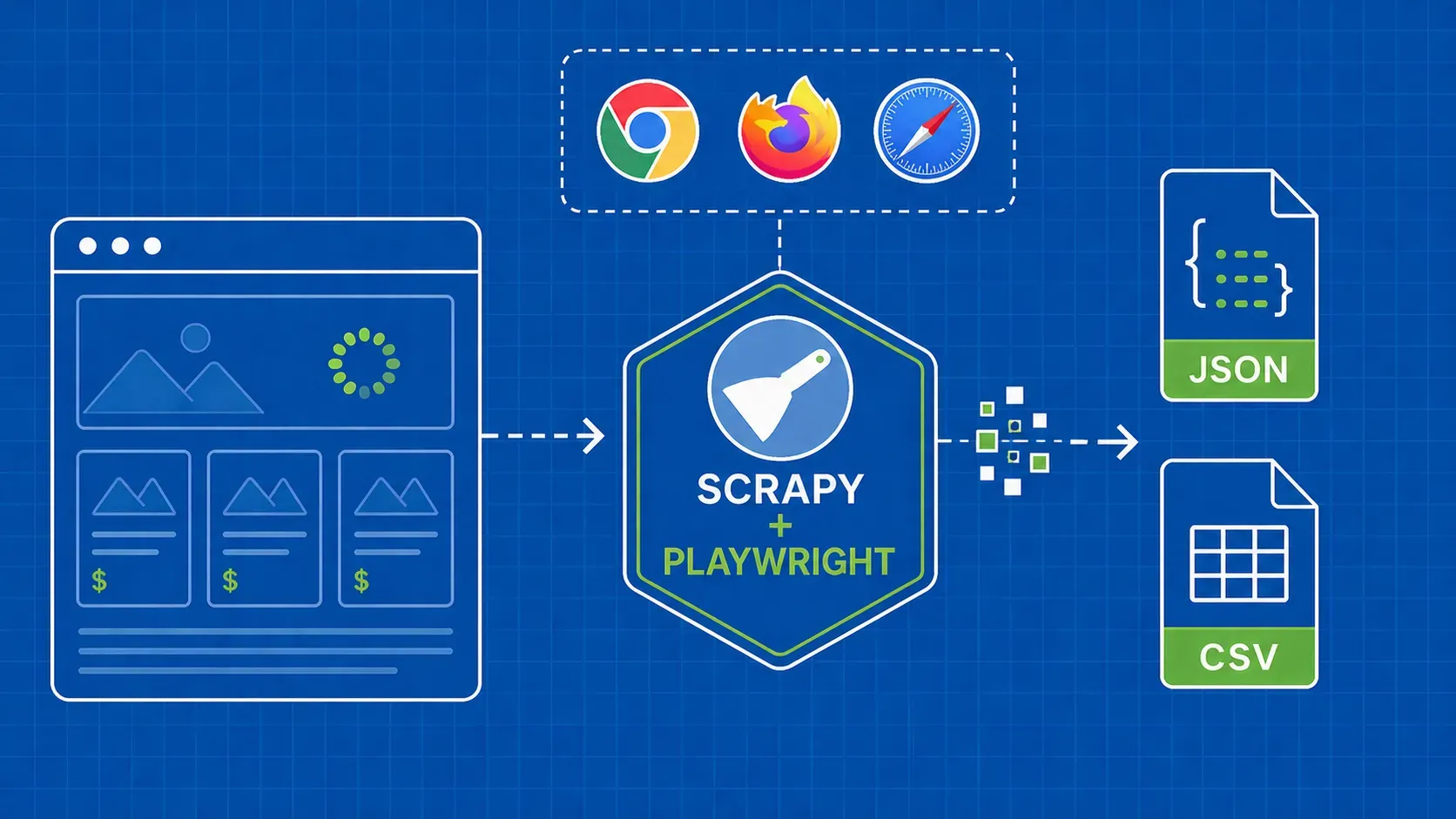
Expedia dynamically loads its hotel listings using JavaScript, which means a static scraper fetching raw HTML will miss the actual content. The server sends a mostly empty shell; the browser executes JavaScript to fetch and render the hotel cards. If you're not rendering that JavaScript, you're not seeing the data. JavaScript rendering is a fundamental challenge for web scraping, and Expedia is one of the more aggressive examples.
Beyond rendering, Expedia deploys IP blocking (repeated requests from the same IP trigger bans), browser fingerprinting (headless browsers are detectable via missing APIs and timing anomalies), and dynamic class names (CSS classes are generated at build time and change with each deployment, breaking hardcoded selectors without warning).
A plain requests fetch returns navigation and metadata but zero hotel listings. That gap is why you need either a headless browser or a scraping API.
Choosing Your Approach: DIY Headless Browser vs. Scraping APIFactor
The DIY route gives you maximum flexibility but requires you to set up a headless browser, manage a proxy pool, and maintain the environment as browser versions change. A scraping API abstracts all of that: you send a request with your target URL and extraction rules; the API handles rendering, proxy rotation, and retries.
For most Expedia scraping use cases — price monitoring, periodic data pulls, research — the API approach is faster to ship and cheaper to maintain over time. You avoid the overhead of keeping browser binaries up to date, sourcing reliable residential proxies, and debugging environment-specific rendering failures. The trade-off is that you depend on an external service, so evaluate uptime guarantees and pricing tiers before committing to either path.
Environment Setup and Prerequisites
You'll need Python 3.8 or later (python --version to check). Install the required libraries:
pip install webscrapingapi pandas
webscrapingapi is the official Python client for WebScrapingAPI — it wraps the HTTP request layer and handles authentication. pandas handles data cleaning and CSV export.
Grab your API key from the WebScrapingAPI dashboard and store it as an environment variable rather than hardcoding it in your script:
export WSAPI_KEY="your_api_key_here"
Then load it in Python with os.environ.get("WSAPI_KEY"). Keep your script file (e.g., expedia.py) in a dedicated project folder so relative paths for CSV export work consistently across runs. Python's built-in os module is all you need — no extra installation required. For a broader introduction to Python-based scraping patterns, see our Python web scraping guide.
How to Identify the Right CSS Selectors on Expedia
This is the step most tutorials skip. Here's a concrete DevTools walkthrough.
- Open an Expedia search page and let it fully load.
- Right-click a hotel card → "Inspect" to open DevTools with the element highlighted.
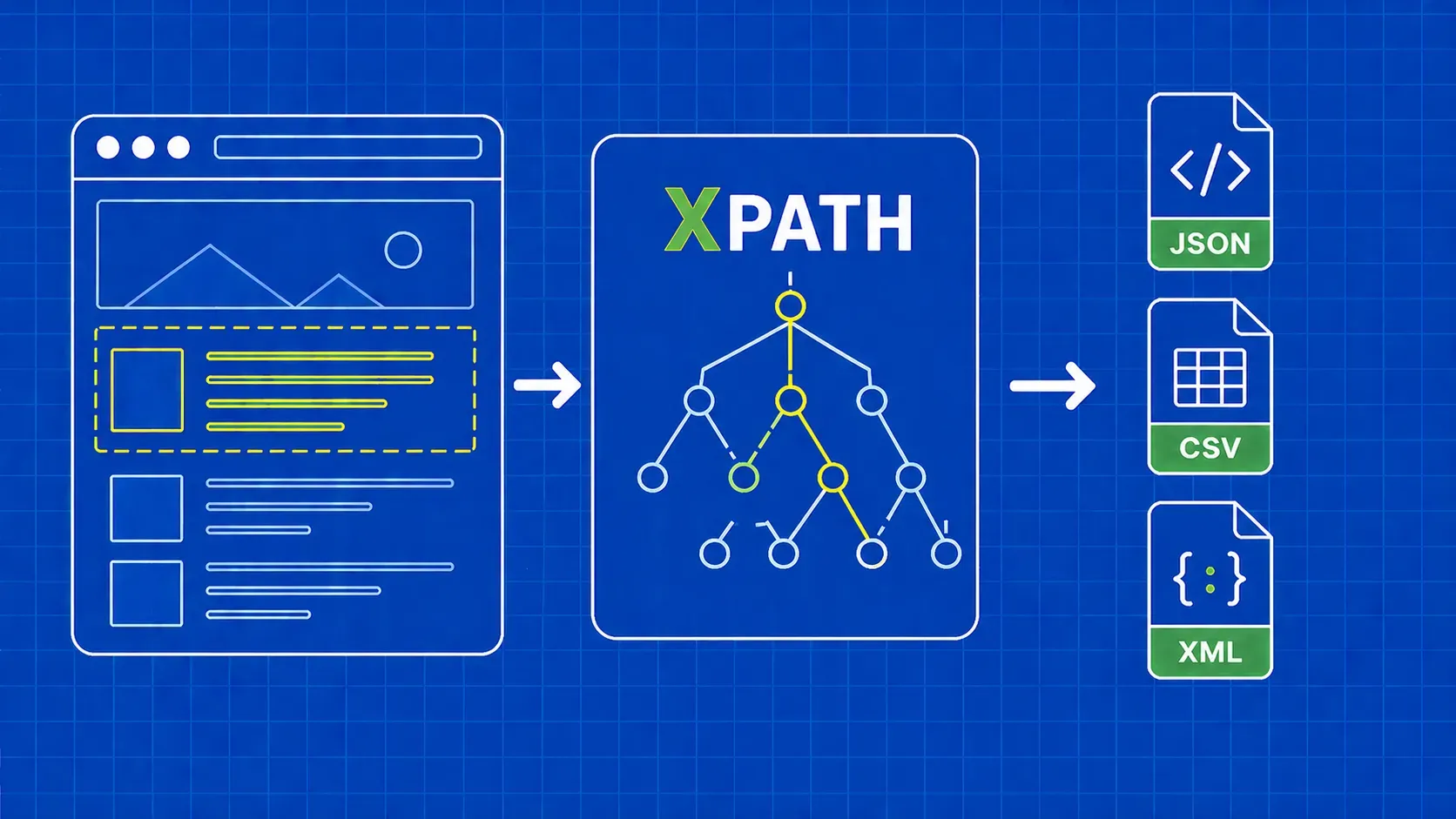
- Identify the listing card container — the repeating <div> or <article> wrapping each hotel result. This is your root selector; it should appear once per listing.
- Drill into child elements — find the elements holding hotel name, price, rating, and review count. Right-click each → "Copy > Copy selector."
- Verify uniqueness — run document.querySelectorAll("YOUR_SELECTOR") in the DevTools console and confirm the count matches the number of hotel cards.
- Use relative selectors — child selectors should be relative to the card container, not absolute from the document root.
Important: CSS class names on Expedia are generated dynamically and change with site deployments. Always verify selectors against a live page before a production run. Our CSS selectors cheat sheet covers selector syntax and specificity in detail.
Building the Expedia Hotel Search Scraper
The core of the scraper is two dictionaries — extract_rules and js_scenario — passed as parameters to the API client. Together they tell the API what to extract and how to render the page before extraction begins. Getting these two objects right is the most important step in the entire Expedia scraping Python workflow, because every downstream result depends on them.
Defining Extraction Rules and JS Rendering Instructions
extract_rules tells the API which CSS selectors to use and what to return. js_scenario provides instructions to the built-in headless browser: wait pauses execution for a given number of milliseconds; evaluate runs custom JavaScript in the page context (for scrolling, clicking, etc.).
import os, json
import pandas as pd
import webscrapingapi
API_KEY = os.environ.get("WSAPI_KEY")
client = webscrapingapi.WebScrapingAPIClient(API_KEY)
# Verify these selectors against a live Expedia page before use
CARD_SELECTOR = "[data-stid='lodging-card-responsive']"
extract_rules = {
"hotels": {
"selector": CARD_SELECTOR,
"type": "list",
"output": {
"name": {"selector": "[data-stid='content-hotel-title']", "output": "text"},
"price": {"selector": "[data-stid='price-summary']", "output": "text"},
"rating": {"selector": ".uitk-rating-medium", "output": "text"},
"reviews": {"selector": "[data-stid='reviews-summary']", "output": "text"},
"location": {"selector": "[data-stid='content-hotel-neighborhood']", "output": "text"},
}
}
}
# Wait 2 s → scroll to bottom → wait 2 s to trigger lazy-loaded cards
js_scenario = {"instructions": [
{"wait": 2000},
{"evaluate": "window.scrollTo(0, document.body.scrollHeight)"},
{"wait": 2000}
]}
The two-phase wait pattern — pause before scrolling, then pause again after — is deliberate. Expedia uses JavaScript rendering to load hotel cards lazily as the viewport moves down the page. Skipping either wait risks returning an incomplete list of properties, especially on slower connections or when the destination has many results.
Making the API Request and Handling Responses
Key parameters: wait_for waits until a CSS selector appears before extracting; country_code sets the proxy exit country for price localisation; premium_proxy enables residential proxy rotation.
def scrape_expedia_hotels(destination, check_in, check_out, page=1):
q = destination.replace(" ", "+")
url = (f"https://www.expedia.com/Hotel-Search"
f"?destination={q}&startDate={check_in}&endDate={check_out}&page={page}")
try:
response = client.get(url, params={
"wait_for": CARD_SELECTOR,
"extract_rules": json.dumps(extract_rules),
"js_scenario": json.dumps(js_scenario),
"country_code": "us",
"premium_proxy": "true",
})
except Exception as e:
print(f"Request failed: {e}"); return []
if response.status_code == 401:
print("Invalid API key."); return []
if response.status_code == 500:
print(f"HTTP 500 on page {page} — retry with backoff."); return []
if response.status_code != 200:
print(f"Unexpected status {response.status_code}."); return []
try:
hotels = response.json().get("hotels", [])
except ValueError:
return []
if not hotels:
print(f"No results on page {page}. CSS selectors may have drifted.")
return hotels
An empty hotels list with a 200 status almost always means your CSS selectors have drifted. HTTP 500 from Expedia is often transient — build retry logic with exponential backoff at the call site. Note that the page parameter is already threaded through the function signature, making it straightforward to call this function inside a pagination loop in the next section.
Scraping Multiple Pages of Hotel Results
Expedia uses a predictable page query parameter, making pagination straightforward. The loop below iterates until it gets an empty result set or hits the page limit:
import time
def scrape_all_pages(destination, check_in, check_out, max_pages=5, delay=3):
all_hotels = []
for page in range(1, max_pages + 1):
hotels = scrape_expedia_hotels(destination, check_in, check_out, page=page)
if not hotels:
print(f"No results on page {page}. Stopping."); break
all_hotels.extend(hotels)
print(f"Page {page}: {len(hotels)} hotels (total: {len(all_hotels)})")
if page < max_pages:
time.sleep(delay) # Respect rate limits
return all_hotels
results = scrape_all_pages("Rome, Italy", "2026-10-05", "2026-10-10", max_pages=5, delay=3)
The delay parameter matters. Rapid-fire requests reliably trigger IP blocks. A 3-second pause is a reasonable floor; randomise within a 2–5 second range for larger runs to avoid predictable timing patterns.
Expedia search results vary in depth by destination and date range. Rather than assuming a fixed page count, the loop's early-exit condition (if not hotels: break) handles termination cleanly — when the API returns an empty list, you've reached the end of the results.
Cleaning and Exporting Data to CSV
Raw text needs cleaning before export — prices, ratings, and review counts arrive as untyped strings. Normalise them first:
import re
def clean_price(raw):
if not raw: return None
try: return float(re.sub(r"[^\d.]", "", raw.split()[0]))
except ValueError: return None
def clean_rating(raw):
if not raw: return None
m = re.search(r"(\d+\.?\d*)", raw)
return float(m.group(1)) if m else None
def clean_review_count(raw):
if not raw: return None
d = re.sub(r"[^\d]", "", raw)
return int(d) if d else None
def clean_and_export(hotels, filename="expedia_hotels.csv"):
df = pd.DataFrame([{
"name": h.get("name", "").strip(),
"price_usd": clean_price(h.get("price")),
"rating": clean_rating(h.get("rating")),
"review_count": clean_review_count(h.get("reviews")),
"location": h.get("location", "").strip(),
} for h in hotels])
df.dropna(subset=["name"], inplace=True)
df.to_csv(filename, index=False, encoding="utf-8")
print(f"Exported {len(df)} hotels to {filename}")
return df
df = clean_and_export(results)
The CSV columns are typed — price_usd (float), rating (float), review_count (int) — ready for analysis without manual post-processing.
Full Script Reference
All functions (fetch, scrape, to_csv) were defined in the sections above. Combine them in a single file called expedia.py, set your WSAPI_KEY environment variable, and trigger the full run with the entry point below.
if __name__ == "__main__":
to_csv(scrape("Rome, Italy", "2026-10-05", "2026-10-10"))
Execute with python expedia.py. Results are written to expedia_hotels.csv in your working directory, clean and ready for immediate analysis.
Maintaining Your Scraper When Expedia Changes Its Layout
One of the most common reasons an Expedia scraper stops working is selector drift — Expedia regularly updates its frontend, class names change, element hierarchies shift, and selectors that worked last month silently stop returning data.
How to detect selector drift: Your scraper runs without errors but returns an empty list. None values appear across all cleaned fields simultaneously. These are reliable signals that selectors have changed.
The re-identification workflow:
- Open Expedia in a browser and run a fresh search.
- Right-click a hotel card → Inspect.
- Compare the current DOM to your extract_rules selectors. Find the same semantic element (hotel name heading, price container) even if class names have changed.
- Update CARD_SELECTOR and child selectors, then run a single-page test before re-enabling the full loop.
Lightweight monitoring: Schedule a daily canary run against a fixed destination. Alert on zero results for same-day visibility into selector drift. For more on how JavaScript-heavy sites affect selector stability, see our guide on how JavaScript affects web scraping.
Scaling and Best Practices
- Throttle requests. A 3–5 second sleep between pages is a minimum; randomise the delay to avoid predictable timing patterns.
- Implement exponential backoff. On HTTP 500 or 429 responses, double the delay on each retry (5s, 10s, 20s).
- Rotate country_code. Match the exit country to your target market for accurate price localisation.
- Schedule recurring runs. Use cron, Airflow, or a cloud function for price monitoring. Store results with timestamps to track changes over time.
- Log per-page status codes and result counts. When something breaks, you'll want to know exactly which page and destination triggered the failure.
For more on avoiding IP blocks at scale, see our guide on getting rid of IP blocks when web scraping.
Key Takeaways
- JavaScript rendering is non-negotiable for Expedia. A static HTTP request won't return hotel listings — you need a headless browser or a scraping API that renders JS for you.
- CSS selectors drift. Expedia updates its frontend regularly. Build selector-drift detection into your pipeline and know how to re-identify selectors with DevTools when they break.
- Pagination requires a loop. Use Expedia's page query parameter and stop when you get an empty result set — don't assume a fixed number of pages.
- Clean your data before exporting. Strip currency symbols, parse numeric ratings, and convert review counts to integers at extraction time.
- Rate-limit and throttle. Deliberate delays between requests are both ethically correct and practically necessary to avoid blocks.
FAQ
How do I know when my Expedia scraper has broken due to an HTML structure change?
The clearest signal is an empty result list — the API call succeeds (HTTP 200) but returns zero hotel records. A secondary signal is None values across all cleaned fields. Set up a daily canary run against a fixed destination and alert on zero results.
What is the difference between scraping an Expedia search results page and a hotel detail page?
A search results page returns summary data — name, price, rating, location — across a paginated list. A hotel detail page contains richer data for one property: amenity lists, room-type breakdowns, cancellation policies, and review text. Selectors and rendering requirements differ between the two.
How do I avoid hitting Expedia's rate limits when scraping large datasets?
Use randomised delays rather than fixed intervals — a uniform gap is easier for anti-bot systems to fingerprint. Spread destination lists across multiple hours or days, and use exponential backoff on 429 and 500 responses.
Can I scrape Expedia reviews and ratings alongside pricing data in a single request?
Yes, if the review score and count appear on the search results page, add selectors for both fields to your extract_rules dictionary. Full review text lives on the hotel detail page and requires a separate request.
Conclusion
Scraping Expedia hotel data in Python is achievable, but it requires more than a basic HTTP request. You need JavaScript rendering to see the actual listings, reliable proxy rotation to avoid IP blocks, and a clear strategy for identifying and maintaining CSS selectors as Expedia's frontend evolves.
The approach in this guide — using a scraping API to handle the infrastructure layer, combined with explicit extract_rules and js_scenario parameters — gets you to a working scraper faster than setting up and maintaining a local headless browser stack. The pagination loop, data-cleaning functions, and selector-drift monitoring strategy make it production-ready rather than just a proof of concept.
If you want to skip the infrastructure overhead entirely, WebScrapingAPI's Scraper API handles JavaScript rendering, proxy rotation, and CAPTCHA solving behind a single endpoint — so you can focus on the data, not the plumbing. Explore our travel and hospitality scraping use cases for more OTA data collection patterns, or see our related guides on scraping Booking.com and scraping Airbnb listings.
News and updates
Stay up-to-date with the latest web scraping guides and news by subscribing to our newsletter.
We care about the protection of your data. Read our Privacy Policy.

Related articles

Explore the complexities of scraping Amazon product data with our in-depth guide. From best practices and tools like Amazon Scraper API to legal considerations, learn how to navigate challenges, bypass CAPTCHAs, and efficiently extract valuable insights.


Explore the in-depth comparison between Scrapy and Selenium for web scraping. From large-scale data acquisition to handling dynamic content, discover the pros, cons, and unique features of each. Learn how to choose the best framework based on your project's needs and scale.


Explore the transformative power of web scraping in the finance sector. From product data to sentiment analysis, this guide offers insights into the various types of web data available for investment decisions.