TL;DR: Scraping LinkedIn means working around an aggressive auth wall, behavioral tracking, and TLS fingerprinting. This guide gives you a method-by-page-type decision tree, working Python patterns for jobs, profiles, and companies (hidden API, JSON-LD, Selenium when needed), and a consolidated anti-block checklist for 2026.
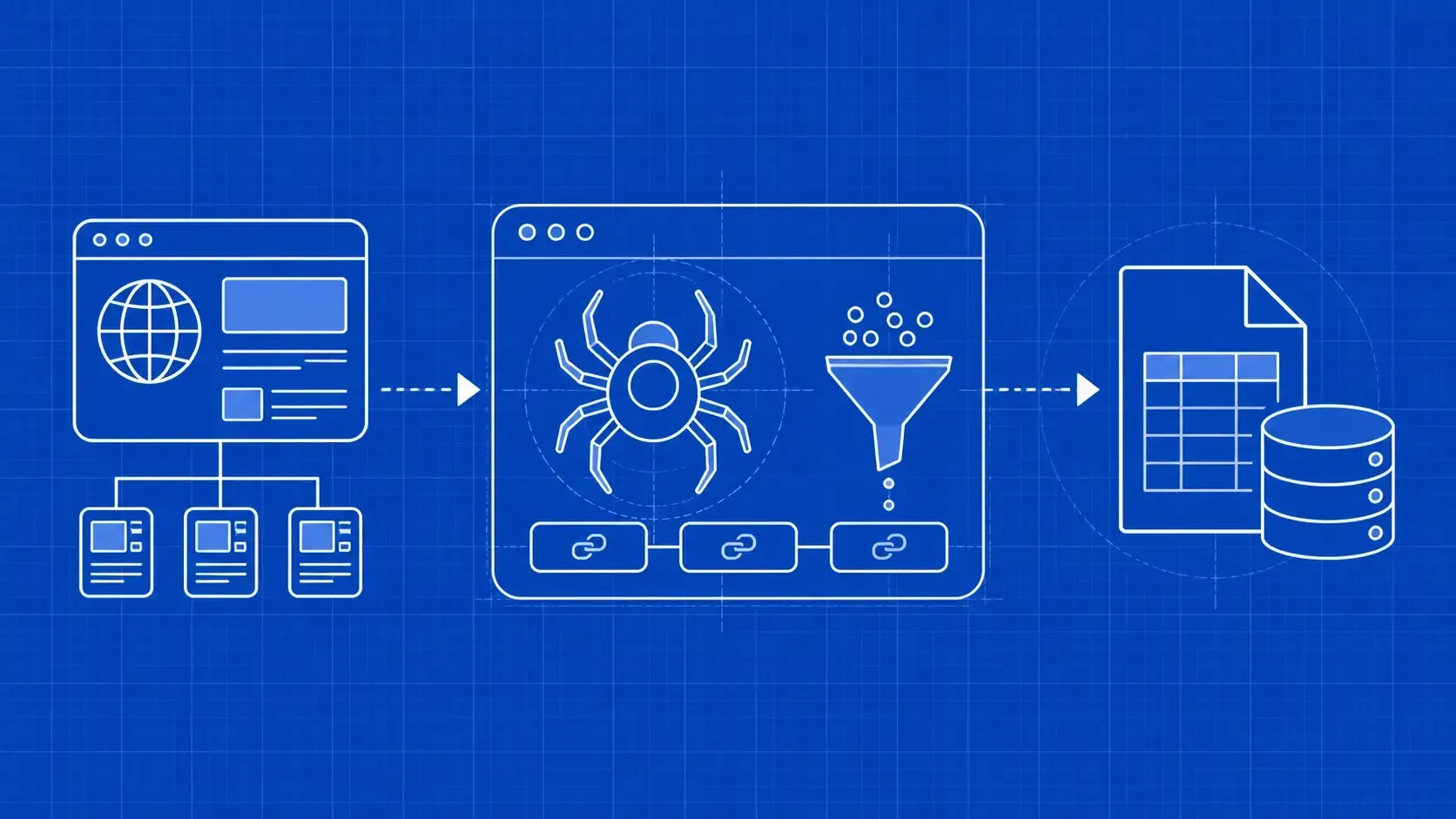
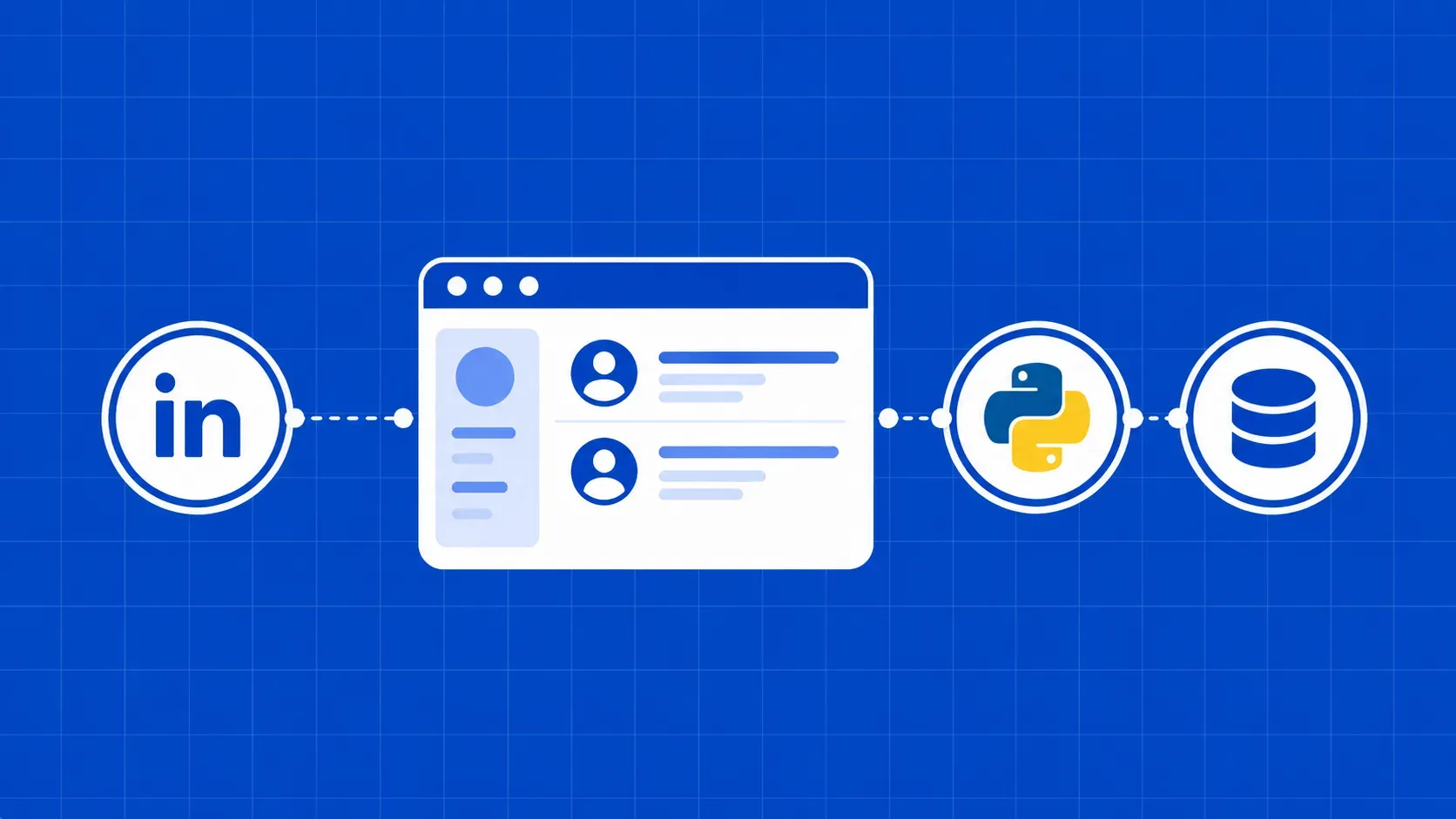
If you have ever tried to figure out how to scrape LinkedIn, you have probably hit the same wall the rest of us have: an aggressive sign-in prompt that fires after only a handful of page views, then quiet 999 responses, then nothing useful at all. Scraping LinkedIn is the practice of extracting public data (profiles, companies, job listings, and search results) directly using HTTP clients, headless browsers, or hidden APIs, without logging in to a personal account. It is technically harder than scraping a typical e-commerce site, but it is far from impossible.
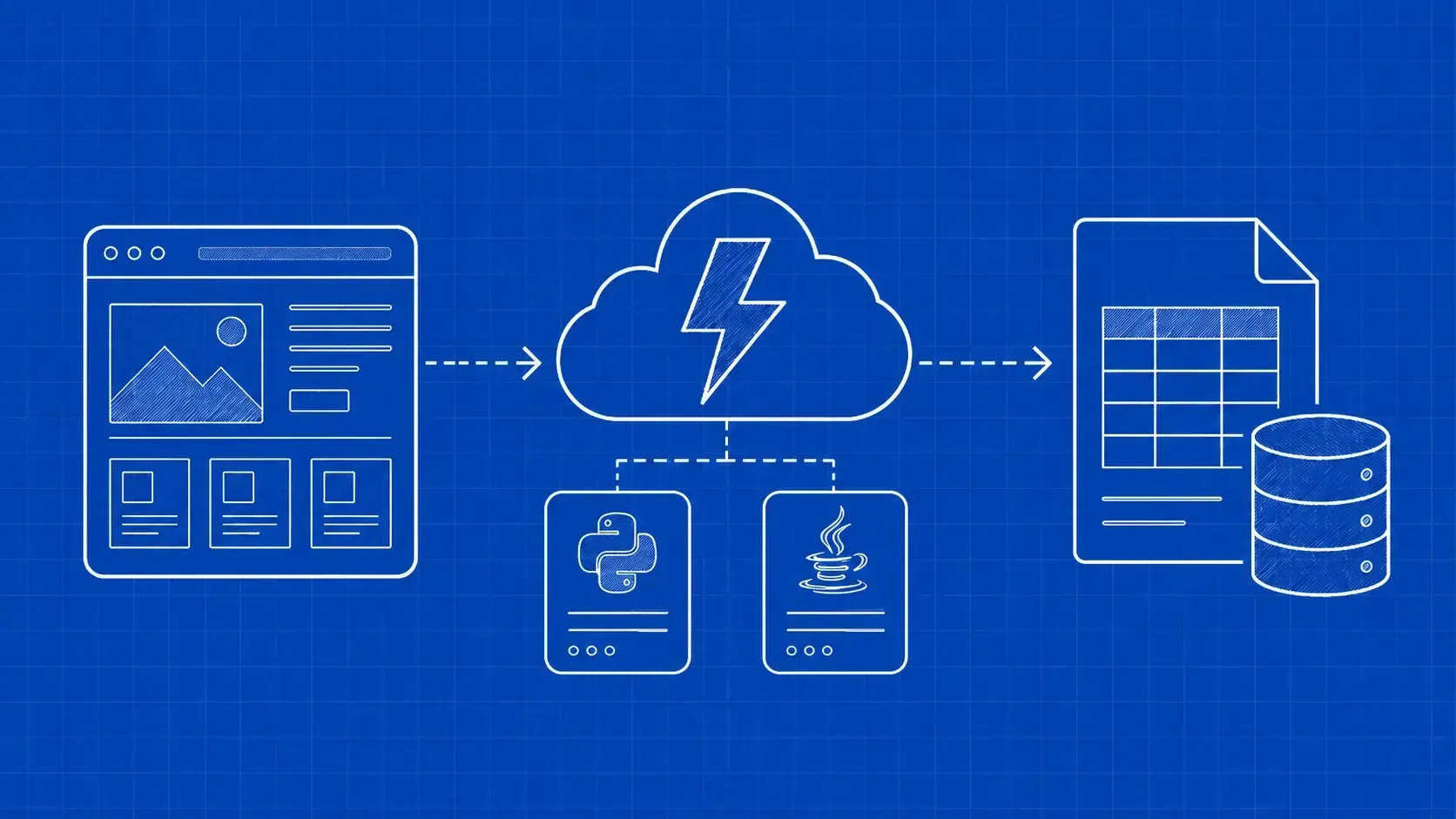
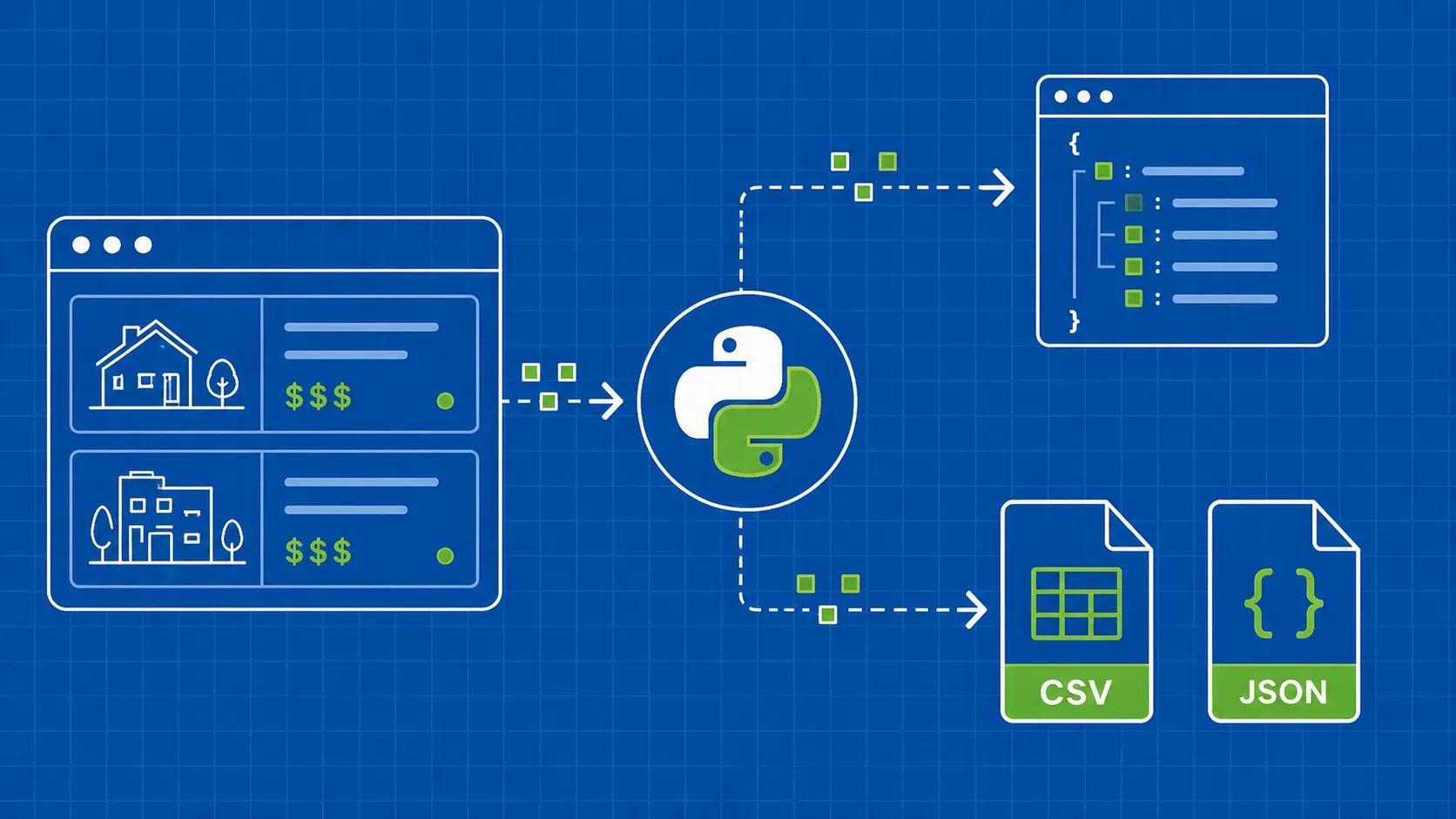
This guide is a code-first walkthrough for developers, data engineers, and growth-ops teams who need public LinkedIn data without burning accounts or rotating proxies blindly. We will start with what you can realistically pull, break down how LinkedIn detects scrapers, and walk through three Python methods (a hidden jobs API, JSON-LD parsing, and a headless browser fallback) with a decision tree so you pick the cheapest reliable path for each page type. The anti-block layer and the legal context come at the end, because they apply regardless of which method you choose.