Back to Blog
Guides
Andrei OgiolanLast updated on May 7, 202611 min read

Web Scraping JavaScript Tables in Python: From Hidden APIs to Playwright

Web Scraping JavaScript Tables in Python: From Hidden APIs to Playwright
TL;DR: Web scraping JavaScript tables in Python rarely needs a headless browser. Open DevTools, find the JSON endpoint that hydrates the grid, replay it with requests, paginate it, and fall back to Playwright only when the network call is signed, encrypted, or otherwise sealed shut.

You wrote the obvious code. requests.get(url), hand the HTML to BeautifulSoup, pull the rows out of the <table>. The script runs, the file lands on disk, and the CSV is empty. Welcome to web scraping JavaScript tables, where the rows you see in your browser do not exist in the document the server actually returned.

Static tables ship the data inside the initial HTML. Dynamic tables (also called AJAX or JavaScript-rendered tables) ship a near-empty shell, then a script in the page calls a JSON endpoint and injects rows into the DOM after load. If you do not execute that script, you do not see those rows. Spinning up a full browser to fix this is a heavy answer to what is usually a small problem.

This guide takes the shorter route. We will start with a decision ladder so you stop guessing whether to reach for requests or a browser engine, then walk through finding the underlying JSON endpoint in DevTools, replaying it in Python with pagination and authentication, parsing it into clean rows, and exporting to CSV, JSON Lines, or SQLite. Playwright is here as a real fallback for sites that hide the network call, not as the default tool. By the end you will have a script you can rerun next quarter without rewriting it from scratch.

Why JavaScript tables break standard scrapers

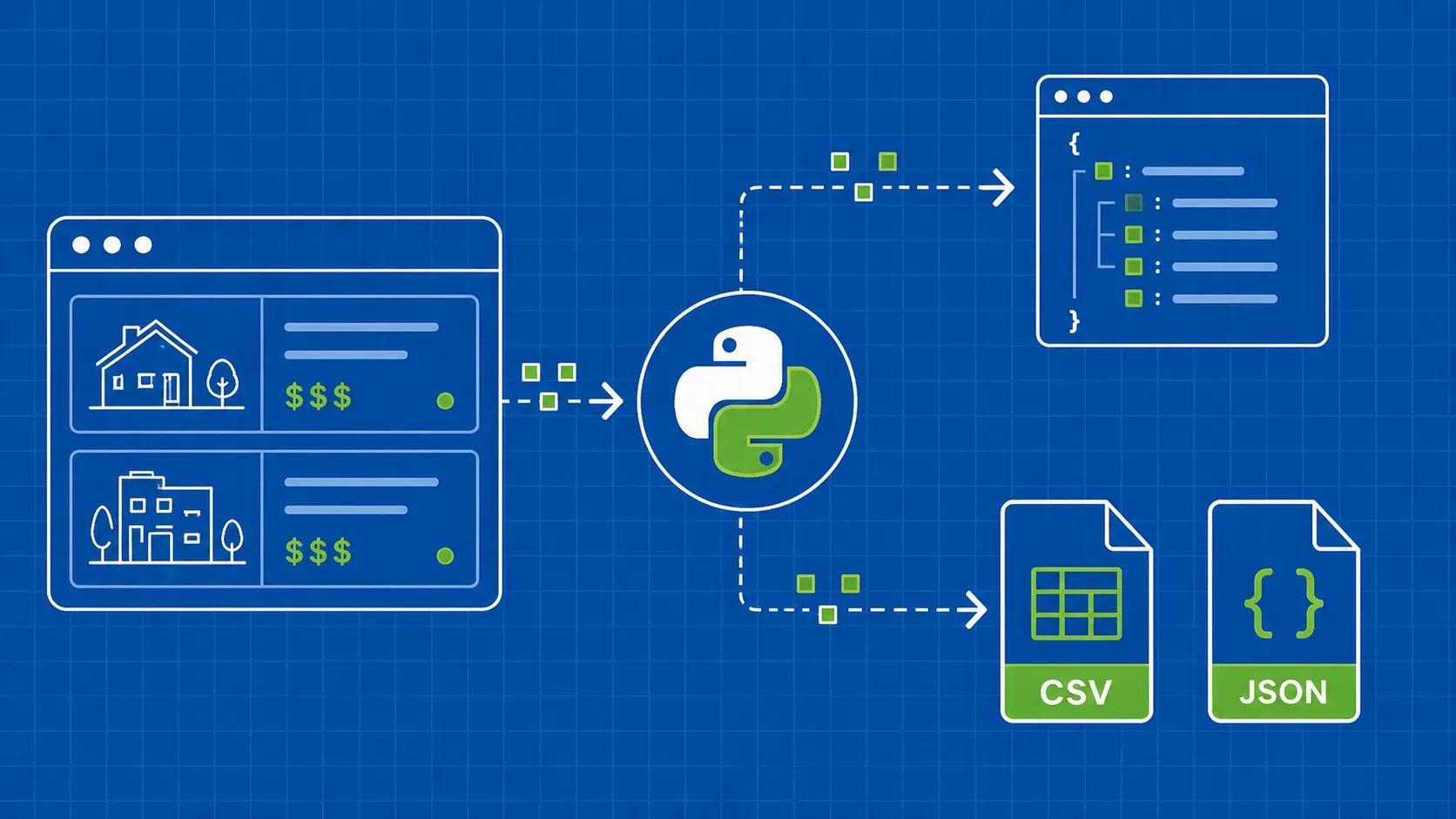
When you call requests.get() on a page with a JavaScript table, what comes back is the document the server sent before any browser code ran. That document holds the layout, the navigation, the empty grid container, and a bundle of JavaScript. The rows are not there yet. The browser executes the script, the script fetches a JSON payload, and only then does the table get hydrated.

BeautifulSoup faithfully parses what it was given, which is a <table> with no <tr> children. Your selector matches nothing, your loop runs zero times, and the writer produces a CSV with headers and no data. Web scraping JavaScript tables breaks here, silently, because every layer technically worked.

Pick an extraction path before you write code

Before opening an editor, run a one-minute decision ladder. The ranking matters because each step costs more to maintain than the one above it.

  1. Official API or CSV export. Many dashboards expose a download button or a documented endpoint. Use it. You will not scrape what you can simply request with a key.
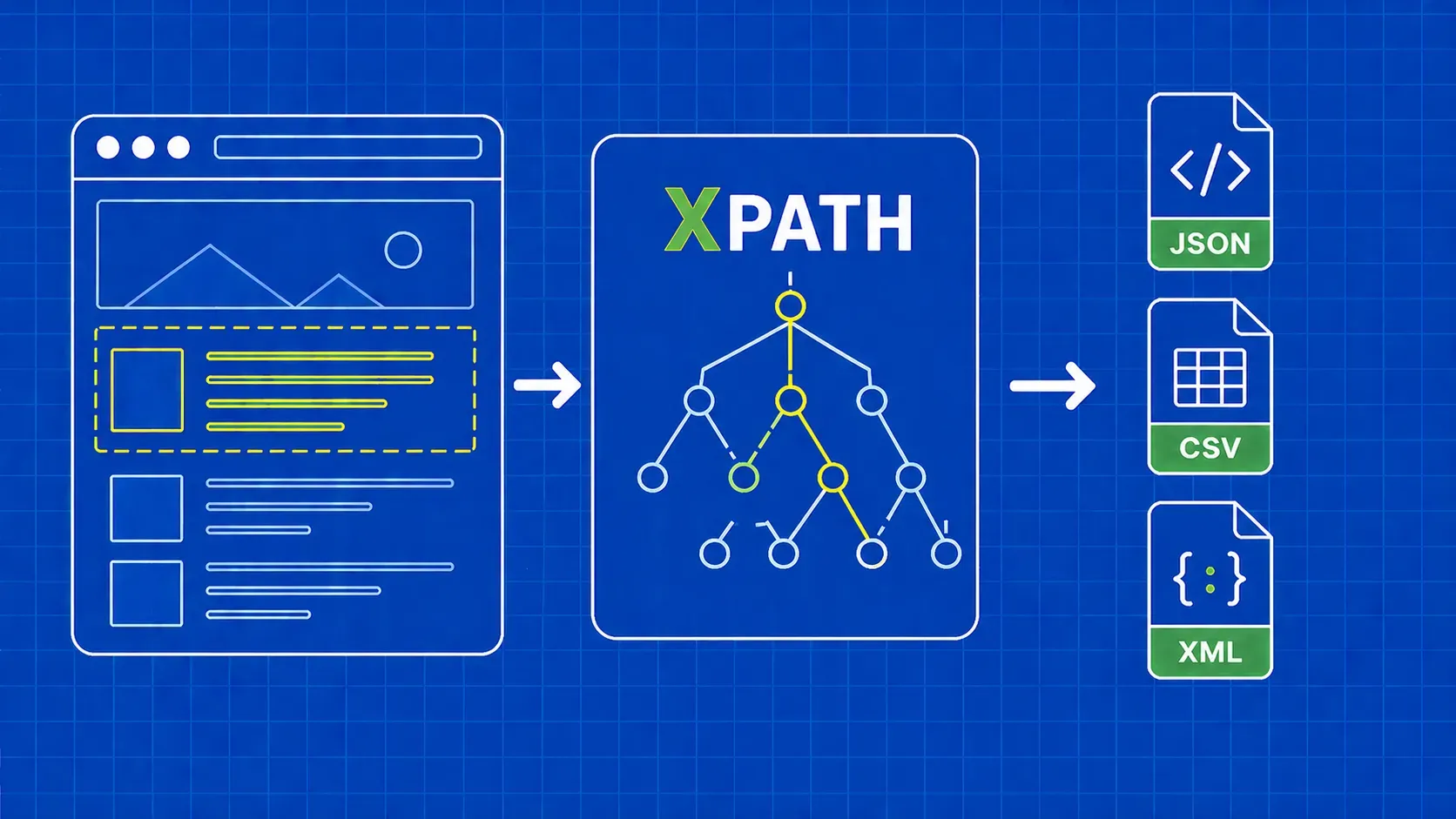
  2. Hidden XHR or Fetch JSON. Most modern grids are hydrated by a JSON call you can see in DevTools. This should be your default for web scraping JavaScript tables. The payload is structured, the schema is stable, and you skip the entire rendering layer.
  3. Static <table> already in the source. If the rows are present in view-source: (no script needed), parse the HTML with pandas.read_html() for a quick win or requests plus BeautifulSoup with lxml for production.
  4. Headless browser render. Reach for Playwright only when the network path is signed, GraphQL with strict origin checks, WebSocket-fed, or otherwise unreachable from a plain HTTP client.

Most articles teach path 4 first. That is backwards. A hidden JSON endpoint, when it exists, gives you cleaner data and a smaller failure surface than any headless browser ever will.

Locate the hidden JSON endpoint with DevTools

The fastest way to confirm a table is hydrated by JavaScript is to check the raw page source, not the rendered DOM. Right-click the page, choose View Source, and search for a sample value visible in the table (a name, a salary, a unique ID). If the search returns nothing, the row was injected after load and you are looking at a JavaScript-rendered grid.

Now find the request that delivered the data. The reference example used throughout this guide is the public DataTables AJAX demo at datatables.net/examples/data_sources/ajax.html. Open DevTools, switch to the Network tab, and filter by Fetch/XHR. Reload the page so you capture the full traffic, then trigger a sort or pagination change. That second action is the trick: the largest payload after a sort change is almost always the one carrying the rows.

Click the call, open Response, and confirm the JSON shape you expected. Cross-check Headers for the request method, query parameters, cookies, and any custom tokens (X-CSRF-Token, Authorization). For tricky targets, right-click the request and pick Copy as cURL. That preserves headers, cookies, and the exact body so you can paste it into a converter and bootstrap your Python code without typing anything by hand. Filter aggressively: a single typed search box can fire ten autocomplete requests before the real one.

Replay the captured request in Python

Once you have the URL and headers, the Python side is small. Start with the absolute minimum and add headers only when the server complains.

import requests

URL = "https://datatables.net/examples/ajax/data/objects.txt"

headers = {
    "User-Agent": "Mozilla/5.0 (compatible; tables-scraper/1.0)",
    "Accept": "application/json, text/javascript, */*; q=0.01",
}

response = requests.get(URL, headers=headers, timeout=15)
response.raise_for_status()
payload = response.json()

Two things to call out. First, raise_for_status() is non-negotiable because anti-bot systems often return HTML with HTTP 200, and a missing status check turns a soft block into corrupted data. Second, resist the urge to paste your personal session cookie from DevTools. That cookie expires, leaks personal context into your repo, and ties the script to one human. Prefer public headers, then add a real login flow with a requests.Session if the endpoint truly needs authentication.

For workflows where you need async fan-out across many endpoints, HTTPX is a drop-in alternative with a near-identical synchronous API and first-class async support. Treat that as an option rather than a hard recommendation; requests remains a perfectly fine default in 2026.

Parse the JSON payload into clean rows

The DataTables example returns a top-level dict with a data key holding a list of lists. Real APIs vary: some return a list of objects, some wrap the rows under results or items, some bury them two levels deep under payload.table.rows. Inspect the shape once, then write defensive code.

rows = payload.get("data", [])
records = []
for r in rows:
    records.append({
        "name":       r[0],
        "position":   r[1],
        "office":     r[2],
        "extn":       r[3],
        "start_date": r[4],
        "salary":     r[5],
    })

If the endpoint returns a list of objects instead of positional arrays, swap the indices for r.get("name"), r.get("position"), and so on. Using .get() instead of r["name"] saves you from a KeyError the day the backend adds or renames a field. Do this mapping once, in one place, so the rest of the pipeline talks to a stable internal schema instead of whatever the upstream API decided to ship this week.

Handle pagination, query parameters, and authentication

Real endpoints rarely hand you every row in one call. The DataTables server-side protocol uses draw, start, length, order[0][column], and search[value]; the canonical parameter list lives in the DataTables server-side processing manual. Other backends use cursor pagination (?cursor=eyJ...), offset pagination (?page=3&per_page=100), or a next_url field embedded in the response.

import time

session = requests.Session()
session.headers.update(headers)

start, length, rows = 0, 100, []
while True:
    r = session.get(URL, params={"draw": 1, "start": start, "length": length}, timeout=15)
    if r.status_code == 429:
        time.sleep(2 ** (start // length))  # crude exponential backoff
        continue
    r.raise_for_status()
    page = r.json().get("data", [])
    if not page:
        break
    rows.extend(page)
    start += length

If the endpoint sits behind a login, do the login first with session.post() and let the cookie jar carry the session. For CSRF-protected POSTs, scrape the token from a hidden input or a XSRF-TOKEN cookie and forward it as a header. Never paste a static cookie string. It expires overnight and breaks every cron run after that.

Export rows to CSV, JSON Lines, or SQLite

Pick the output format your downstream tooling actually consumes. CSV is fine for spreadsheets, JSON Lines is friendlier for streaming ingestion and LLM or RAG pipelines, and SQLite is the lightest analyst-friendly option that survives a power cycle.

import csv, json, sqlite3

# CSV with named headers (clearer than raw csv.writer)
with open("rows.csv", "w", newline="", encoding="utf-8") as f:
    writer = csv.DictWriter(f, fieldnames=records[0].keys())
    writer.writeheader()
    writer.writerows(records)

# JSON Lines
with open("rows.jsonl", "w", encoding="utf-8") as f:
    for r in records:
        f.write(json.dumps(r, ensure_ascii=False) + "\n")

# SQLite
con = sqlite3.connect("rows.db")
con.execute("CREATE TABLE IF NOT EXISTS staff (name TEXT, position TEXT, office TEXT, extn TEXT, start_date TEXT, salary TEXT)")
con.executemany("INSERT INTO staff VALUES (:name, :position, :office, :extn, :start_date, :salary)", records)
con.commit(); con.close()

csv.DictWriter is worth the few extra lines because the header row stays in sync with the dict keys; nobody has to remember which column was index 3. The same records list feeds all three writers, so swapping formats is a one-line change in production.

Fallback: render the table with Playwright when the network is sealed

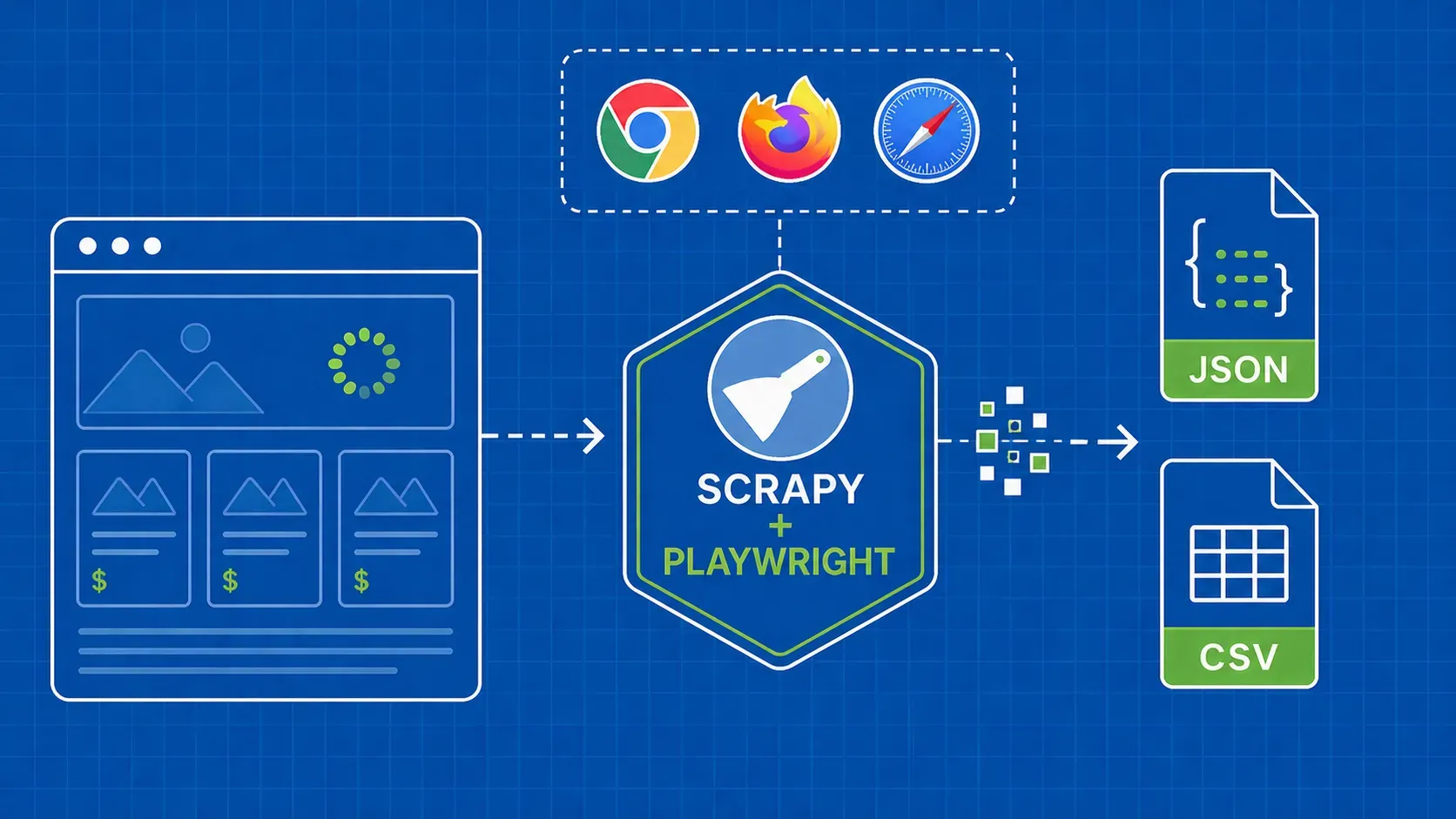
Some sites genuinely do not let you near the JSON. Signed URLs that expire in seconds, GraphQL endpoints with strict Origin checks, WebSocket-fed grids, and a handful of bespoke setups all push you toward rendering the page in a real browser. Playwright for Python is a strong modern default for that job, though Selenium is still a reasonable choice on legacy stacks.

from playwright.sync_api import sync_playwright

with sync_playwright() as p:
    browser = p.chromium.launch(headless=True)
    page = browser.new_page()
    page.goto("https://example.com/grid", wait_until="networkidle")
    page.wait_for_selector("table.grid tbody tr")
    rows = page.locator("table.grid tbody tr").all_text_contents()
    browser.close()

One trap to watch for in any web scraping JavaScript tables fallback: client-side grid libraries such as DataTables, AG Grid, and TanStack Table commonly virtualize rendering, meaning only the rows currently visible in the viewport are mounted in the DOM at any given moment. The exact row count depends on viewport size and library configuration, so do not trust naïve tr collection to capture everything. Scroll the container in a loop, listen for new rows with a MutationObserver, or call the library's own pagination API until the row total stops growing.

Common pitfalls in web scraping JavaScript tables

Most failures in web scraping JavaScript tables are quiet. The script runs, the file gets written, and no one notices the data is wrong until a dashboard does. Watch for these:

  • Selecting tables by index. tables[2] breaks the moment marketing adds a comparison widget above the grid. Match by caption text, ID, or a unique header instead.
  • Virtualized grids. A naïve scrape on DataTables, AG Grid, or TanStack Table can capture only the visible viewport rows while thousands sit unmounted. Confirm row totals against an API count or a paginated request.
  • Locale-formatted numbers. 1.000,50 is European for 1000.50, but Python's float() reads it as 1.0. Normalize the string before casting.
  • Timezones in dates. "2025-04-01" parsed without a zone silently becomes midnight UTC, shifting daily aggregates by a row.
  • Currency symbols and thousands separators. "$1,234" will not cast to a float. Strip non-numerics first.
  • Expired cookies. A pasted session cookie works for a day, then quietly returns 401s that some servers dress up as HTTP 200 HTML.
  • Anti-bot 200s. A WAF can return a captcha challenge page with status 200. r.json() raises, but only if you remember to call it.

Validate and monitor the extraction pipeline

A scrape is not done at "CSV created." It is done when you trust the file tomorrow. Add a small validation layer after the writer: assert the row count is within a sane band of yesterday's run, fail loudly if any required column has a null rate above a threshold (1 to 5 percent works), and diff the column set against a saved manifest so a renamed field flags a schema drift instead of poisoning a downstream join. Alert on zero-row runs separately. Most web scraping JavaScript tables pipelines die from silent shrinkage, not loud crashes.

Key Takeaways

  • The default path for web scraping JavaScript tables is the hidden JSON endpoint, not a headless browser. Use the decision ladder before writing any code.
  • DevTools' Network tab plus a triggered sort or pagination action is the fastest way to surface the call that actually carries the rows.
  • Replay the request statelessly: public headers, raise_for_status(), a real session for logins, and never a hand-pasted personal cookie.
  • Pagination patterns vary (DataTables draw/start/length, cursors, offsets); treat the loop, not the single request, as the unit of work.
  • Playwright is the right tool when the network path is signed, encrypted, or absent, and only then. Watch for virtualized grids that mount only viewport rows.
  • A pipeline you can rerun next quarter has row-count assertions, null-rate thresholds, and a column manifest, not just a working CSV today.

FAQ

Why does requests.get() return empty rows for a JavaScript table?

Because requests does not run JavaScript. It downloads the document the server first served, which contains the page shell and a script bundle but no rows. The rows are added later by client-side code calling a JSON endpoint. Your parser sees the empty <table> and returns nothing.

Do I really need Selenium or Playwright to scrape a dynamic table?

Usually not. If DevTools shows a JSON request that hydrates the grid, replaying that request with requests or httpx is faster, cheaper, and more reliable than a browser. Reach for Playwright only when the call is signed, GraphQL with strict origin checks, WebSocket-driven, or otherwise unreachable from a plain HTTP client.

How do I scrape a JavaScript table that requires login or a CSRF token?

Use a requests.Session so cookies persist across calls. Post your credentials to the login endpoint, then read the CSRF value from a hidden input or the XSRF-TOKEN cookie and forward it as a header on the data request. Never hardcode a session cookie copied from your own browser.

What if the hidden API only returns one page of rows at a time?

Loop. Inspect the request parameters (start, length, cursor, page, offset) and increment them until the response returns zero rows or a has_more: false flag. Add exponential backoff on HTTP 429 and a hard request cap so a server-side bug cannot turn your scraper into an infinite loop.

Conclusion

Web scraping JavaScript tables stops being scary the moment you stop treating the rendered page as the source of truth. The browser is a renderer; the JSON endpoint behind the grid is the actual data source. Find that endpoint in DevTools, replay it with requests, paginate it properly, validate the output, and you have a script that survives the next redesign instead of one that quietly fills your warehouse with empty rows.

Save the headless browser for the cases that genuinely need it. Sites with signed network calls, WebSocket-fed grids, or aggressive bot protection will push you there, and that is exactly where a fallback path matters. When you do reach for a browser, be deliberate about virtualized rendering, validate the row totals, and keep your monitoring layer in place.

If you would rather not maintain proxy rotation, browser fingerprints, and CAPTCHA handlers yourself, WebScrapingAPI can sit in front of your existing requests code and return clean HTML or JSON from sites that otherwise block direct access, leaving the parsing and pagination logic above unchanged. Whichever route you pick, the playbook is the same: pick the cheapest extraction path that works, and make the script honest enough to tell you when it stops working.

About the Author
Andrei Ogiolan, Full Stack Developer @ WebScrapingAPI
Andrei OgiolanFull Stack Developer

Andrei Ogiolan is a Full Stack Developer at WebScrapingAPI, contributing across the product and helping build reliable tools and features for the platform.

Start Building

Ready to Scale Your Data Collection?

Join 2,000+ companies using WebScrapingAPI to extract web data at enterprise scale with zero infrastructure overhead.