Back to Blog
Science of Web Scraping
Sergiu InizianLast updated on May 2, 202617 min read

What Is Web Scraping? A Practical Guide for Developers

What Is Web Scraping? A Practical Guide for Developers
TL;DR: Web scraping is the automated extraction of public web data into a structured format you can actually use, such as JSON or a spreadsheet. This guide covers what is web scraping at a definitional level, the request-and-parse pipeline behind it, where teams put it to work, the tooling spectrum from no-code to managed APIs, and how to stay on the right side of anti-bot defenses and the law.

If you have ever copied prices from a competitor's product page into a spreadsheet, you have already done a tiny, manual version of web scraping. Now imagine doing that across 50,000 product URLs every hour, with structured output, retries, and proxy rotation. That is the job that web scraping software automates.

So what is web scraping in concrete terms? It is the automated collection of structured and unstructured data from public web pages, sometimes called web data extraction or web harvesting. A small script or a managed API requests a URL, parses the returned HTML, picks out the fields you care about, and writes them somewhere useful. From there the data feeds dashboards, pricing engines, sales tools, research notebooks, or AI training pipelines.

This guide is for first-time researchers and early-stage practitioners. By the end you should be able to answer what is web scraping, explain how the pipeline works, recognize where it is used, weigh tooling options across no-code, custom code, and managed APIs, and understand the legality and anti-bot tradeoffs involved. Wherever it helps, we will compare options instead of pushing a single path.

What is web scraping? A plain-English definition

The shortest honest answer to what is web scraping: it is automated copy and paste, at scale, into a structured format. A program fetches the HTML of a public web page, locates specific elements (a product title, a price, a job posting body), and writes those values into rows of a spreadsheet, a JSON file, a database, or directly into another application's API.

You will see the same idea under several names. Web data extraction, web harvesting, and casually just scraping all describe the same activity. Some people fold it under the broader umbrella of web data collection. The distinctions matter when you compare it to neighboring concepts (crawling, data mining, screen scraping, and using an official API), which we will untangle in a dedicated section below.

Who actually uses it? Price-monitoring teams in retail, lead-generation specialists in B2B sales, alternative-data analysts in finance, SEO practitioners, recruiters, journalists, and increasingly machine-learning teams curating training corpora. The reason the same technique appears across so many functions is that the public web is still the largest, most up-to-date data source on the planet.

How web scraping works: the end-to-end pipeline

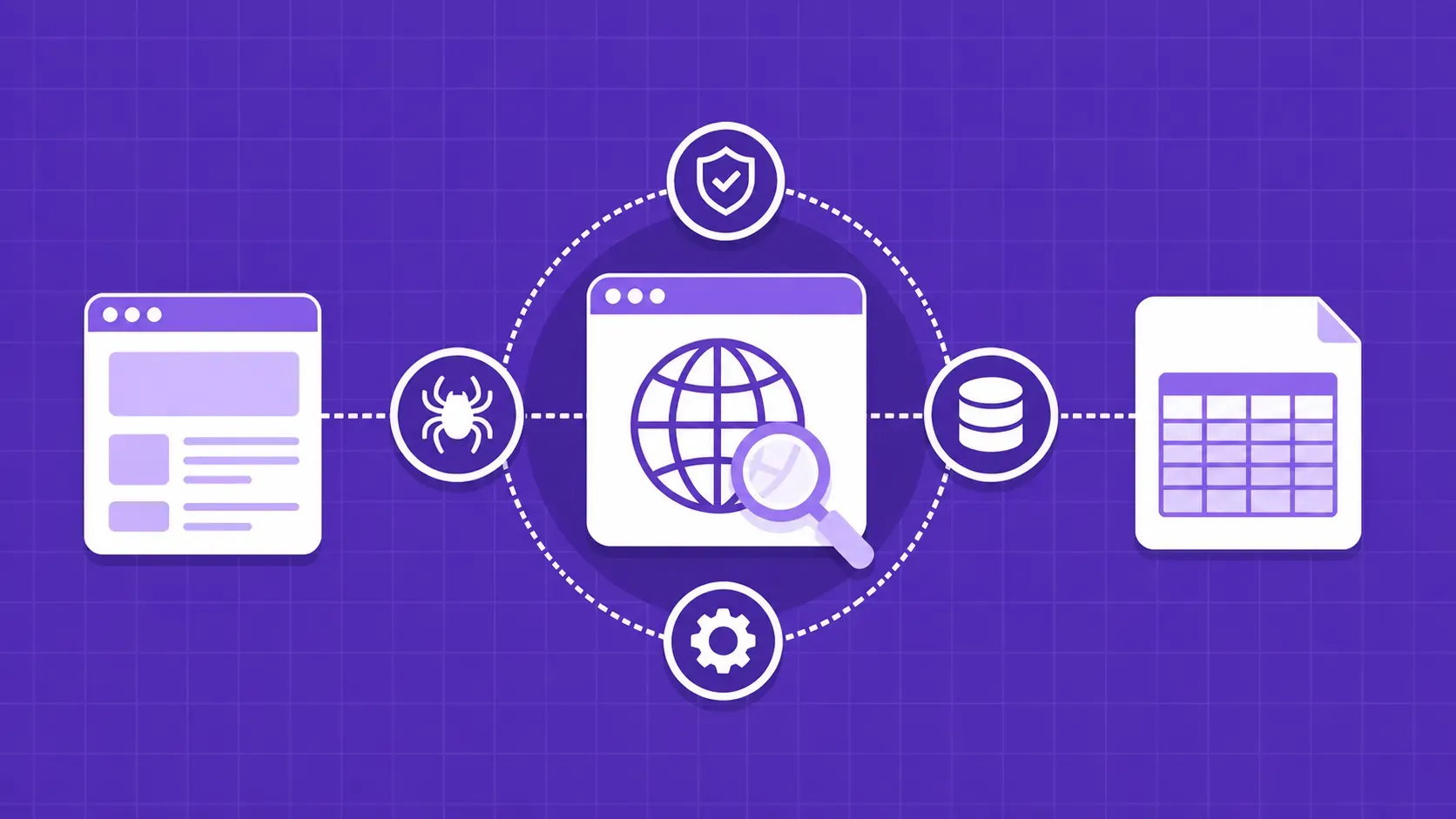
Most scraping projects, regardless of size, follow the same five-stage pipeline. Understanding it clarifies what is web scraping under the hood and where each tool plugs in.

  1. Pick targets. Decide which sites and which fields you actually need. A pricing project might target ten retailers and four fields per product (title, SKU, price, availability).
  2. Collect URLs. Either start from a sitemap, a category page, a search result, or a seed list. A crawler is the right tool when URLs need to be discovered by following links.
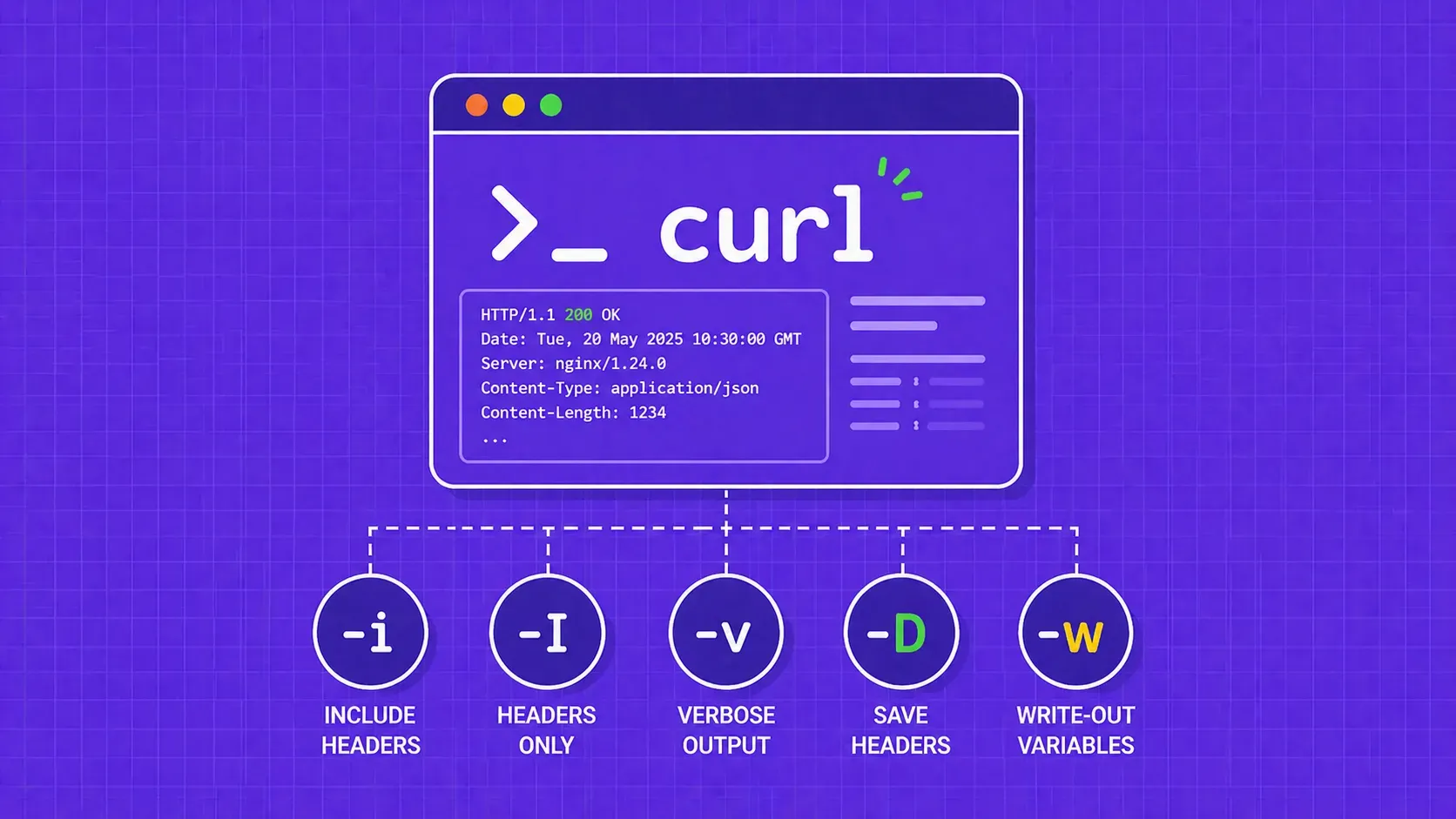
  3. Send a request and get HTML. A simple HTTP client like curl, Python's requests, or Node's fetch retrieves the raw page. Set realistic headers, handle redirects, and respect the response status.
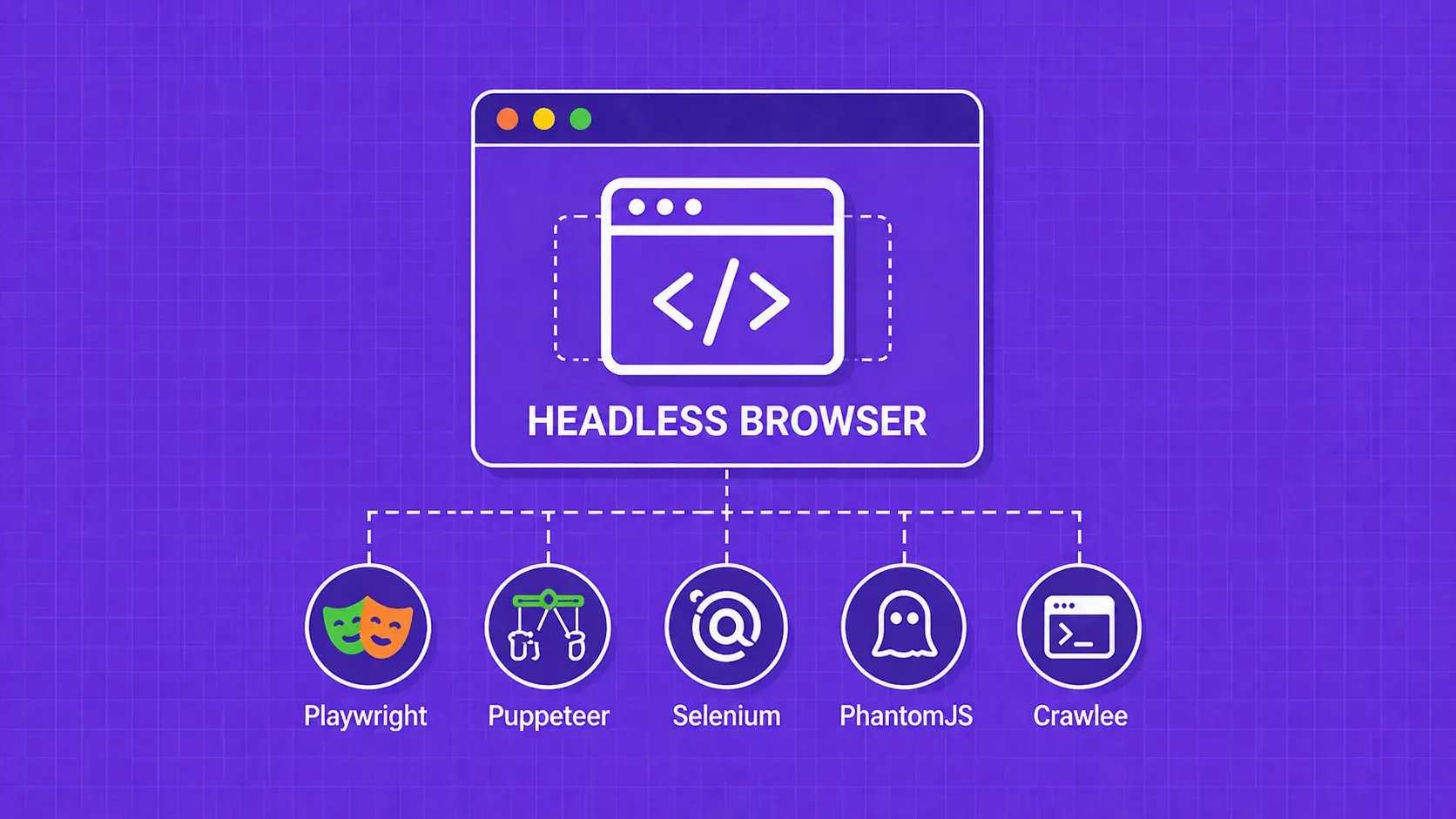
  4. Render JavaScript when required. If the data only appears after the page executes scripts, an HTTP client is not enough. You need a headless browser such as Playwright or Puppeteer (see our headless browser deep dive) to drive a real Chromium engine and capture the post-render DOM.
  5. Locate, transform, and store. Use selectors (CSS, XPath, or regex) to pick fields out of the HTML, normalize them (parse dates, strip currency symbols, deduplicate), and write the result to CSV, JSON, Parquet, or a database row.

In pseudocode it looks roughly like this:

for url in target_urls:
    html = fetch(url, headers=realistic_headers, proxy=rotating_pool)
    if page_uses_js:
        html = render_with_headless_browser(url)
    record = {
        "title": select(html, "h1.product-title"),
        "price": parse_price(select(html, "span.price")),
        "in_stock": "Add to cart" in html,
    }
    store(record)

Static HTML pages can stop at step 3. Single-page applications, infinite-scroll feeds, and login-gated content usually need step 4. The complexity of your pipeline tracks the complexity of your targets, not the size of the data.

Web scraping vs web crawling: complementary, not interchangeable

Web scraping and web crawling get conflated constantly, but they do different jobs. A crawler discovers URLs by starting at a seed page and following links. A scraper extracts specific fields from the pages those URLs point to. Real projects almost always combine both: a crawler builds the URL list, then a scraper processes each URL one by one. (Our dedicated comparison of web scraping vs web crawling goes deeper into the distinction.)

Dimension

Crawler

Scraper

Primary goal

Discover URLs

Extract fields

Output

A list of links

Structured records

Knows the schema?

No

Yes, by design

Typical example

Search-engine indexer

Price-tracker bot

Search engines are the canonical hybrid. The crawler walks the public web following links, and the scraper pulls page content out for indexing. As the old line goes, the crawler is the horse and the scraper is the chariot. They go together, but they are not the same machine, and you almost always want to design and monitor them as separate stages so failures in one do not silently corrupt the other.

Web scraping vs data mining, screen scraping, and APIs

Three more terms get tangled with scraping, and pinning them down sharpens what is web scraping by contrast.

Data mining is what you do after the data already exists. It applies statistical and machine-learning techniques to a collected dataset to surface patterns. Scraping produces the raw rows; mining interprets them. Our web scraping vs data mining write-up has a longer treatment.

Screen scraping historically meant pulling data from a rendered visual interface, often a terminal screen or, today, a browser viewport. It overlaps with web scraping when you grab data after JavaScript renders, but the term still implies a UI-level extraction rather than parsing HTML directly.

Official APIs beat scraping when they exist. As one rule of thumb in the field puts it, an API will almost always be simpler and more stable than parsing HTML. Use the API when it is documented and licensed for your use case. Scrape when no API exists, the API is rate-limited beyond your needs, or the data is only on the public site. Undocumented internal APIs sit in a gray zone: technically reachable, often unstable, and worth treating with caution.

Where web scraping is used: high-impact use cases

Use cases for web scraping cluster naturally by business function. Below are the patterns that show up across teams asking what is web scraping good for in production.

E-commerce and price intelligence. Retailers track competitor pricing, monitor stock levels, watch promotions, and enforce minimum advertised price (MAP) policies. Price-comparison sites lean heavily on scraping when merchants do not provide direct feeds, and dynamic-pricing engines often consume scraped data hourly.

Marketing. Brand-monitoring teams scrape news sites, forums, and review platforms to track sentiment and share of voice. SEO teams scrape SERPs to track rankings, snippets, and competitor content gaps.

Sales and lead generation. B2B teams build prospect lists from directories, job boards, and company sites. Personal data scraped here is the most regulated category, so this use case demands extra care around consent and data-protection law.

Finance and alternative data. Hedge funds and equity researchers scrape job postings, product reviews, store-locator counts, and shipping-tracker pages as leading indicators that arrive earlier than official filings.

Real estate and travel. Listing aggregators pull rental and sale prices, room availability, and amenity data from portals to power search experiences. Travel meta-search sites lean on the same patterns.

News, journalism, and brand monitoring. Editorial teams and PR shops scrape headlines, bylines, and comment sections. Investigative reporters use scraping to assemble datasets that no single official source publishes.

Recruitment and job aggregation. Job boards and sourcing tools aggregate listings across thousands of company career pages. Talent-intelligence platforms enrich profiles with public web signals.

Search and SEO. Beyond rank tracking, SEO platforms scrape SERP features, knowledge panels, related searches, and review schemas to inform content strategy.

AI training data. Foundation-model teams scrape large text corpora for pretraining, image collections for vision models, and sentiment-labeled threads for RLHF or fine-tuning. We will dedicate a full section to AI use cases later.

The common thread is that web scraping is rarely the product. It is the data layer underneath a pricing engine, a CRM, a research dashboard, or a model. That framing is the most useful answer to what is web scraping for in a real org.

Methods and tools: from no-code to custom code to managed APIs

There are roughly three ways to actually run a scraper, and they map to different team shapes and project sizes.

No-code browser extensions and desktop apps. Point-and-click tools let a non-developer record selectors visually and export to CSV. They are great for one-off jobs, small recurring lists, and prototyping. They struggle once you need scale, login flows, or aggressive anti-bot evasion.

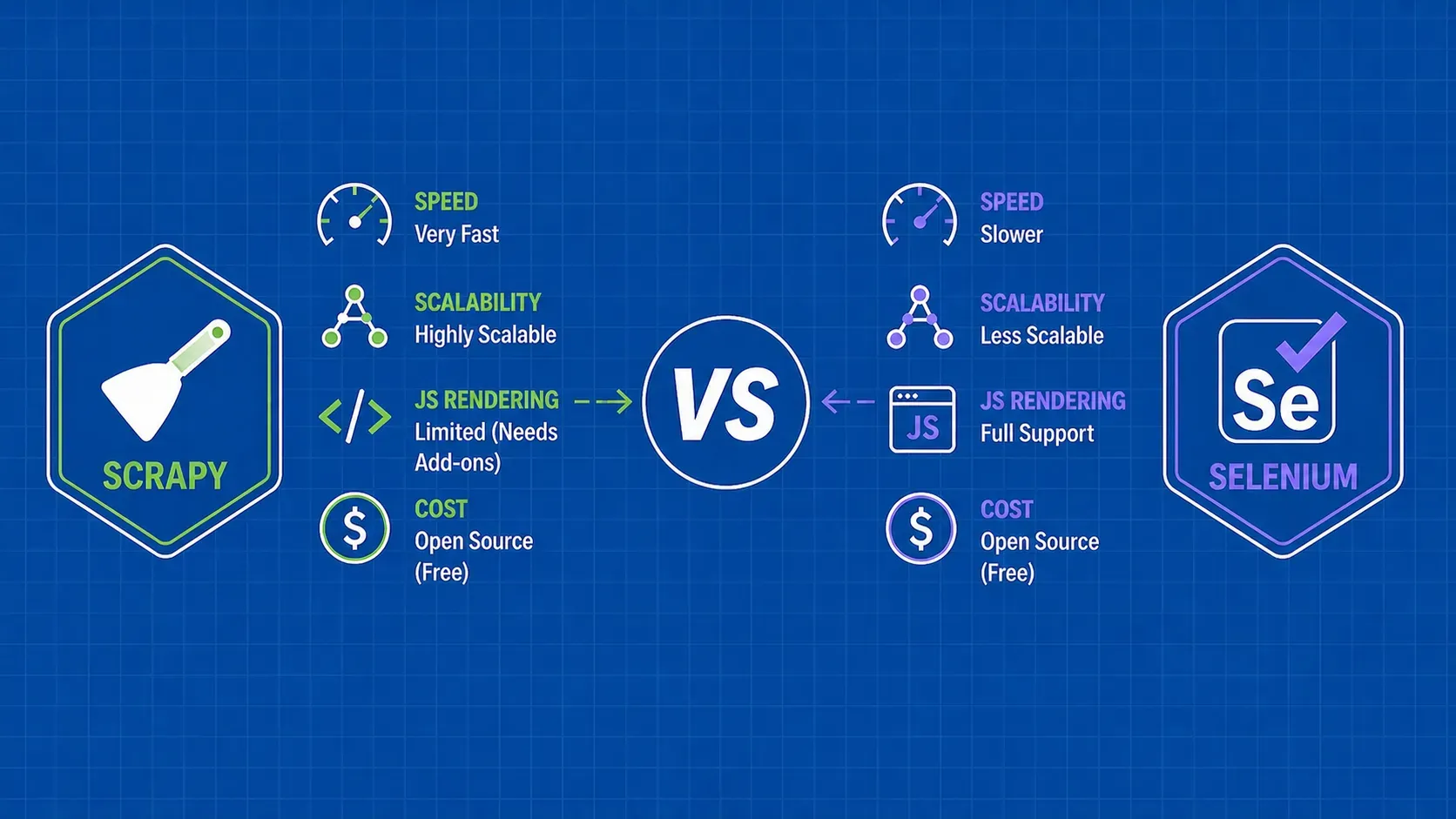
Custom scripts and frameworks. Writing the scraper yourself in Python, Node, Go, or another language gives you full control. Frameworks like Scrapy or Playwright handle concurrency, retries, and rendering for you, but you still own infrastructure, proxies, and maintenance. This is the right path when the logic is non-trivial, the schema is your competitive advantage, or compliance requirements demand the audit trail.

Managed scraping APIs. A managed API absorbs the messy parts (proxy rotation, browser fingerprinting, CAPTCHA handling, retries) behind a single endpoint. You send a URL, you get HTML or JSON back. This is the pragmatic choice once anti-bot pressure, geographic coverage, or volume make in-house infrastructure expensive to keep healthy.

The build-versus-buy decision usually comes down to where you want to spend engineering time. Vendors typically promote outsourcing or managed APIs as offering higher data quality, lower total cost than running scrapers in-house, and easier compliance posture. Treat those as vendor-attributed claims and compare them against your own actual numbers, including failure rates, reprocessing time, and the fully loaded cost of an engineer maintaining custom infrastructure.

Bucket

Skill required

Scale ceiling

Anti-bot handling

Maintenance

No-code tool

Low

Low

Limited

You

Custom code

Medium to high

High

You build it

You

Managed API

Medium

Very high

Vendor handles

Vendor

Programming languages and libraries at a glance

If you are choosing a stack, the practical answer to what is web scraping written in is, mostly, Python or JavaScript. The ecosystem and tooling around both are mature.

Python dominates general-purpose scraping. requests plus BeautifulSoup or lxml covers static HTML cleanly. Scrapy is the framework choice when you need crawling, pipelines, and concurrency in one bundle. Playwright (and pyppeteer) drives a real browser when JavaScript rendering is required. Our Python web scraping ultimate guide walks through a full project in this stack.

JavaScript and Node.js are the other workhorses, especially for JavaScript-heavy targets. Cheerio is a lightweight, jQuery-style HTML parser. Puppeteer and Playwright (Node bindings) drive headless Chrome and Firefox for SPAs, infinite scroll, and login-gated flows. If your team already lives in TypeScript, the friction is low.

Other languages. Java teams reach for jsoup and HtmlUnit. Go has colly and chromedp for high-throughput scrapers. Ruby has Nokogiri and Mechanize. PHP has Goutte and Symfony Panther. For one-off jobs, curl combined with jq (for JSON endpoints) or pup (for HTML) is genuinely effective from a shell prompt.

Choose for your team's existing skill stack rather than for raw benchmark numbers. Long-term, the cost of a scraper is mostly maintenance, and maintenance is cheapest in the language your engineers already know.

Anti-bot defenses and how scrapers handle them

Sites block scrapers for three reasons: bandwidth and infrastructure cost, abuse prevention (account fraud, content theft, ticket scalping), and competitive risk. Anti-bot tooling evolves quickly, so treat the patterns below as the state of play at the time of writing rather than a fixed taxonomy. Our 2026 playbook on web scraping without getting blocked covers tactics in more depth.

Defenses tend to come in matched pairs with their mitigations.

  • Rate limiting and IP-level blocks. Mitigate with throttling, exponential backoff, and rotating residential or mobile proxies that distribute load across many IPs.
  • User-agent and TLS fingerprinting. Mitigate with realistic headers, browser-grade TLS stacks, and (for harder targets) actual headless browsers whose fingerprints look like normal users.
  • JavaScript challenges and bot scoring. Mitigate with full browser execution, sometimes paired with stealth plugins that patch obvious automation tells.
  • CAPTCHAs. Mitigate by avoiding them in the first place (slower request rates, better fingerprints, residential IPs) or by routing through a managed solver service when avoidance is not enough.
  • Geo-restrictions. Mitigate with proxies in the target country and region, plus locale-aware headers and cookies.

The bigger lesson is restraint over arms race. Aggressive scraping triggers aggressive defenses, which triggers more aggressive scraping, which triggers harder defenses, and so on. Scrapers that throttle politely, identify themselves where appropriate, and cache responsibly tend to last longer in production than scrapers that try to look invisible at any cost.

General guidance, not legal advice. Legality rarely reduces to yes or no; it depends on what you scrape, how you collect it, and what you do with the results.

  • Public versus non-public data. Data behind a login, paywall, or CAPTCHA is treated more strictly than data served to any browser. In the U.S., scraping authentication-walled data has driven Computer Fraud and Abuse Act claims; the hiQ Labs v. LinkedIn line narrowed but did not erase that risk.
  • Terms of service and copyright. ToS clauses can restrict automated access, and republishing scraped content can raise copyright issues even when the collection step was clean. Fact-only datasets carry less risk than verbatim text or images.
  • Personal data regimes. If data is tied to identifiable individuals, you fall under privacy laws such as the EU's General Data Protection Regulation and the California Consumer Privacy Act. Both care about lawful basis, transparency, and opt-out rights, even for technically public data.
  • robots.txt. Standardized in IETF RFC 9309, robots.txt is an etiquette signal, not a legal contract. Ignoring it weakens your good-faith argument in a dispute. Our explainer on whether it is legal to scrape websites covers more tradeoffs.

A short ethics checklist that holds up across jurisdictions:

  1. Identify your bot in the user-agent string when possible.
  2. Throttle so you do not degrade the target site.
  3. Cache and deduplicate to avoid refetching unchanged pages.
  4. Respect robots.txt and platform opt-outs.
  5. Avoid personal data unless you have a clear lawful basis.

Web scraping as fuel for AI and machine learning

Modern machine learning is, in large part, a data problem, and web scraping is one of the dominant ways teams solve it. When people ask what is web scraping good for in 2025 and beyond, AI workloads are the fastest-growing answer.

  • Pretraining corpora for LLMs. Foundation models train on web-scale text. Scraping (and licensing) governs both quality and breadth.
  • Vision and multimodal data. Image-rich domains (product catalogs, real estate listings, social feeds) feed image classifiers, object detectors, and multimodal models.
  • Sentiment and intent labels. Reviews, forum threads, and social posts produce labeled or weakly labeled text for sentiment and classification models.
  • RAG pipelines. Retrieval-augmented generation needs fresh, indexed content. Scrapers keep the index current with documentation, news, and product pages.
  • Recommender features. Structured product, listing, and content metadata becomes feature inputs for ranking and personalization models.

What separates useful scraped data from noise is the same thing that separates a good dataset from a bad one anywhere else: quality, freshness, and clean licensing. A messy 100M-row corpus often costs more to clean than it saves at training time.

How to choose the right web scraping approach

Use this five-question framework when deciding what is web scraping going to look like for your project specifically.

  1. How much data do you need? Hundreds of rows, no-code is fine. Hundreds of millions, you need infrastructure.
  2. How often do you need it? A one-time pull tolerates manual steps. Hourly or real-time pipelines need monitoring and orchestration.
  3. How complex are the targets? Static HTML is forgiving. JavaScript rendering, logins, and aggressive anti-bot defenses push you toward headless browsers and managed APIs.
  4. What is your team's skill stack? A small product team without backend engineers is better off with a managed API. A platform team with proxy infrastructure can run custom Scrapy clusters.
  5. How critical is reliability? Marketing experiments tolerate gaps. Pricing engines and trading signals do not, so they justify higher-cost, higher-reliability paths.

Map answers like this: low volume, simple sites, small team -> no-code. Medium volume, mixed complexity, in-house engineers -> custom code with proxies. High volume, hard targets, reliability-critical -> managed API or managed data service.

Common challenges and how to manage them

Even a well-designed scraper hits the same handful of recurring issues in production:

  • Layout changes. Selectors break when sites redesign. Mitigate with modular selectors, multiple fallbacks per field, and schema validation on output.
  • Dynamic content and pagination. Infinite scroll and lazy-loaded sections demand a real browser or a careful API-call replay. Pagination needs explicit termination logic.
  • Sessions, cookies, and logins. Persist cookies, refresh tokens before they expire, and isolate sessions per worker.
  • IP blocks and geo-restrictions. Rotate residential IPs and target the right country.
  • Data quality. Treat output as untrusted. Validate types, ranges, and completeness, and alert on unusual drift.

Monitoring (success rate, schema-violation rate, latency) is the single highest-leverage habit. A scraper without observability is a scraper that fails silently.

Key Takeaways

  • Web scraping is automated extraction of public web data into a structured format such as JSON, CSV, or a database row. The pipeline is small but the engineering around it is what scales.
  • Web scraping is not the same as crawling, data mining, screen scraping, or using an API. Crawlers discover URLs, scrapers extract fields, data mining analyzes results, and APIs (when available) almost always beat HTML parsing.
  • Use cases cluster by business function: e-commerce pricing, marketing and SEO, B2B lead generation, financial alternative data, real estate and travel, journalism, recruitment, and AI training data.
  • Tooling spans no-code extensions, custom code with frameworks, and managed scraping APIs. The right choice depends on volume, target complexity, team skill, and reliability needs.
  • Legality and anti-bot defenses are real constraints. Throttle politely, respect robots.txt and platform opt-outs, treat personal data carefully under GDPR and CCPA, and prefer restraint over an arms race.

FAQ

What is the difference between web scraping and web crawling?

A crawler's job is to discover URLs by starting at a seed page and following links. A scraper's job is to extract specific fields, like price or job title, from the pages those URLs point to. They are usually combined: a crawler builds the URL list, and a scraper processes each URL. Search-engine indexing pipelines are the canonical example of both running together.

Generally, scraping public data is treated more permissively than scraping data behind a login or paywall, but it is not automatically lawful. Terms of service, copyright on the underlying content, and personal-data laws like GDPR and CCPA still apply. Avoid authentication walls without permission, do not republish copyrighted material, and treat personal data as regulated even when it is technically public.

Do I need to know how to code to scrape a website?

No. Point-and-click browser extensions and desktop scraping apps let non-developers select fields visually and export to CSV. They work well for small jobs and one-off lists. Once you need volume, login flows, JavaScript rendering, or anti-bot resilience, you usually graduate to either custom scripts in Python or JavaScript or a managed scraping API.

How do websites detect and block scrapers?

Sites combine signals: request rate per IP, user-agent and TLS fingerprints, cookie and session behavior, mouse and timing patterns, JavaScript challenges that require executing scripts, and CAPTCHAs. Many also score traffic with a third-party bot-detection vendor. Mitigations pair with each: throttling and rotating proxies, realistic headers, headless browsers, and selectively routed CAPTCHA solvers when avoidance is not enough.

Is web scraping the same as using an API?

No. An API is an interface the site owner publishes specifically for programmatic access, with a defined schema, rate limits, and terms. Scraping parses HTML that was rendered for human readers, so the schema is implicit and can change without notice. When an official API exists and covers your use case, it is almost always simpler and more stable than scraping the same data.

Conclusion

If you came in asking what is web scraping, the short version is now familiar: a small but flexible pipeline that pulls structured data out of pages designed for humans, then hands it to whatever pricing engine, dashboard, CRM, or model needs it next. The technique is decades old. The interesting work has shifted upward, into picking the right tooling for the project shape, designing for layout drift and anti-bot pressure, and treating legality and ethics as first-class engineering constraints rather than afterthoughts.

A reasonable path for most teams: start narrow with a single target and a custom script (or a no-code tool) to validate the data is worth collecting. As your volume, target complexity, or anti-bot exposure grows, move parts of the stack behind a managed API so your engineers stop maintaining proxy pools and start working on the data itself.

If that is the direction you are heading, WebScrapingAPI's Scraper API and Browser API handle the request layer for you, including proxy rotation, fingerprinting, and JavaScript rendering, so you can keep the parsing and modeling code that actually differentiates your product. Whichever path you choose, the goal is the same: clean, fresh, well-licensed data, delivered reliably to the system that turns it into a decision.

About the Author
Sergiu Inizian, Technical Content Writer @ WebScrapingAPI
Sergiu InizianTechnical Content Writer

Sergiu Inizian is a Technical Content Writer at WebScrapingAPI, creating clear, practical content that helps developers understand the product and use it effectively.

Start Building

Ready to Scale Your Data Collection?

Join 2,000+ companies using WebScrapingAPI to extract web data at enterprise scale with zero infrastructure overhead.