TL;DR: Web scraping with regex shines when you need short, predictable text patterns (prices, SKUs, emails, dates) out of HTML you already trust. Pair Python's re module with Beautiful Soup, scope your patterns to a parsed node instead of raw markup, and keep regex out of the way of full HTML tree parsing. This guide walks through a working title and price scraper, advanced regex features, and the pitfalls that bite real scrapers in production.Introduction
Most Python scrapers eventually hit a moment where CSS selectors and XPath stop being enough. You have the right <div>, but inside it sits a string like "$1,299.00 USD (incl. VAT)" and you need just the number. That is where web scraping with regex earns its keep: it is a pattern-based text-extraction technique that targets specific shapes inside the raw HTML or visible text behind a page, instead of navigating the DOM tree.
This guide is for intermediate Python developers who already know how to fetch a page with requests and parse it with Beautiful Soup, and now want to slot regular expressions into that toolkit without making the scraper brittle. We will cover when web scraping with regex is the right call (and when it really is not), a scraping-focused tokens cheat sheet, a working title and price scraper that writes structured CSV, and the advanced re features (named groups, lookarounds, flags, re.compile) that keep patterns readable as the project grows. We will also be honest about regex's limits on dynamic and malformed HTML, and where you should reach for selectors or a managed scraping API instead.
When regex is the right tool for scraping (and when it isn't)
Regex is excellent for short, well-defined text patterns: prices, dates, ISBNs, phone numbers, hashes, query parameters inside URLs. It is a poor choice for navigating arbitrary HTML trees with nested tags, optional attributes, and inconsistent whitespace.
A simple decision rubric for web scraping with regex:
- Reach for regex when the field has a stable shape (
\d+\.\d{2}, an email, a UUID), the page is server-rendered HTML, and you can already isolate the surrounding node with a parser. - Skip regex when the data is buried in deeply nested tags, the markup changes class names per deploy, or the page is JavaScript-rendered and the values you want only appear after the browser executes scripts.
Regex tokens cheat sheet for scraping
You only need a small core of tokens for almost every web scraping with regex job. The table below is scraping-focused: each example is something you might actually grep out of HTML.
|
Token |
What it matches |
Scraping example |
|---|---|---|
|
|
Any digit (0–9) |
|
|
|
Word char (letters, digits, |
|
|
|
Any whitespace |
Tolerating ragged HTML formatting |
|
|
Any character except newline |
|
|
|
Start / end of string (or line) |
Anchoring a clean text node |
|
|
0+, 1+, 0–1 reps (greedy) |
|
|
|
Non-greedy variants |
|
|
|
Character class |
|
|
|
Capture group |
Pull just the price out of |
|
|
Named capture |
|
|
|
Lookahead / lookbehind |
|
|
|
Escape |
Match a literal |
For anything beyond this, lean on the Python re module documentation and the official Regular Expression HOWTO rather than copy-pasting from random blogs.
Step-by-step: scrape product titles and prices with Python
To make this concrete, we will scrape a static product listing page and pull two fields: the product title and the price. Pick any sandbox or demo store you have permission to scrape; the pattern below assumes server-rendered HTML with one card per product. The four substeps cover environment setup, fetching and isolating cards, writing patterns, and saving structured output.
Set up Python, requests, and Beautiful Soup
A clean virtual environment keeps dependencies contained and your shell history sane. Python's re module ships with the standard library, so the only third-party installs are the HTTP client and the parser. If you are evaluating different fetchers, our roundup of Python HTTP clients is a good companion read.
python -m venv .venv
source .venv/bin/activate     # Windows: .venv\Scripts\activate
pip install requests beautifulsoup4
import csv
import re
import requests
from bs4 import BeautifulSoupFetch the page and isolate product cards
Always narrow the scope before you regex. Running patterns against an entire HTML document is how you accidentally match the wrong tag two thousand lines down. Use Beautiful Soup to grab the product cards, then operate on each card's HTML in isolation. If requests.get returns a near-empty <body> and the data lives in a <script> tag or only loads after JS execution, regex on the raw response will not save you; you need a headless browser or a rendering API.
URL = "https://example.com/products"  # replace with a target you are allowed to scrape
html = requests.get(URL, timeout=15).text
soup = BeautifulSoup(html, "html.parser")
cards = soup.find_all("div", attrs={"data-testid": "product-card"})
Write regex patterns for titles and prices
Anchor your patterns to stable attributes, not to hashed CSS class names like css-7u5e79. Those class hashes get regenerated on every front-end deploy and your scraper will silently break. Prefer data-* attributes, semantic tags (<h4>, <h2>), or itemprop markup when the site exposes it.
TITLE_RE = re.compile(r'<h4[^>]*itemprop="name"[^>]*>(.*?)</h4>', re.DOTALL)
PRICE_RE = re.compile(r'<span[^>]*itemprop="price"[^>]*>\s*\$?([\d,]+\.\d{2})\s*</span>')
Three things worth flagging when you use regex web scraping at this layer:
(.*?)is non-greedy; without the?your title match would happily eat across multiple cards.[^>]*lets the tag have any other attributes (class,id, analytics hooks) without breaking the match.re.DOTALLlets.match newlines so a title that wraps onto a new line still gets captured.
Loop through results and save to a structured file
Plain text dumps are fine for debugging, but you almost always want CSV or JSON for downstream work. CSV with explicit headers makes the output self-documenting and easy to load into pandas or a spreadsheet. Keep raw HTML, parsed CSV, and run logs in separate folders so reruns do not overwrite each other.
rows = []
for card in cards:
    html_chunk = str(card)
    t = TITLE_RE.search(html_chunk)
    p = PRICE_RE.search(html_chunk)
    rows.append({
        "title": t.group(1).strip() if t else "",
        "price_usd": p.group(1) if p else "",
    })

with open("data/products.csv", "w", newline="", encoding="utf-8") as f:
    writer = csv.DictWriter(f, fieldnames=["title", "price_usd"])
    writer.writeheader()
    writer.writerows(rows)
For nested fields (variants, specs), switch to JSON.
Pair regex with Beautiful Soup for cleaner extraction
Regex and a real HTML parser are not competitors; they are layers. Beautiful Soup walks the tree and hands you a focused string, and using regex with Beautiful Soup turns that string into the exact field you want. This is much safer than running web scraping with regex on the raw response.
Two patterns worth memorizing. First, pass a compiled regex straight into find_all or find to filter tags by attribute value:
price_tags = soup.find_all("span", class_=re.compile(r"^price"))Second, search for elements whose visible text matches a pattern:
in_stock = soup.find_all(string=re.compile(r"\bIn stock\b", re.IGNORECASE))If you want a deeper tour of the parser side, our Beautiful Soup walkthrough covers selectors, navigation, and edge cases.
Advanced regex patterns scraper builders should know
Once you are past the basics, a handful of re features make regex web scraping much more maintainable.
- Named groups (
(?P<name>...)) replace fragile positional indexing.m.group("price")is self-documenting and survives pattern reordering. - Lookaheads and lookbehinds let you match without consuming.
\d+(?= USD)captures a number only ifUSDfollows it;(?<=Price:\s)\$\d+grabs$199only after the literal label. - Flags keep patterns short.
re.IGNORECASEforIn Stockvsin stock,re.DOTALLso.crosses newlines,re.VERBOSEso you can write multiline patterns with comments. re.compilepays off when you scrape thousands of pages: compile once, reuse across the loop, and gain a small but real speedup.re.finditerstreams matches lazily, which is friendlier on memory thanfindallfor huge documents.
PRICE = re.compile(r"\$(?P<amount>[\d,]+\.\d{2})(?=\s*USD)", re.IGNORECASE)
for m in PRICE.finditer(page_text):
    print(m.group("amount"))
Common pitfalls and limits of web scraping with regex
Honest list of things that will trip you up:
- Hashed class names (
css-7u5e79 eag3qlw7) change every deploy. Anchor ondata-*,itemprop, or semantic tags instead. - Nested tags break naive
(.*?)matches when the inner HTML contains the same tag you are trying to close. - Malformed HTML (unclosed tags, mismatched quotes) makes regex brittle; a real parser tolerates it.
- JavaScript-rendered content simply is not in the response body. Regex cannot conjure data the server never sent.
- Encoding issues sneak in via
&,', and smart quotes; normalize text before matching.
When two of these hit at once, switch to selectors or a rendering API that returns post-JS HTML.
Regex vs XPath and CSS selectors: which to pick
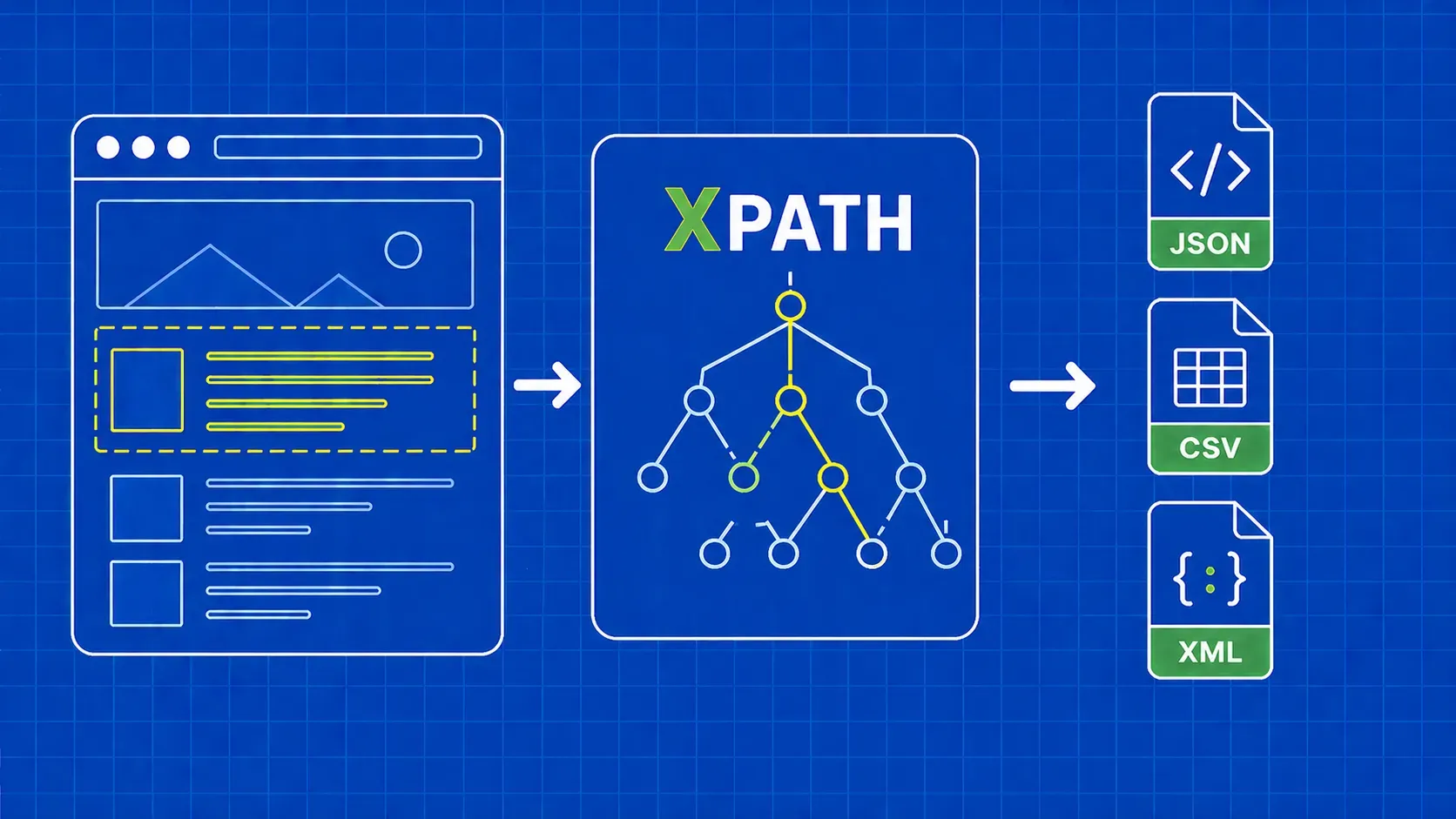
Use selectors for structure, regex for the text inside that structure. CSS selectors are concise and fast for class- and tag-based lookups; XPath is more expressive when you need axes, positions, or text predicates. Regex steps in once you have the right node and need to dissect its string. Our XPath guide and the XPath vs CSS selectors comparison go deeper if you are choosing between the two.
Key Takeaways
- Treat web scraping with regex as a precision tool for short, predictable text patterns; keep full HTML tree navigation in Beautiful Soup or lxml.
- Always anchor patterns to stable attributes (
data-*,itemprop, semantic tags), not hashed CSS class names that churn every deploy. - Combine
find/find_allwithre.compileso patterns run on isolated nodes instead of the entire response body. - Lean on named groups, lookaheads,
re.DOTALL,re.IGNORECASE, andre.compileonce your scraper grows past a single page. - Save output as CSV (or JSON for nested data), with explicit headers and a clean folder layout for reproducibility.
FAQ
Can I scrape JavaScript-rendered pages with regex alone?
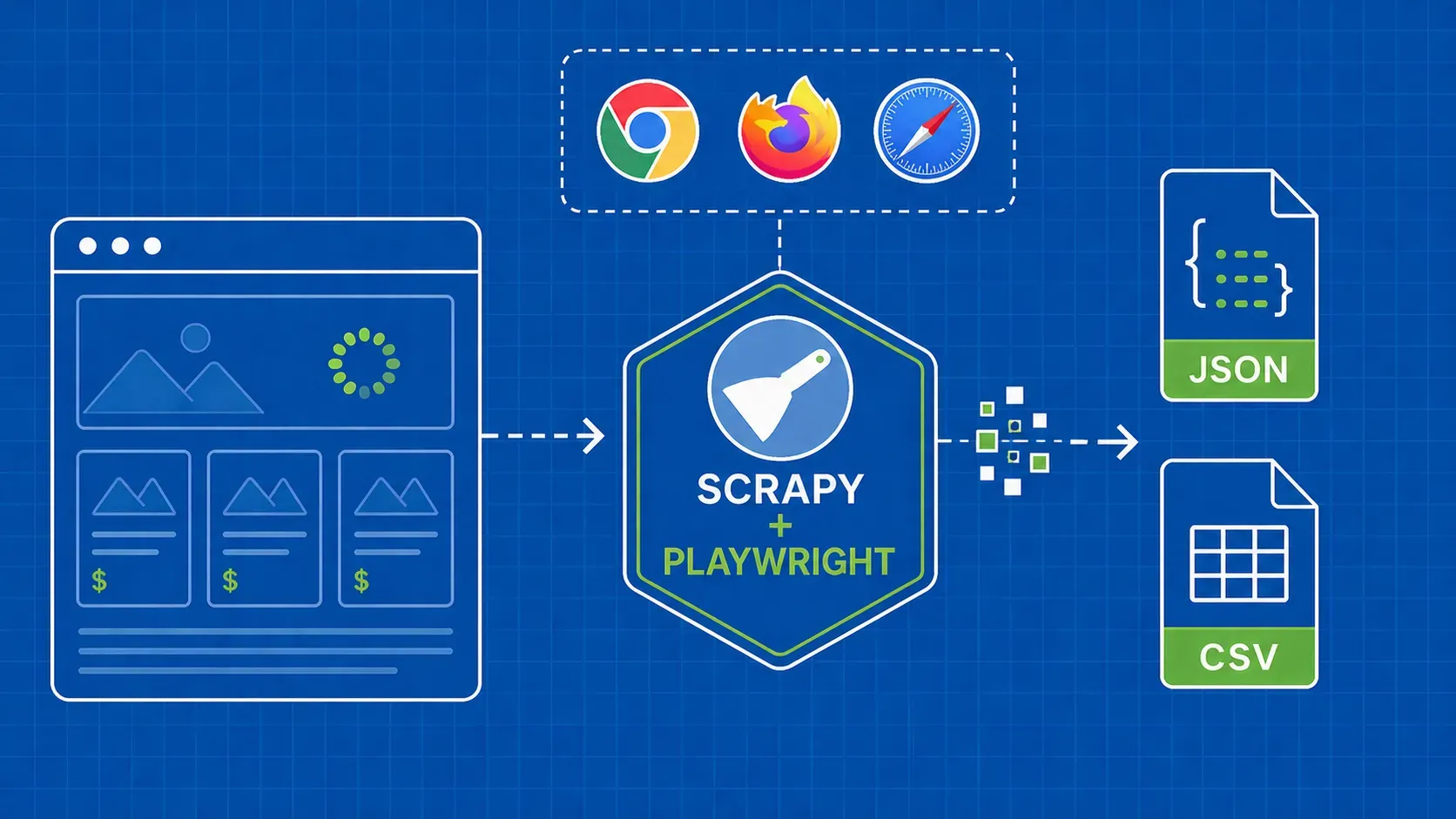
No. Regex matches characters that are already in the response. If the values you need are injected into the DOM by client-side JavaScript, the raw HTML returned by requests simply does not contain them. You need a headless browser (Playwright, Puppeteer, Selenium) or a rendering API that returns the post-JS HTML, then you can apply regex to that output.
How do I test regex patterns before putting them in production?
Use an interactive tester such as regex101 or pythex to validate patterns against representative HTML snippets, with the Python flavor selected. Then add small unit tests that run each pattern against a saved fixture file and assert on the captured groups. Fixtures protect you when the site changes, because a failing test points to the exact pattern that broke.
Should I use re.compile() when scraping a lot of pages?
Yes. re.compile() parses the pattern once and reuses the compiled object across calls, which avoids repeated parsing cost inside hot loops. The performance gain on a single match is small, but across thousands of pages it adds up. The bigger win is readability: compiled patterns can live at module top level with clear names instead of inline string literals.
What is the difference between greedy and non-greedy matching when scraping HTML?
Greedy quantifiers (*, +) match as much text as possible, which can swallow content across multiple records. Non-greedy variants (*?, +?) match as little as possible, stopping at the first valid close. For HTML extraction, (.*?)</h4> correctly captures one title; (.*)</h4> would gobble up the entire document until the last </h4>.
How do I handle multiline matches and odd whitespace in scraped HTML?
Pass re.DOTALL so . matches newlines, and re.MULTILINE if you anchor with ^ or $ per line. For ragged whitespace inside tags, use \s* (zero or more whitespace, including newlines) between expected tokens rather than literal spaces. Normalize entities (&, ) and Unicode quotes before matching so they do not silently break otherwise correct patterns.
Wrap-up and next steps
Web scraping with regex is a sharp tool, not a universal one. Use it where it earns its keep: dissecting short, predictable strings inside HTML you have already isolated with a parser. Keep your patterns anchored on stable attributes, prefer named groups and compiled patterns, and switch to selectors or a rendering layer the moment the page goes JavaScript-heavy or the markup gets nested. Most production scrapers end up using regex, Beautiful Soup, and HTTP clients together; pick the layer that fits the field you are extracting and stop there.
If you would rather not babysit proxies, retries, and CAPTCHAs while you focus on patterns, our team's WebScrapingAPI returns rendered HTML and structured JSON behind a single endpoint, so your re and Beautiful Soup code keeps working while the request layer is handled for you. From here, a natural next read is our broader Python web scraping guide and the data parsing playbook for shaping extracted fields into clean records.