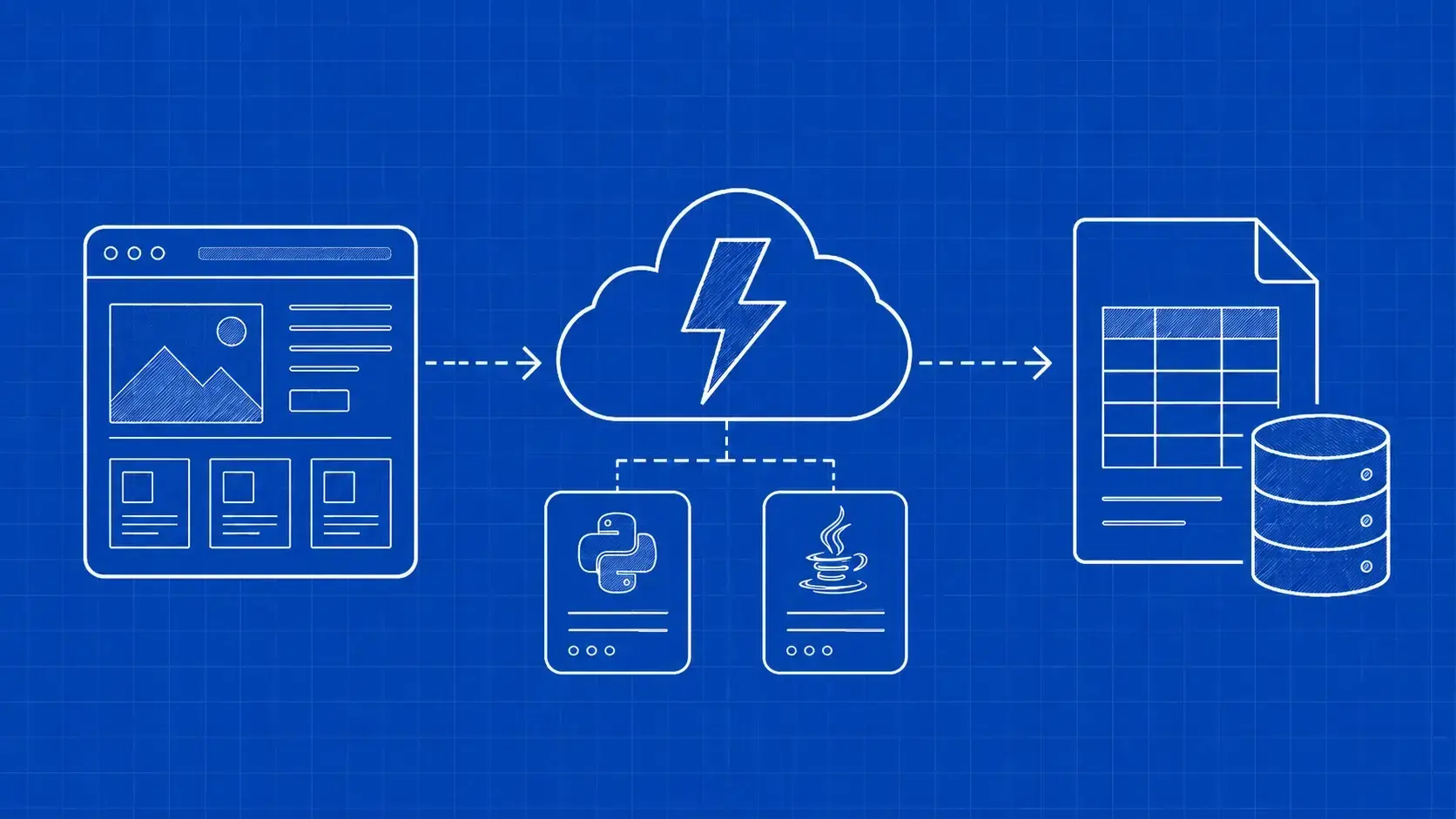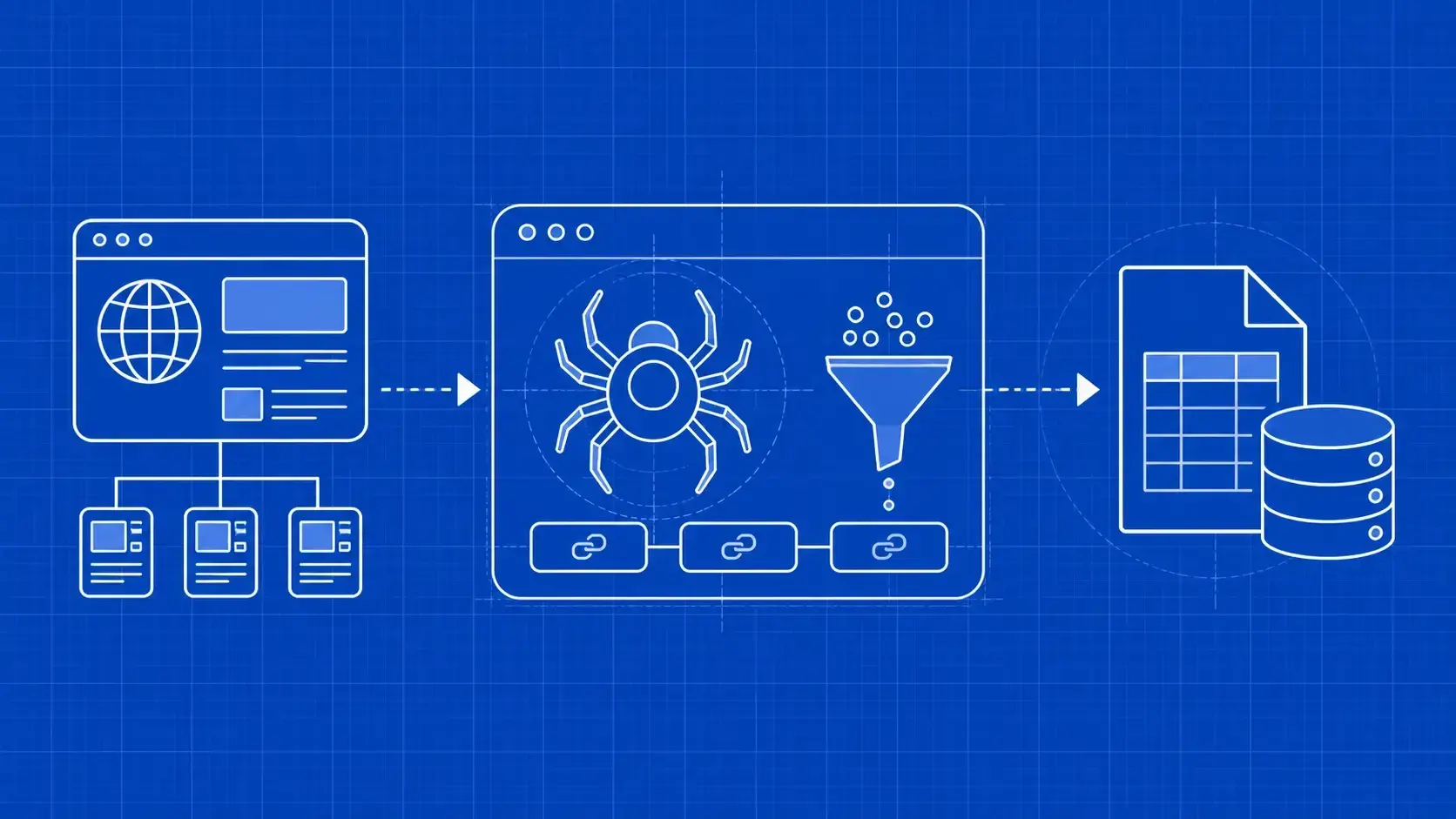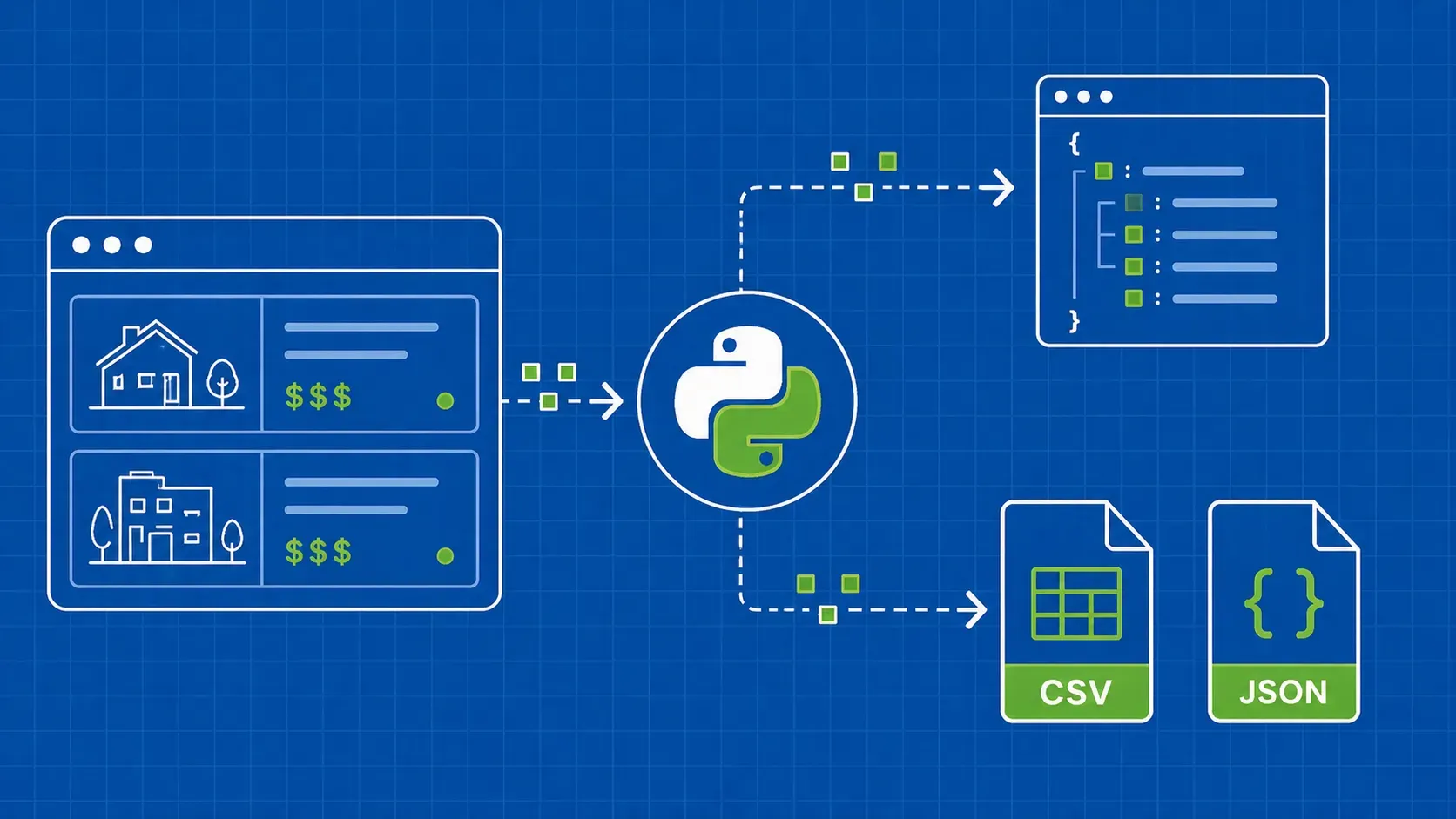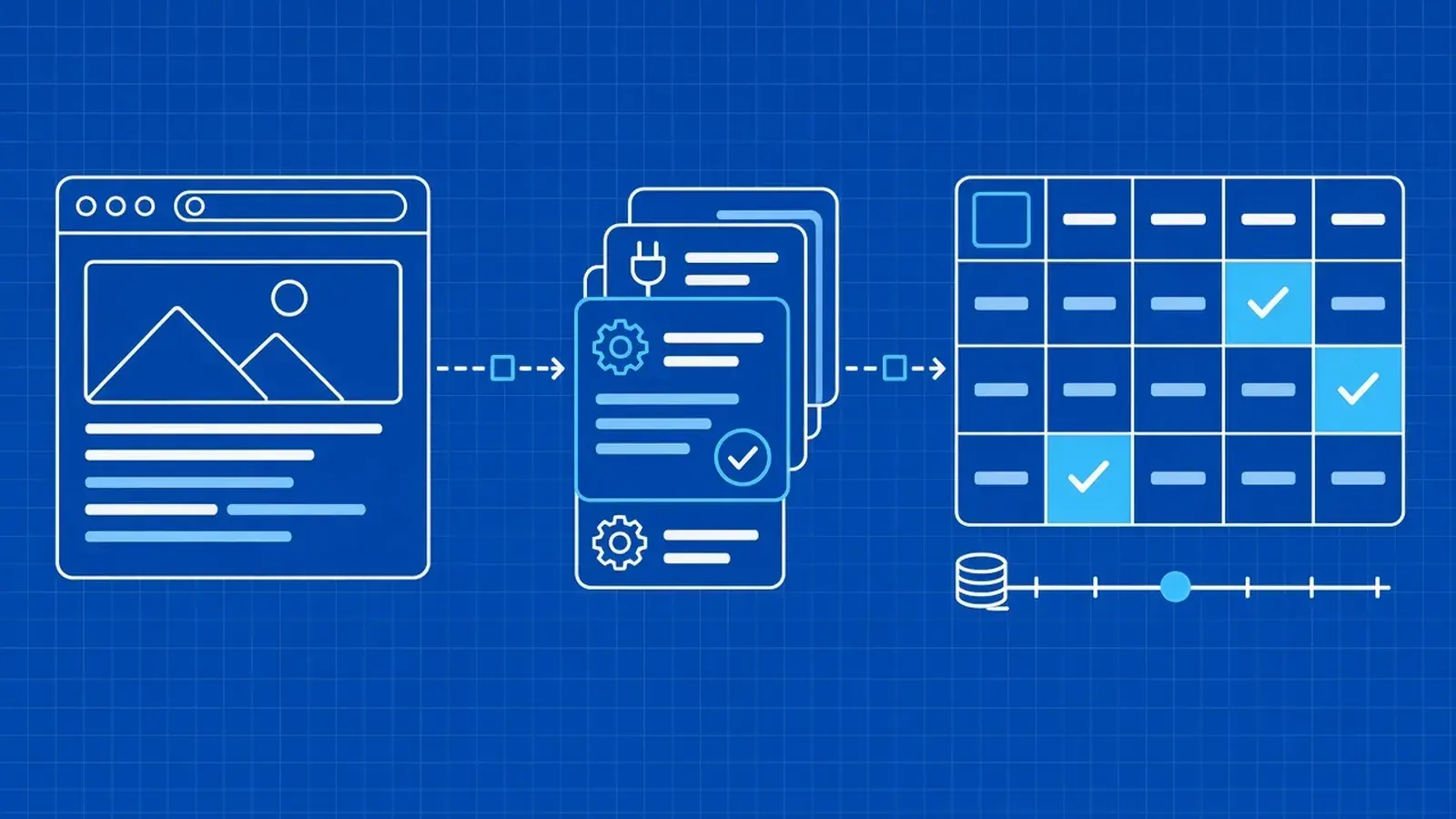
TL;DR: The best web scraping API depends on the job: a cheap page API wins on static HTML, a render flag or hosted browser on JavaScript-heavy apps, a SERP or ecommerce endpoint for parsed records, and a markdown-focused API for LLM pipelines. Shortlist two or three providers, then compare cost per usable page on your own URLs, because credit multipliers and failed-request billing decide the real cost.
The best web scraping API depends on the job. Plain HTML pages, JavaScript-heavy apps, protected sites, search results, ecommerce data, and LLM-ready text each favor different tools. This guide compares 12 providers by job, explains real cost per successful page, and shows how to test them on your own targets.
It's for engineering and data teams shortlisting how to collect web data. WebScrapingAPI is one of the 12, and it is our product. Unlike no-code scrapers, an API fits HTTP pipelines where the provider runs proxies, retries, and browsers.
Key takeaways
- Match the API to the unit of work (page, search result, product record, crawl, or markdown), not to a generic "best" label.
- Headline price per 1,000 requests misleads; credit multipliers and failed-request billing decide your real cost.
- Test on your own URLs, validate content rather than status codes, and compare cost per usable page.
- Proxies, hosted browsers, open-source libraries, and bought datasets solve different jobs than a scraping API.
- WebScrapingAPI covers proxies through page, SERP, browser, crawl, and data APIs under one vendor; not the pick for markdown out of the box or a community-scraper marketplace.