How to Configure Splash: A Step-by-Step Guide to Installation and Configuration
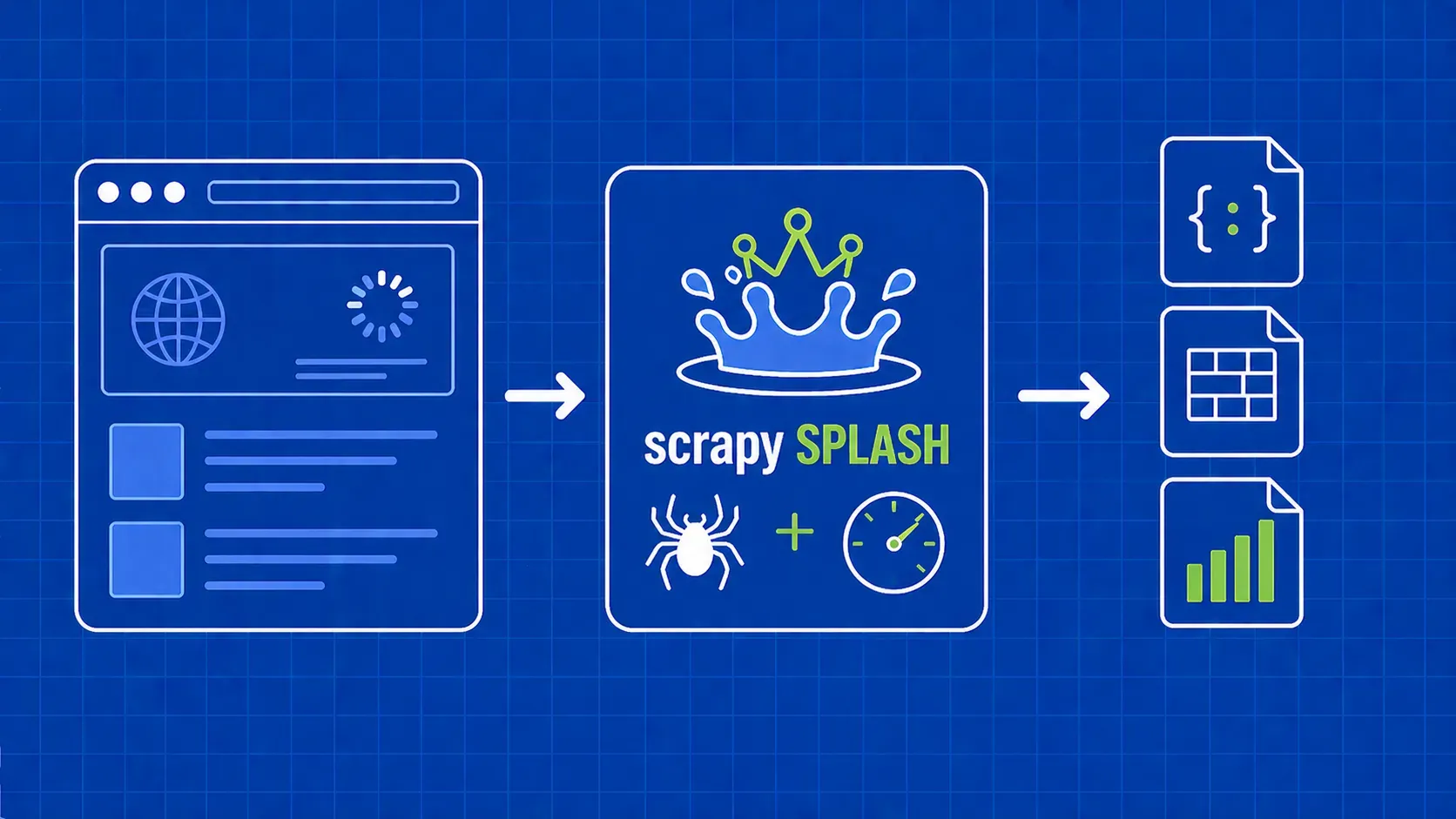
Scrapy Splash is an immensely powerful tool that can unlock new opportunities for scraping data from dynamic websites. However, before we start reaping the benefits of Scrapy Splash, we must first get our systems set up. This involves several essential steps, including the installation of Docker, Splash, Scrapy, and the necessary configurations to make everything work together seamlessly.
1) Setting Up and Installing Docker
Docker is a cutting-edge containerization technology that allows us to isolate and run the Splash instance in a virtual container, ensuring a smooth and consistent operation.
For Linux Users:
Execute the following command in the terminal:
curl -fsSL https://get.docker.com -o get-docker.sh
sudo sh get-docker.sh
For Other Operating Systems:
Windows, macOS, and other OS users can find detailed installation guides on the Docker website.
2) Downloading and Installing Splash via Docker
With Docker installed, you can proceed to download the Splash Docker image, an essential part of our scraping infrastructure.
Execute the command:
docker pull scrapinghub/splash
This will download the image. Now run it with:
docker run -it -p 8050:8050 --rm scrapinghub/splash
Congratulations! Your Splash instance is now ready at localhost:8050. You should see the default Splash page when you visit this URL in your browser.
3) Installing Scrapy and the Scrapy-Splash Plugin
Scrapy is a flexible scraping framework, and the scrapy-splash plugin bridges Scrapy with Splash. You can install both with:
pip install scrapy scrapy-splash
The command above downloads all the required dependencies and installs them.
4) Creating Your First Scrapy Project
Kickstart your scraping journey with the following command:
scrapy startproject splashscraper
This creates a Scrapy project named splashscraper with a structure similar to:
splashscraper
├── scrapy.cfg
└── splashscraper
├── __init__.py
├── items.py
├── middlewares.py
├── pipelines.py
├── settings.py
└── spiders
└── __init__.py
5) Integrating Scrapy with Splash
Now comes the essential part - configuring Scrapy to work with Splash. This requires modifying the settings.py file in your Scrapy project.
Splash URL Configuration:
Define a variable for your Splash instance:
SPLASH_URL = 'http://localhost:8050'
Downloader Middlewares:
These settings enable interaction with Splash:
DOWNLOADER_MIDDLEWARES = {
'scrapy_splash.SplashCookiesMiddleware': 723,
'scrapy_splash.SplashMiddleware': 725,
}
Spider Middlewares and Duplicate Filters:
Further, include the necessary Splash middleware for deduplication:
SPIDER_MIDDLEWARES = {
'scrapy_splash.SplashDeduplicateArgsMiddleware': 100,
}
DUPEFILTER_CLASS = 'scrapy_splash.SplashAwareDupeFilter'
The rest of the settings may remain at their default values.
Writing a Scrapy Splash Spider
Scraping data from dynamic web pages may require interaction with JavaScript. That's where Scrapy Splash comes into play. By the end of this guide, you'll know how to create a spider using Scrapy Splash to scrape quotes from quotes.toscrape.com.
Step 1: Generating the Spider
We will use Scrapy's built-in command to generate a spider. The command is:
scrapy genspider quotes quotes.toscrape.com
Upon execution, a new file named quotes.py will be created in the spiders directory.
Step 2: Understanding the Basics of a Scrapy Spider
Opening quotes.py, you'll find:
import scrapy
class QuotesSpider(scrapy.Spider):
name = 'quotes'
allowed_domains = ['quotes.toscrape.com']
start_urls = ['http://quotes.toscrape.com/']
def parse(self, response):
pass
- name: The spider’s name
- allowed_domains: Restricts spider to listed domains
- start_urls: The URLs to scrape
- parse: The method invoked for each URL
Step 3: Scrape Data from a Single Page
Now, let's make the spider functional.
a) Inspect Elements Using a Web Browser
Use the developer tools to analyze the HTML structure. You'll find each quote enclosed in a div tag with a class name quote.
b) Prepare the SplashscraperItem Class
In items.py, modify it to include three fields: author, text, and tags:
import scrapy
class SplashscraperItem(scrapy.Item):
author = scrapy.Field()
text = scrapy.Field()
tags = scrapy.Field()
c) Implement parse() Method
Import the SplashscraperItem class and update the parse method in quotes.py:
from items import SplashscraperItem
def parse(self, response):
for quote in response.css("div.quote"):
text = quote.css("span.text::text").extract_first("")
author = quote.css("small.author::text").extract_first("")
tags = quote.css("meta.keywords::attr(content)").extract_first("")
item = SplashscraperItem()
item['text'] = text
item['author'] = author
item['tags'] = tags
yield item
Step 4: Handling Pagination
Add code to navigate through all the pages:
next_url = response.css("li.next>a::attr(href)").extract_first("")
if next_url:
yield scrapy.Request(next_url, self.parse)
Step 5: Adding Splash Requests for Dynamic Content
To use SplashRequest, you’ll have to make changes to the current spider:
from scrapy_splash import SplashRequest
def start_requests(self):
url = 'https://quotes.toscrape.com/'
yield SplashRequest(url, self.parse, args={'wait': 1})
Update the parse method to use SplashRequest as well:
if next_url:
yield scrapy.SplashRequest(next_url, self.parse, args={'wait': 1})
Congratulations! You've just written a fully functional Scrapy spider that utilizes Splash to scrape dynamic content. You can now run the spider and extract all the quotes, authors, and tags from quotes.toscrape.com.
The code provides an excellent template for scraping other dynamic websites with similar structures. Happy scraping!
Handling Splash Responses in Scrapy
Splash responses in Scrapy contain some unique characteristics that differ from standard Scrapy Responses. They are handled in a specific way, based on the type of response, but the extraction process can be performed using familiar Scrapy methods. Let's delve into it.
Understanding how Splash Responds to Requests and Its Response Object
When Scrapy Splash processes a request, it returns different response subclasses depending on the request type:
- SplashResponse: For binary Splash responses that include media files like images, videos, audios, etc.
- SplashTextResponse: When the result is textual.
- SplashJsonResponse: When the result is a JSON object.
Parsing Data from Splash Responses
Scrapy’s built-in parser and Selector classes can be employed to parse Splash Responses. This means that, although the response types are different, the methods used to extract data from them remain the same.
Here's an example of how to extract data from a Splash response:
text = quote.css("span.text::text").extract_first("")
author = quote.css("small.author::text").extract_first("")
tags = quote.css("meta.keywords::attr(content)").extract_first("")
Explanation:
- .css("span.text::text"): This uses CSS Selectors to locate the span element with class text, and ::text tells Scrapy to extract the text property from that element.
- .css("meta.keywords::attr(content)"): Here, ::attr(content) is used to get the content attribute of the meta tag with class keywords.
Conclusion
Handling Splash responses in Scrapy doesn't require any specialized treatment. You can still use the familiar methods and syntax to extract data. The primary difference lies in understanding the type of Splash response returned, which could be a standard text, binary, or JSON. These types can be handled similarly to regular Scrapy responses, allowing for a smooth transition if you're adding Splash to an existing Scrapy project.
Happy scraping with Splash!