Skip to content
Start free
Back to Blog

Google Image Search API in 2026: Options, Limits, and Code

Raluca PenciucLast updated on 17 min read
Google Image Search API in 2026: Options, Limits, and Code
TL;DR: Google has no image search API for new developers in 2026. Its Custom Search JSON API is closed to new customers, and existing ones must move off it by January 1, 2027. For Google Images results in code, a SERP API is the practical route. Use reverse image search for image-first lookups, and check licenses before you reuse images.

Google doesn't offer a Google Image Search API to new developers in 2026. The Custom Search JSON API, the last official route with image results, is closed to new customers, and existing customers must move off it by January 1, 2027. Microsoft retired the Bing Image Search API in August 2025. That leaves SERP APIs as the practical way to get Google Images results in code.

This guide covers what an image search API returns, how to choose between keyword search, reverse image search, and Google Lens, whether to build your own scraper, how to compare providers, and what you can legally do with the images you find. The code examples use WebScrapingAPI's SERP API to return image results as JSON from curl or Python.

Is there an official Google Image Search API?

No, not for new projects. Google deprecated its original image search API long ago, and the Custom Search JSON API, which can return image results, no longer accepts new customers. Existing customers have until January 1, 2027 to transition. For keyword image results at scale, developers now use third-party SERP APIs.

Here's how the official routes ended:

Route

Status

Date

Source

Google Image Search (AJAX) API

Deprecated

2011

Historical

Bing Image Search API (Microsoft)

Retired

August 11, 2025

Bing Search API retirement notice

Google Custom Search JSON API (searchType=image)

Closed to new customers. Existing customers must transition

January 1, 2027

Custom Search JSON API overview

If you already have Custom Search access, it works until the deadline, on Google's terms. Google lists 100 free queries per day for existing users, then $5 per 1,000 queries, up to 10,000 queries per day. Google suggests Vertex AI Search as the replacement, but it searches up to 50 domains you choose. That isn't whole-web image search.

Google does keep one official image-related API, Cloud Vision Web Detection. It starts from an image, not a keyword, and the sections below cover when it fits.

What does a Google Image Search API return?

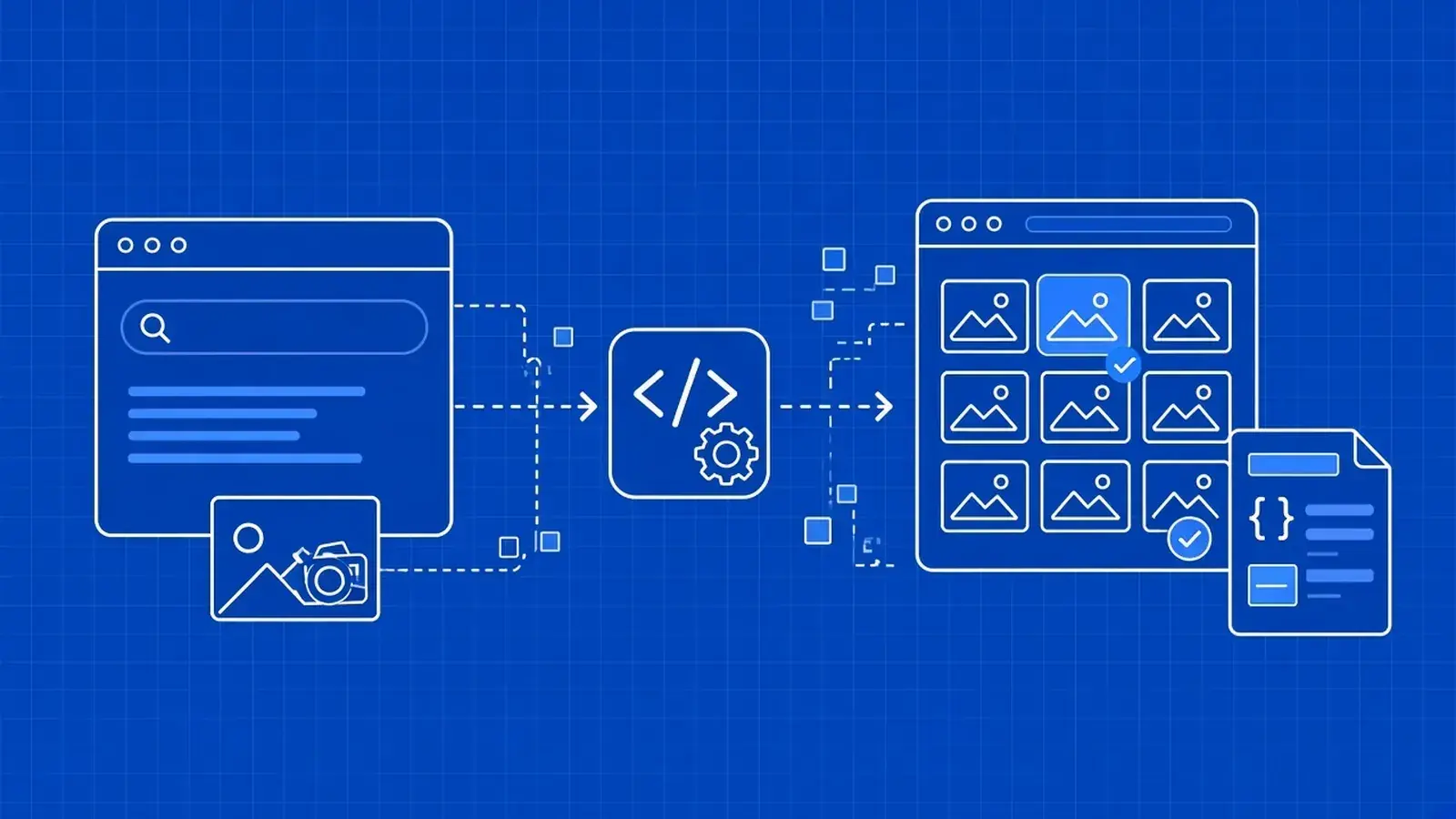
A Google Image Search API returns a structured list of image results parsed from the Images results page. Each result usually carries its position, a title, the source site, the destination page that hosts the image, and a thumbnail. Many APIs also return the related search suggestions Google shows above the grid.

In WebScrapingAPI's SERP API, a keyword image search returns two collections. These field names come from the API documentation:

Field

What it holds

How to use it

image_results[].position

The result's order in the image grid

Rank tracking and sampling the top results

image_results[].title

The result title, when Google shows one

Labels, filtering, and deduplication

image_results[].source

The source site or its displayed label

Grouping results by domain

image_results[].link

The destination page URL

Visiting the page that hosts the image

image_results[].image

The thumbnail

Previews, or a quick visual check

image_suggested_searches[].name

A related search label above the grid

Query expansion and topic research

image_suggested_searches[].link

The Google search URL for that suggestion

Following the suggestion as a new query

image_suggested_searches[].image

The suggestion's thumbnail

Display only

Which collections show up depends on the query, location, language, and device, so treat each one as optional in your code.

Thumbnails vs original images

The image field holds a thumbnail, not the original file. As documented, it can be a full remote URL, a path relative to Google, or a base64 data URI that embeds the thumbnail directly in the JSON, and long base64 values come back in full. The documentation doesn't list original image dimensions, so don't expect full-size images or their sizes in the search response.

To reach the original, open the link URL (the page that hosts the image) and find it there. That step matters legally too. The hosting page is where you see the owner, any license, and the terms that apply.

Google sometimes shows a row of images inside normal web results. A regular Google search without the image vertical returns those as inline_images, with a position, a Google Images link, and a thumbnail for each image.

Use inline images to track visibility in regular results, such as whether a page's images appear for a keyword. Use the image vertical when you need the full grid with titles, sources, and destination pages.

Keyword image search vs reverse image search: which do you need?

Keyword image search starts from text and returns images that match it. Reverse image search starts from an image and returns visually similar images, exact matches, and pages that use the same picture. Google's "search by image" feature now runs through Google Lens, so a Google reverse image search API is effectively a Lens API.

Pick by what you start with and what you need back:

  • You start with text. Catalog discovery, image rankings for SEO, and finding candidate images for a dataset all begin with a query. Use keyword image search, which in WebScrapingAPI means the Google engine with tbm=isch.
  • You start with an image you have. Finding copies of a photo, tracing its original source, spotting counterfeit listings that reuse your product shots, and matching supplier photos all begin with an image. Use reverse image search, which in WebScrapingAPI means the google_reverse_image engine, optionally with a lens tab such as exact_matches or visual_matches.
  • You need labels, objects, or web entities from Google's own platform. Cloud Vision Web Detection is Google's official image-first option. It returns web entities, full and partial matching images, pages with matching images, and visually similar images. It needs a Google Cloud project with billing, and it runs under Google Cloud's terms.
  • You need images you can legally reuse. Search results are the wrong starting point. Go to a licensed source, such as a stock library or a collection of works under Creative Commons licenses, where the license travels with the file.

Many teams need both. A brand-protection workflow might find suspicious listings by keyword, then use reverse search to confirm they reuse official photos.

Should you build a Google Images scraper or use an API?

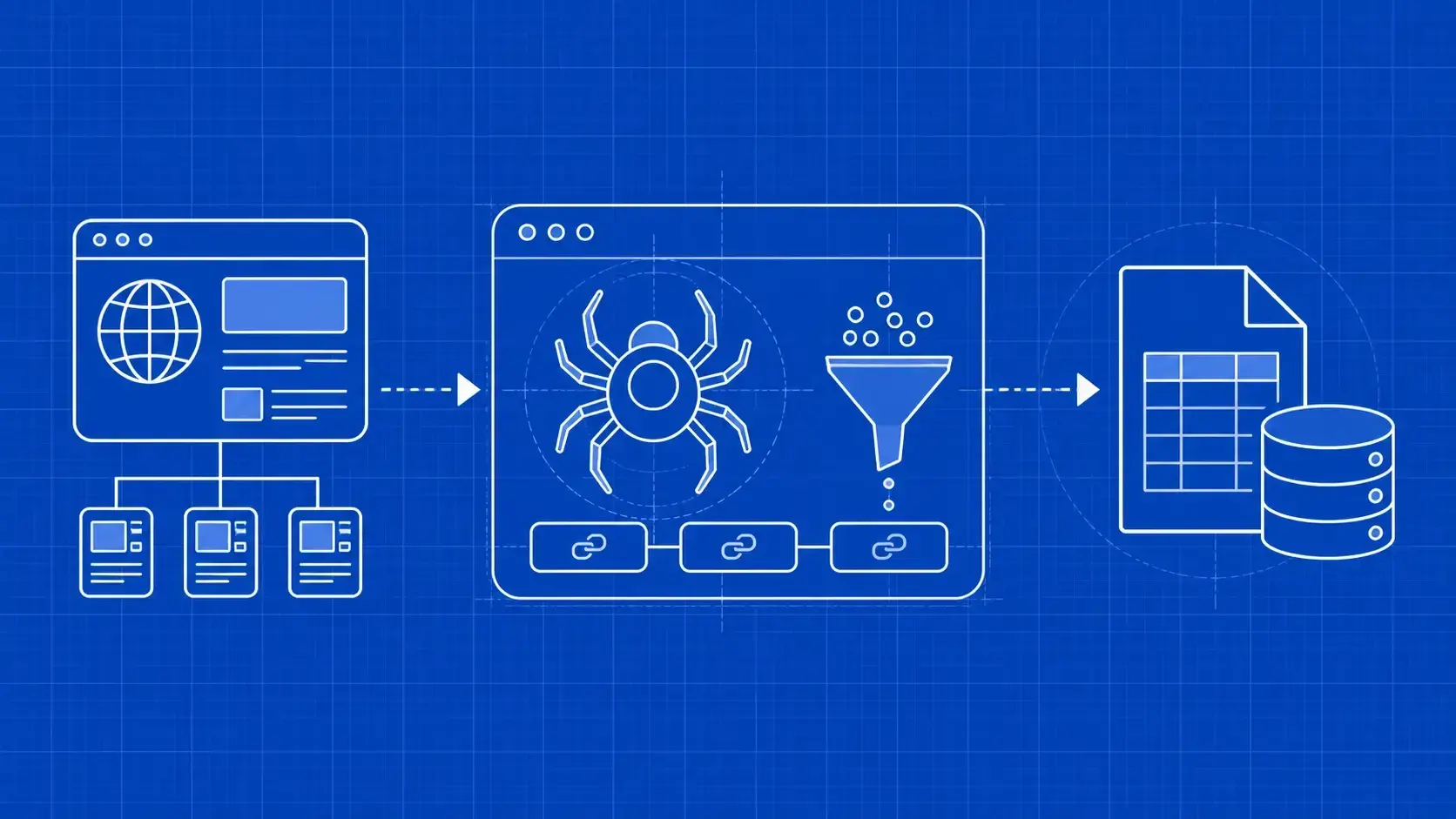
Build your own Google Images scraper only for a one-off job or to learn how it works. Use an API when you need results on a schedule, across markets, or at volume. The Images page renders with JavaScript, its markup changes without notice, and automated traffic gets blocked. A homemade scraper needs constant upkeep.

A DIY scraper has to handle all of this:

  • A JavaScript-rendered grid. Results load in the browser, so a plain HTTP request rarely gets the full set without a headless browser.
  • Frequent markup changes. Class names and structure shift, breaking your selectors until you fix them.
  • URL parameter changes. The Images tab has moved between URL formats over time, and old parameters can stop working.
  • Localization. Results differ by country, language, and device, so each market needs its own correctly configured requests.
  • Rate limits and blocks. Repeated automated queries get slowed or blocked, so you need IP rotation, retries, and monitoring.
  • Messy thumbnail data. Thumbnails arrive as URLs, relative paths, or base64 strings.

There's also a middle path: fetch the pages yourself through a scraping API that handles rendering and IP rotation, and own the parsing. That works when you need a layout a SERP API doesn't parse, but keeping the parser working stays your job.

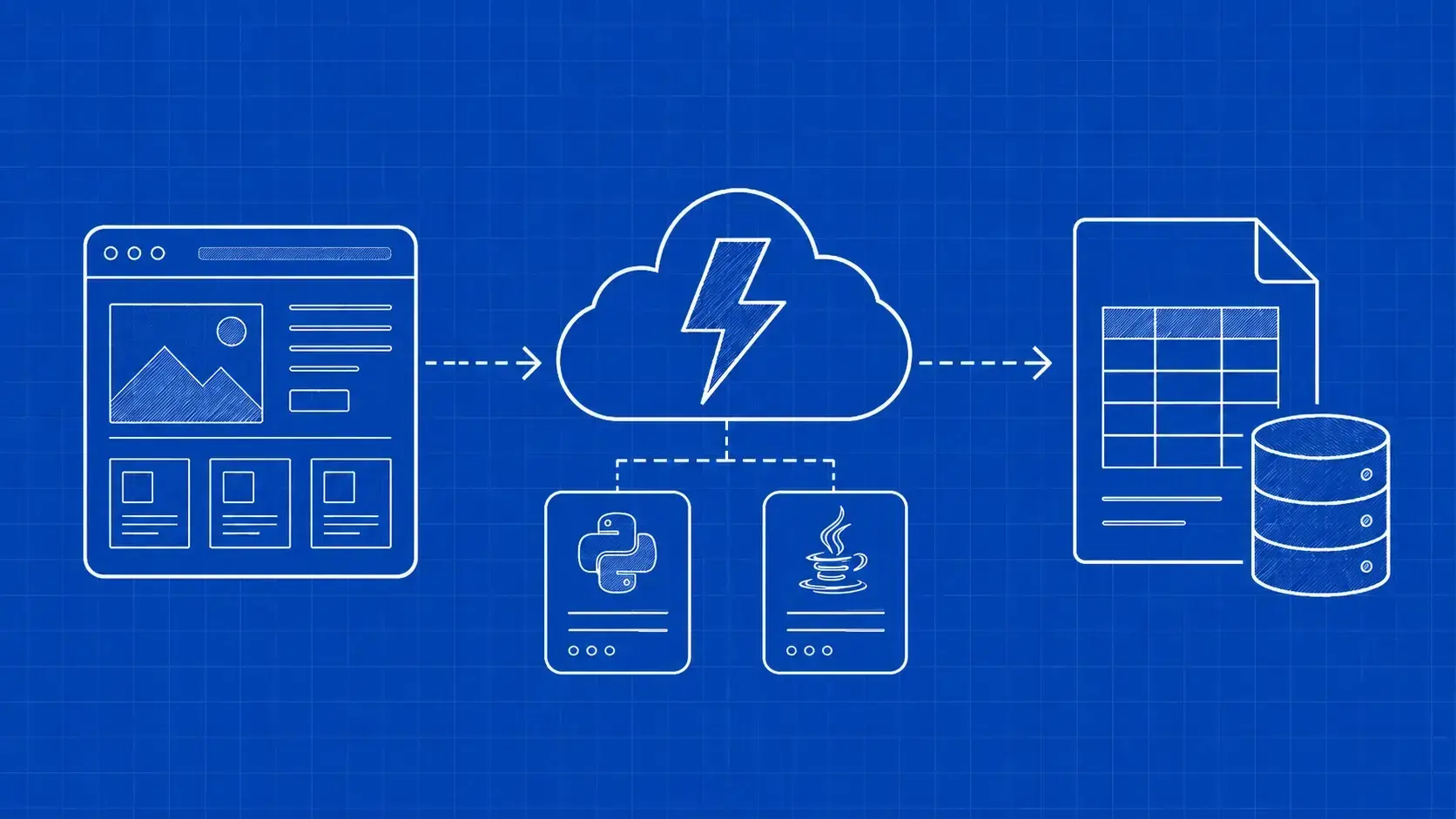
If you want parsed JSON instead of HTML, a SERP API handles both the fetching and the parsing. For what happens behind the endpoint, read this overview of how a SERP API works.

How to compare Google Image Search APIs

Most image search APIs look similar on a features page. Check the details below against your own workflow, ideally with a free trial and a few real queries.

Criterion

What to check

Why it matters

Structured image fields

Title, source, destination page, and thumbnail format for each result

You need the hosting page to reach the original image and its license

Reverse image and Lens support

Whether reverse search is a separate endpoint, and which Lens tabs it exposes

Exact matches and visual matches answer different questions

Localization

Country, language, device, and Google domain controls

Image results vary by market, so one global answer can mislead

Result depth

How many results each request returns and how you request more

Dataset and monitoring jobs often need more than the first screen

Pricing model

Per-search pricing, credits, subscription tiers, or quote-only, and whether unsuccessful calls count

The same volume can cost very different amounts under each model

Output formats

JSON, CSV, or raw HTML

JSON suits pipelines, CSV suits analysts, and HTML lets you parse fields yourself

Terms and data handling

The provider's terms, compliance posture, and how it handles your query data

You inherit their practices when you build on their service

Pricing needs a closer look, because providers package the same work in different ways:

  • Per-search subscriptions give you a monthly allowance of searches. They're predictable when your volume is steady.
  • Credit systems charge different amounts per request type, so check what an image or reverse image request costs.
  • Pay-as-you-go suits irregular workloads.
  • Quote-based pricing is common for niche engines or very high volumes.

WebScrapingAPI's SERP API uses monthly plans. At the time of writing, Google plans start at $28 per month for 10,000 requests, image search is included on every plan, and you can choose JSON, CSV, or HTML output.

For a wider look at providers beyond images, see this broader comparison of SERP APIs.

What kinds of image search APIs are there?

"Image search API" covers four kinds of service: Google SERP APIs with an Images vertical, reverse image specialists with their own index, cloud vision APIs, and licensed image libraries. Pick the category before you compare providers.

Google SERP APIs with an Images vertical. These send your query to Google and return the Images results page as structured data. They answer "what does Google show for this query, in this market?" WebScrapingAPI's SERP API fits here, and it also runs reverse image lookups on the same endpoint.

Reverse image specialists with their own index. Some services crawl the web into their own image index and let you search it with an image. Their coverage depends on their crawl, not Google's, so they work best as a second opinion in verification and copyright work.

Cloud vision APIs. Cloud Vision Web Detection and similar products analyze an image you send and return labels, entities, and matching images. They help you understand an image, not collect what Google Images ranks for a keyword.

Licensed image libraries. Stock libraries and Creative Commons search tools return images with license terms attached. They don't show what ranks on Google, but they're the safest source when you want to publish or train on the images.

How to get Google Images results as JSON with WebScrapingAPI

WebScrapingAPI's Google Search API returns parsed Google results as JSON, and setting tbm=isch switches it to the Images vertical. Image search is included on all SERP API plans. Every request goes to the same endpoint, https://serpapi.webscrapingapi.com/v2, with your api_key and an engine parameter.

Before you run the examples, store your key in an environment variable instead of in the code:

export WSA_API_KEY="your_api_key"

Search Google Images by keyword

This curl request searches Google Images for "brooklyn bridge" in US English. The first line stops the script with a clear message if the key is missing, and --data-urlencode handles spaces and special characters in the query:

: "${WSA_API_KEY:?WSA_API_KEY is required}"

curl --get "https://serpapi.webscrapingapi.com/v2" \
  --silent --show-error --max-time 120 \
  --fail-with-body \
  --data-urlencode "api_key=$WSA_API_KEY" \
  --data-urlencode "engine=google" \
  --data-urlencode "q=brooklyn bridge" \
  --data-urlencode "tbm=isch" \
  --data-urlencode "gl=us" \
  --data-urlencode "hl=en"

The same Google Image Search API request in Python uses requests, which encodes the parameters for you. Install it with pip install requests, then save this as image_search.py:

import os

import requests

API_URL = "https://serpapi.webscrapingapi.com/v2"


def search_images(query, country="us", language="en"):
    api_key = os.environ.get("WSA_API_KEY")
    if not api_key:
        raise RuntimeError("WSA_API_KEY is required")

    params = {
        "api_key": api_key,
        "engine": "google",
        "q": query,
        "tbm": "isch",
        "gl": country,
        "hl": language,
    }
    response = requests.get(API_URL, params=params, timeout=120)
    if not response.ok:
        # Report the status and error body without echoing the request URL, which contains your key.
        raise RuntimeError(f"SERP API returned {response.status_code}: {response.text[:300]}")
    return response.json()


if __name__ == "__main__":
    data = search_images("brooklyn bridge")
    for item in data.get("image_results", []):
        print(item.get("position"), item.get("title"), item.get("source"), item.get("link"))

The script prints the position, title, source, and destination page of each result. A missing or invalid key returns a 401 response with a JSON error message.

Here's the documented response example for a tbm=isch search on "brooklyn", with thumbnail data shortened:

{
  "search_parameters": {
    "engine": "google",
    "query": "brooklyn",
    "tbm": "isch",
    "device": "desktop",
    "google_domain": "google.com"
  },
  "image_suggested_searches": [
    {
      "name": "brownstone",
      "link": "https://www.google.com/search?q=brooklyn+brownstone&tbm=isch",
      "image": "/search?q=brooklyn+brownstone&tbm=isch..."
    }
  ],
  "image_results": [
    {
      "position": 1,
      "title": "Brooklyn Bridge at sunset",
      "source": "example.com",
      "link": "https://example.com/brooklyn-bridge",
      "image": "base64 image data omitted"
    },
    {
      "position": 2,
      "title": "Brownstone homes in Brooklyn",
      "source": "example.org",
      "link": "https://example.org/brooklyn-brownstones",
      "image": "https://example.org/images/brooklyn.jpg"
    }
  ]
}

The two results show two of the thumbnail formats: a base64 value and a remote URL. The suggestion's image is a Google-relative path.

Docs: Google Images result fields

Run a reverse image search or a Lens tab

A reverse image search sends the public URL of an image instead of a query. Set engine=google_reverse_image and pass the image address in url. The google_reverse_image engine is one of the other Google engines in the SERP API, so it uses the same endpoint and key as keyword search.

To request a specific Google Lens tab, add the lens parameter with one of the documented values: products, homework, visual_matches, or exact_matches. Save this as reverse_search.py:

import os

import requests

API_URL = "https://serpapi.webscrapingapi.com/v2"


def reverse_search(image_url, lens_tab=None, language="en"):
    api_key = os.environ.get("WSA_API_KEY")
    if not api_key:
        raise RuntimeError("WSA_API_KEY is required")

    params = {
        "api_key": api_key,
        "engine": "google_reverse_image",
        "url": image_url,
        "hl": language,
    }
    if lens_tab:
        # One of: products, homework, visual_matches, exact_matches
        params["lens"] = lens_tab

    response = requests.get(API_URL, params=params, timeout=120)
    if not response.ok:
        # Report the status and error body without echoing the request URL, which contains your key.
        raise RuntimeError(f"SERP API returned {response.status_code}: {response.text[:300]}")
    return response.json()


if __name__ == "__main__":
    data = reverse_search("https://example.com/your-product-photo.jpg")
    for item in data.get("images", []):
        print("similar:", item.get("title"), item.get("source"))
    for item in data.get("exact_matches", []):
        print("exact:", item.get("title"), item.get("link"))

Replace the example address with a public URL of your own image. In the response example from the Reverse Image API docs, images holds visually similar results (title, source, thumbnail) and exact_matches holds pages that use the same picture (title, link):

{
  "general": {
    "search_engine": "google_reverse_image",
    "language": "en-US",
    "mode": "search"
  },
  "images": [
    {
      "title": "Visually similar image result",
      "source": "example.com",
      "thumbnail": "https://example.com/image.jpg"
    }
  ],
  "exact_matches": [
    {
      "title": "Matching image page",
      "link": "https://example.com/page"
    }
  ]
}

To focus a counterfeit or copyright check on identical copies, call reverse_search(url, lens_tab="exact_matches").

The docs also list a data parameter, which takes an exact-match lookup string from a response's image_sources field, for follow-up lookups.

The image must be reachable at a public URL, so host private images somewhere public first, and only share URLs you're comfortable sending to a third-party service.

Docs: Google Reverse Image API parameters

Localize, paginate, and store results

Image results change by market, so set location and language on every request. In the keyword examples, gl sets the country and hl sets the interface language. The Google Search API also documents device for desktop, mobile, or tablet results, domain for the Google host, and uule for an encoded location when you need city-level results. The reverse image engine documents hl for language.

For more results, the Google Search API documents two pagination parameters: start, the number of results to skip, and num, the number of results per page. Add them to the keyword params, for example "start": 20, and check how many image_results each page returns before you size a job.

Store each observation with enough context to compare it later: the query, country, language, collection time, and each result's position, source, and link. The destination page is the durable part of a result. Thumbnails are optional, and base64 ones bloat storage quickly.

This helper turns a keyword response into flat records and appends them to a JSON Lines file:

import json
from datetime import datetime, timezone
from urllib.parse import urljoin


def thumbnail_kind(value):
    if not value:
        return "missing"
    if value.startswith("data:"):
        return "base64"
    if value.startswith("http"):
        return "url"
    return "google_path"


def to_records(data, query, country, language):
    observed_at = datetime.now(timezone.utc).isoformat()
    records = []
    for item in data.get("image_results", []):
        thumb = item.get("image") or ""
        kind = thumbnail_kind(thumb)
        records.append({
            "query": query,
            "gl": country,
            "hl": language,
            "observed_at": observed_at,
            "position": item.get("position"),
            "title": item.get("title"),
            "source": item.get("source"),
            "page_url": item.get("link"),
            "thumbnail_kind": kind,
            # Keep remote and Google-path thumbnails as URLs; skip base64 blobs.
            "thumbnail_url": urljoin("https://www.google.com", thumb) if kind in ("url", "google_path") else None,
        })
    return records


def append_jsonl(records, path="image_results.jsonl"):
    with open(path, "a", encoding="utf-8") as f:
        for record in records:
            f.write(json.dumps(record, ensure_ascii=False) + "\n")

Call it right after search_images, for example append_jsonl(to_records(data, "brooklyn bridge", "us", "en")). One line per result loads easily into pandas or a warehouse, and observed_at lets you track rankings over time.

What can you build with Google image search data?

Google image search data feeds product catalog work, brand protection, SEO monitoring, AI dataset discovery, and fact-checking. Keyword results show what Google ranks for a query in a given market. Reverse results show where a specific image appears. Most real projects use both and keep the source page for every result.

E-commerce and catalog enrichment

Retail teams use keyword image search to find product imagery and the pages that host it, such as manufacturer pages and reviews. Reverse search matches supplier photos to existing listings and spots duplicates. For more on retail data workflows, see our page on e-commerce and retail data.

Brand protection and counterfeit detection

Counterfeit sellers often reuse official product photos. Run reverse searches on your product shots, focus on exact matches, and review the pages that come back. Keyword searches for your brand names catch listings with edited or new images. Scheduling both turns one-off checks into brand protection monitoring.

SEO and image-pack monitoring

SEO teams track which pages rank for image queries and whether their images appear in the inline image rows on regular results. Store position, source, and destination page per query and market, then compare runs to see gains and losses. This fits into wider SEO and SERP monitoring.

AI and computer-vision datasets

Image search helps you discover candidate data. It isn't a way to collect it wholesale. A sound pipeline looks like this:

  1. Discover candidate images with keyword or reverse searches.
  2. Filter by license before you download anything, keeping only sources with clear terms.
  3. Fetch originals from the destination pages, not thumbnails from the search response.
  4. Deduplicate near-identical images so one photo doesn't dominate the dataset.
  5. Keep provenance for every file: the source page, the license, and when you collected it.

A URL, caption, or thumbnail you discover doesn't prove ownership or permission to reuse the image. If you need media data delivered with clear rights boundaries, look at our image and media data collection options.

Verification and fact-checking

Journalists and trust-and-safety teams use reverse search to find earlier copies of an image. An older copy elsewhere can show that a photo passed off as new was taken years earlier, or somewhere else. Keep every match with its page and date.

Collecting public search result metadata, such as titles, source sites, and page links, is a different question from reusing the images themselves. The images remain under their owners' copyright. Reusing them needs a license, permission, or a valid exception such as fair use, and photos of people raise privacy issues. This section is general information, not legal advice.

For the scraping question itself, our guide on whether web scraping is legal covers the main principles. For images, these points matter most:

  • Metadata isn't the image. Recording that a page ranks for a query is analysis. Downloading and republishing the photo is copying, and copyright applies to it.
  • Look for license information. Publishers can mark images with image license metadata, which Google Images can display. It isn't present on every image, and its absence doesn't mean an image is free to use.
  • Prefer openly licensed works. Creative Commons licenses state what you can do and what attribution you owe. Follow the specific license terms on each image.
  • Know the limits of fair use. In the US, fair use depends on the purpose, the nature of the work, how much you use, and the effect on the market. It's decided case by case, so don't assume it covers a commercial dataset or product.
  • Respect terms of service. Search engines and image hosts publish their own terms. Read them for each service you rely on.
  • Treat faces with care. Photos of identifiable people are personal data under laws such as the GDPR, and facial data can fall under stricter biometric rules. Avoid building collections of faces unless you have a clear legal basis.
  • Keep provenance. Record each image's source page, license, and collection date, so you can honor removal requests later.

Read more in our responsible web data principles.

FAQ

Is there a free Google Image Search API?

Google no longer offers a free image search API to new developers. The Custom Search JSON API is closed to new customers, and existing customers must move off it by January 1, 2027. Most third-party SERP APIs offer a small free trial instead. WebScrapingAPI's SERP API trial includes 100 Google searches, and image search is included.

Only for existing customers. The Custom Search JSON API still documents image results through its searchType parameter, but Google closed it to new customers and set January 1, 2027 as the deadline for existing customers to transition. If you're starting a new project, plan around a SERP API or another supported alternative now.

What is the difference between Google Images and Google Lens results?

Google Images answers a text query with a grid of images, titles, and source pages. Google Lens starts from an image and returns visually similar images, exact matches, products, and related pages. In WebScrapingAPI, keyword results use the Google engine with tbm=isch, while image-first lookups use the Google Reverse Image engine and its lens parameter.

Can an image search API return full-size original images?

Usually not directly. Image search results typically carry a thumbnail plus the page that hosts the image. WebScrapingAPI documents a thumbnail field and a destination link for each result, not original image dimensions. To get the original, visit the destination page, find the image there, and confirm you have the right to use it.

Can I use images found through an image search API to train AI models?

Finding an image through search doesn't give you permission to use it. Copyright, license terms, and privacy rules still apply, especially for photos of people. Filter for clearly licensed sources, keep provenance for every file, and get legal advice before you build a training dataset from images you didn't create.

How do I search Google by image programmatically?

Send the public URL of your image to a reverse image search endpoint. With WebScrapingAPI, you call the SERP API with engine=google_reverse_image and the image URL in the url parameter. Add the lens parameter to request a specific Lens tab, such as exact_matches or visual_matches. The response returns similar images and matching pages as JSON.

Which programming languages can I use with a Google Image Search API?

Any language that can send an HTTPS GET request and parse JSON works. A SERP API is a plain HTTP endpoint, so curl, Python, Node.js, PHP, Go, Java, C#, and Ruby all work the same way. Keep your API key in an environment variable, URL-encode the query, and set a request timeout.

Which Google Image Search API should you choose?

Choose by the job, not by a vendor ranking. Use a SERP API for keyword image results, reverse image search for image-first lookups, and licensed sources for images you plan to reuse. In short:

  • Starting from a keyword? Use an Images vertical, set the market, and store each destination page.
  • Starting from an image? Use reverse search, treating exact and visual matches as separate signals.
  • Reusing the images? Check licenses on the hosting pages, or start from a licensed library.

If you're still on Custom Search, plan the move before January 2027.

Get Google Images results as JSON

Run keyword and reverse image searches through one SERP API endpoint. Image search is included on every plan, and you can test your own queries before you choose one.

Start with 100 free Google searches

About the Author

Raluca Penciuc, Full-Stack Developer @ WebScrapingAPI

Raluca Penciuc

Full-Stack Developer

Raluca Penciuc is a Full Stack Developer at WebScrapingAPI, building scrapers, improving evasions, and finding reliable ways to reduce detection across target websites.

Start Building

Ready to Scale Your Data Collection?

Join 2,000+ companies using WebScrapingAPI to extract web data at enterprise scale with zero infrastructure overhead.