Back to Blog
Guides
Andrei OgiolanLast updated on May 7, 202610 min read

How to Scrape HTML Tables in Golang with Colly: End-to-End Guide

How to Scrape HTML Tables in Golang with Colly: End-to-End Guide
TL;DR: This guide shows how to scrape HTML tables in Golang end to end: choose between Colly, goquery, and golang.org/x/net/html, target the right <tbody>, model rows as a typed struct, and export clean JSON and CSV. You also get pagination, anti-block, and JavaScript-rendered table patterns.

If you have ever tried to feed an HTML <table> into a Postgres warehouse or a CSV for analysts, the data is right there in the DOM, but lifting it out reliably is its own small project. This guide walks through how to scrape HTML tables in Golang in a way that survives real pages, not just clean tutorials.

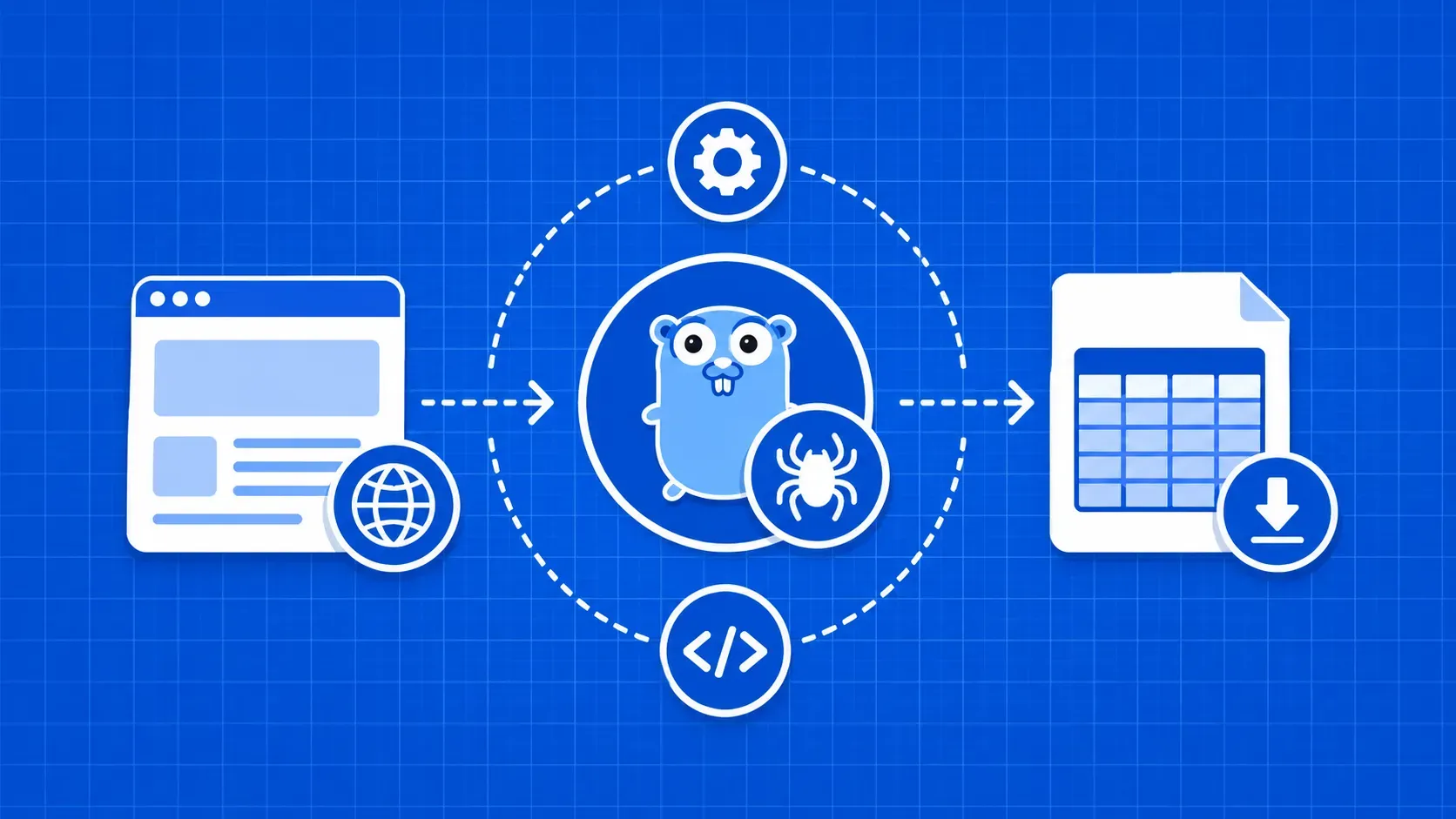
An HTML table is a structured grid of rows (<tr>) and cells (<td> or <th>). Scraping it means parsing the markup, walking those elements, and turning each row into a typed record your code can use downstream. In Go you have three serious options: Colly, goquery, and the lower-level golang.org/x/net/html. We will cover when each one fits, then build a working scraper around Colly v2.

You will learn how to inspect a page in DevTools, write a precise CSS selector, model rows as a struct, export both JSON and CSV, and handle pagination, JavaScript rendering, and anti-bot blocks. By the end, you will have a copy-paste-ready pattern for how to scrape HTML tables in Golang.

Why Learning How to Scrape HTML Tables in Golang Is Worth Your Time

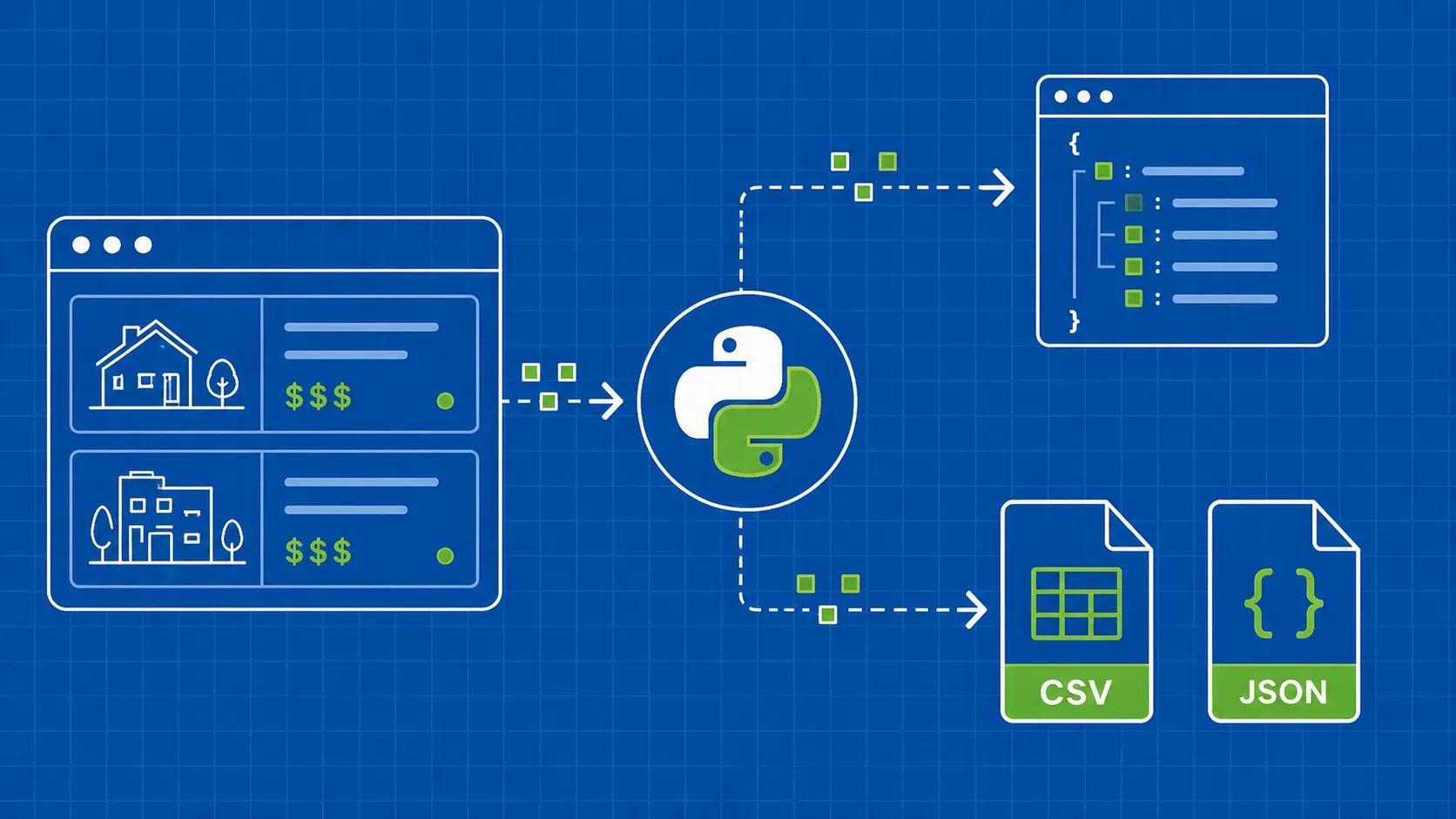
Tabular data shows up everywhere: pricing pages, sports stats, financial filings, public datasets that never got a real API. If your pipeline starts with <table> markup and ends in a warehouse or a notebook, you need a reliable way to lift that data out. Go compiles to a single binary, handles concurrency well, and gives predictable performance at scale. Knowing how to scrape HTML tables in Golang means shipping that pipeline as one self-contained service, no Python runtime required.

When to Use Colly vs. goquery vs. net/html

Pick the wrong library and you will spend more time fighting the API than parsing rows. Here is a quick decision matrix.

Library

Best for

Skip when

Colly v2 (github.com/gocolly/colly/v2)

Crawling many pages with lifecycle callbacks (OnRequest, OnHTML, OnError), cookies, rate limiting, proxy hooks

You already have an HTML string in memory and need no networking

goquery (github.com/PuerkitoBio/goquery)

jQuery-style CSS selection on a *goquery.Document you have already fetched

You also need crawling, throttling, and proxy plumbing

golang.org/x/net/html

Low-level token and node walking when CSS is not enough

You can express what you want in CSS; goquery is three times less code

The long-running Stack Overflow thread on parsing HTML tables in Go still ranks for this query, and its top answers point at goquery and x/net/html. Both are solid. Colly bundles them with crawler ergonomics you will want once you have more than one page to hit.

Set Up Your Go Project and Install Colly

Create a module and pull Colly v2:

mkdir html-golang-scraper && cd html-golang-scraper
go mod init github.com/yourname/html-golang-scraper
go get github.com/gocolly/colly/v2

Note the /v2 suffix. The original github.com/gocolly/colly import is the v1 line, and most older tutorials still reference it. New projects should use v2 for current bug fixes and Go modules support.

Add a sanity-check main.go:

package main

import "fmt"

func main() {
    fmt.Println("scraper booted")
}

Run go run main.go. If you see scraper booted, the toolchain is wired and Colly is in go.sum. From here, every snippet replaces the body of main or adds a package-level type.

Inspect the Target Table Before You Write Code

Before writing Go, open the target page in your browser and map the table you want. We will use the DataTables demo at https://datatables.net/examples/styling/display.html as a worked example. Right-click the table, choose Inspect, and confirm three things:

  1. The selector. Look for a stable id (the demo uses #example) or unique class. Avoid table alone, since pages often wrap layout in nested table elements.
  2. Header structure. Confirm <thead> and <tbody> are separated. If not, you will skip the first row in code.
  3. Static vs. dynamic. Disable JavaScript and reload. If the rows vanish, the table is client-rendered. We cover that branch later.

Five minutes in DevTools beats an hour debugging an empty slice. Our CSS selectors cheat sheet lays out the patterns table scrapers use most.

Wire Up Colly's Collector and Callbacks

Colly's Collector is the central object: it issues requests and dispatches lifecycle callbacks. Treat the four callbacks below as boilerplate you can copy into every project.

package main

import (
    "fmt"
    "log"

    "github.com/gocolly/colly/v2"
)

func main() {
    c := colly.NewCollector()

    c.OnRequest(func(r *colly.Request) {
        fmt.Println("visiting:", r.URL.String())
    })

    c.OnResponse(func(r *colly.Response) {
        fmt.Println("status:", r.StatusCode)
    })

    c.OnError(func(r *colly.Response, err error) {
        log.Printf("failed %s: %v", r.Request.URL, err)
    })

    if err := c.Visit("https://datatables.net/examples/styling/display.html"); err != nil {
        log.Fatal(err)
    }
}

OnRequest fires before each network call, OnResponse when the server replies, and OnError traps non-2xx responses and transport errors, which is where most production scrapers fail silently. We will add OnHTML next, the callback where the actual table parsing happens.

Target the Table With a Precise CSS Selector

On the DataTables demo, running document.querySelectorAll('table') in the browser console returns more than one match because layout markup elsewhere also uses table elements. Selecting table alone would scrape the wrong rows, so always validate selectors in the console before writing Go.

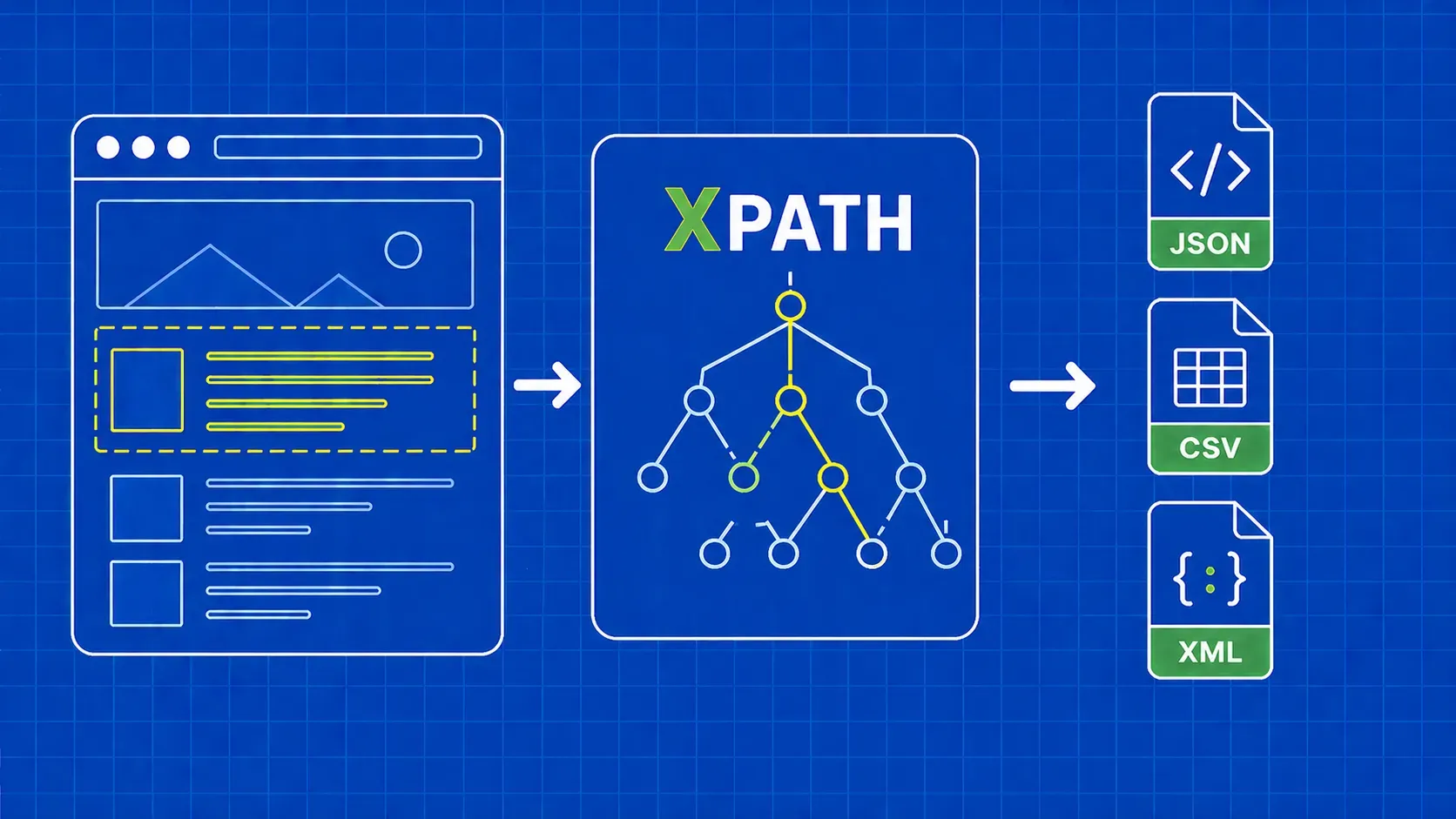
The reliable selector here is table#example > tbody. It narrows to a single table by id and skips the <thead> block, so you do not have to manually drop the header row. The DataTables widget also injects mirrored header and footer rows; restricting to > tbody keeps them out of your dataset.

c.OnHTML("table#example > tbody", func(h *colly.HTMLElement) {
    // row loop goes here
})

OnHTML matches elements via CSS selector and calls the handler against each match. Swap #example for whatever DevTools shows you. If you are weighing CSS against XPath, our XPath vs CSS selectors comparison covers the tradeoffs.

Loop Through Rows and Extract Each Cell

Inside the OnHTML handler, call h.ForEach("tr", ...) and pull each cell with el.ChildText("td:nth-child(N)"):

c.OnHTML("table#example > tbody", func(h *colly.HTMLElement) {
    h.ForEach("tr", func(_ int, el *colly.HTMLElement) {
        row := tableData{
            Name:      strings.TrimSpace(el.ChildText("td:nth-child(1)")),
            Position:  strings.TrimSpace(el.ChildText("td:nth-child(2)")),
            Office:    strings.TrimSpace(el.ChildText("td:nth-child(3)")),
            Age:       strings.TrimSpace(el.ChildText("td:nth-child(4)")),
            StartDate: strings.TrimSpace(el.ChildText("td:nth-child(5)")),
            Salary:    strings.TrimSpace(el.ChildText("td:nth-child(6)")),
        }
        employeeData = append(employeeData, row)
    })
})

HTML table cells almost never carry stable class or id attributes, so nth-child(n) is the cleanest way to address columns. If the page reshuffles columns, you change one number per field instead of rewriting your parser.

A more resilient pattern is to read <thead> first, build a map[string]int of column-name to index, and look up cells by header label. Worth the extra code if the source rearranges columns. Always wrap text in strings.TrimSpace and parse currency or date columns with strconv and time.Parse before serialization, so consumers do not get strings like "$320,800" when they expected numbers.

Model the Row With a Go Struct and Slice

Define the row type at package level so JSON tags travel with it:

type tableData struct {
    Name      string `json:"name"`
    Position  string `json:"position"`
    Office    string `json:"office"`
    Age       string `json:"age"`
    StartDate string `json:"start_date"`
    Salary    string `json:"salary"`
}

var employeeData []tableData

Why a typed struct rather than map[string]string? Three reasons:

  1. Stable JSON keys. Struct tags control field names and casing in the output, instead of inheriting whatever you typed during parsing.
  2. Compile-time safety. Typos fail to build, not silently produce empty values that bite you in staging.
  3. Easy refactors. When you parse numbers and dates, swap Age to int or StartDate to time.Time and the compiler walks you through every fix.

Append each parsed row into employeeData inside the row loop. The slice is ready to marshal once c.Visit returns.

Export the Results to JSON (and CSV as a Bonus)

JSON is the right default for APIs and downstream services; CSV is what BI tools and analysts want. Shipping both takes about ten extra lines.

import (
    "encoding/csv"
    "encoding/json"
    "log"
    "os"
)

content, err := json.MarshalIndent(employeeData, "", "  ")
if err != nil {
    log.Fatal(err)
}
if err := os.WriteFile("employees.json", content, 0644); err != nil {
    log.Fatal(err)
}

f, err := os.Create("employees.csv")
if err != nil {
    log.Fatal(err)
}
defer f.Close()
w := csv.NewWriter(f)
defer w.Flush()
_ = w.Write([]string{"Name", "Position", "Office", "Age", "StartDate", "Salary"})
for _, r := range employeeData {
    _ = w.Write([]string{r.Name, r.Position, r.Office, r.Age, r.StartDate, r.Salary})
}

Both files end up in your working directory. Keeping both formats open for downstream pipelines is one of the most useful habits when learning how to scrape HTML tables in Golang.
Handle Pagination and Multiple Pages

Most table-bearing pages do not fit on one screen. Two patterns cover most cases.

Pattern A: Follow the next link.

c.OnHTML("a.next", func(e *colly.HTMLElement) {
    if next := e.Request.AbsoluteURL(e.Attr("href")); next != "" {
        _ = e.Request.Visit(next)
    }
})

Pattern B: Loop a page-number URL template.

for page := 1; page <= 20; page++ {
    _ = c.Visit(fmt.Sprintf("https://example.com/data?page=%d", page))
}

Pair either pattern with colly.LimitRule to throttle requests and avoid hammering the origin:

_ = c.Limit(&colly.LimitRule{
    DomainGlob:  "*example.com*",
    Parallelism: 2,
    RandomDelay: 1500 * time.Millisecond,
})

That keeps traffic polite and lowers the chance of a 429 on page seven.

Avoid Getting Blocked: Proxies, Headers, and Retries

Once you scale past a few hundred requests, basic anti-bot defenses kick in. A vendor-neutral checklist for how to scrape HTML tables in Golang at volume:

  1. Rotate user agents. extensions.RandomUserAgent(c) swaps a fresh UA into every request.
  2. Throttle. colly.LimitRule with RandomDelay makes traffic look less robotic.
  3. Retry on transient errors. Inside OnError, check the status code and call r.Request.Retry() for 5xx and 429 responses.
  4. Rotate proxies. Pass a list to proxy.RoundRobinProxySwitcher and attach it via c.SetProxyFunc(...). Residential IP pools blend in better than datacenter ranges.
  5. Tune the transport. A custom http.Transport with a 60-90 second DialContext timeout and tuned MaxIdleConns reduces connection churn on flaky targets.
  6. Outsource when it stops being fun. A managed scraping API beats engineering hours once CAPTCHAs and fingerprinting become the project. Our guide on tips to avoid getting blocked while web scraping goes deeper on this from a language-agnostic angle.

What If the Table Is Rendered by JavaScript?

Open the page with JavaScript disabled. If <tbody> is empty in the raw HTML response, the rows are injected by client-side JS and Colly alone will not see them. Two options:

  1. Headless browser in-process. chromedp drives a real Chrome instance from Go, waits for the table to render, and hands you the rendered DOM.
  2. Headless rendering API. Offload the browser to a managed endpoint that returns post-JS HTML, then feed that HTML into Colly or goquery as usual.

Putting It All Together: Full Working Scraper

The minimum runnable version, ready for a fresh module:

package main

import (
    "encoding/csv"
    "encoding/json"
    "fmt"
    "log"
    "os"
    "strings"

    "github.com/gocolly/colly/v2"
)

type tableData struct {
    Name, Position, Office, Age, StartDate, Salary string
}

func main() {
    var rows []tableData
    c := colly.NewCollector()

    c.OnHTML("table#example > tbody", func(h *colly.HTMLElement) {
        h.ForEach("tr", func(_ int, el *colly.HTMLElement) {
            rows = append(rows, tableData{
                Name:      strings.TrimSpace(el.ChildText("td:nth-child(1)")),
                Position:  strings.TrimSpace(el.ChildText("td:nth-child(2)")),
                Office:    strings.TrimSpace(el.ChildText("td:nth-child(3)")),
                Age:       strings.TrimSpace(el.ChildText("td:nth-child(4)")),
                StartDate: strings.TrimSpace(el.ChildText("td:nth-child(5)")),
                Salary:    strings.TrimSpace(el.ChildText("td:nth-child(6)")),
            })
        })
    })

    if err := c.Visit("https://datatables.net/examples/styling/display.html"); err != nil {
        log.Fatal(err)
    }

    j, _ := json.MarshalIndent(rows, "", "  ")
    _ = os.WriteFile("employees.json", j, 0644)

    f, _ := os.Create("employees.csv")
    defer f.Close()
    w := csv.NewWriter(f)
    defer w.Flush()
    _ = w.Write([]string{"Name", "Position", "Office", "Age", "StartDate", "Salary"})
    for _, r := range rows {
        _ = w.Write([]string{r.Name, r.Position, r.Office, r.Age, r.StartDate, r.Salary})
    }
    fmt.Println("scraped:", len(rows), "rows")
}

Tested on Go 1.22 with Colly v2 at the time of writing. Layer in the rate limit, proxy switcher, and user-agent extension once you move past the demo URL. Our broader guide on web scraping with Go covers the toolchain.

Conclusion and Next Steps

You now have the full pattern for how to scrape HTML tables in Golang: pick the right library, lock in a precise selector, model rows as a struct, export to JSON and CSV, and reach for chromedp or proxy rotation only when the page demands it.

The natural next step is concurrency. Switch your collector to async mode with c.Async = true, raise Parallelism in your colly.LimitRule, and call c.Wait() after the last c.Visit() to fan out across many pages.

When the target gets aggressive about blocking and you would rather ship the pipeline than maintain proxy infrastructure, our Scraper API at WebScrapingAPI returns rendered HTML behind one endpoint, so the Colly parsing code you wrote today keeps working.

Key Takeaways

  • Match the tool to the job. Colly v2 wins for crawling and callbacks, goquery is the lightest fit when you already have HTML in memory, and golang.org/x/net/html is the low-level fallback.
  • Always narrow your selector to a <tbody>. A bare table selector usually catches layout markup; table#id > tbody is the safe default.
  • Model rows as a typed struct, not a map. Struct tags give you stable JSON keys and let the compiler catch typos before production.
  • Ship JSON and CSV together. Both formats cost about ten extra lines and unlock both API and analyst workflows.
  • Plan for blocks early. Rotate user agents, throttle, retry on 5xx and 429, and reach for proxies or a managed API once the target pushes back.

FAQ

Do I need Colly to scrape HTML tables in Go, or can I use goquery or net/html instead?

No, Colly is not required. Use goquery when you already have the HTML and only need jQuery-style CSS selection on a *goquery.Document. Reach for golang.org/x/net/html when you need token-level control. Choose Colly when crawling, throttling, cookies, and proxy hooks would otherwise force you to reinvent them.

How do I export scraped table rows to CSV in Go instead of JSON?

Use the standard library's encoding/csv package. Open a file with os.Create, wrap it in csv.NewWriter, write a header with w.Write([]string{...}), then loop your row structs and call w.Write per row. Always defer w.Flush() and defer f.Close() so the file lands on disk.

How do I scrape a table that spans multiple paginated pages with Colly?

Two patterns cover most cases. If the page exposes a next link, register an OnHTML handler on its selector and call e.Request.Visit(e.Request.AbsoluteURL(e.Attr("href"))). If pages follow a numeric query parameter, build the URL with fmt.Sprintf and loop c.Visit. Pair either pattern with colly.LimitRule and RandomDelay so concurrent fetches stay polite.

How can I scrape an HTML table when the rows are rendered by JavaScript?

Render the page first, then parse it. chromedp drives a real headless Chrome from Go, lets you WaitVisible on the target selector, and returns the post-JS DOM you can feed into goquery. If you would rather skip the browser ops, send the URL to a headless rendering API and parse the returned HTML with Colly as if it were any static page.

How do I avoid getting blocked when scraping many pages of tabular data in Go?

Layer your defenses. Randomize user agents with extensions.RandomUserAgent, throttle through colly.LimitRule with RandomDelay, retry transient 5xx and 429 responses inside OnError, and rotate residential proxies via proxy.RoundRobinProxySwitcher. Cache responses during development so you do not retest against the live origin. If CAPTCHAs become routine, offload the request layer to a managed scraping endpoint.

About the Author
Andrei Ogiolan, Full Stack Developer @ WebScrapingAPI
Andrei OgiolanFull Stack Developer

Andrei Ogiolan is a Full Stack Developer at WebScrapingAPI, contributing across the product and helping build reliable tools and features for the platform.

Start Building

Ready to Scale Your Data Collection?

Join 2,000+ companies using WebScrapingAPI to extract web data at enterprise scale with zero infrastructure overhead.