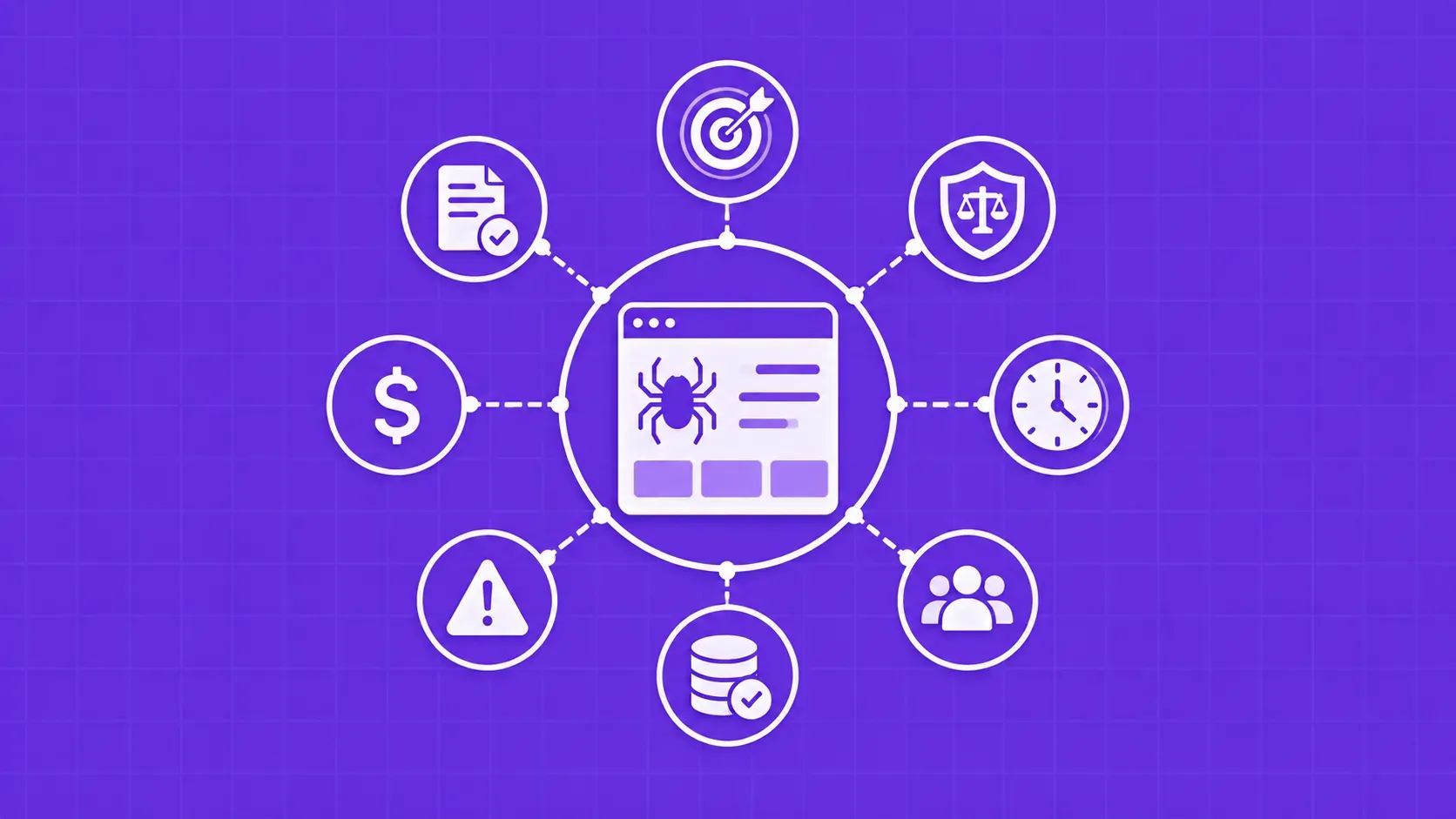
TL;DR: A web scraping project fails on planning long before it fails on code. These ten scraping questions walk you through legality, API alternatives, anti-bot defenses, cost, refresh cadence, data quality, and governance, so you scope the work, pick the right stack, and avoid the failure modes that quietly kill scrapers in production.
Most broken scrapers were broken on a whiteboard, not in code. The team picked the wrong target page, missed a cheaper API, underestimated anti-bot defenses, or never agreed on what "done" looks like. Working through a tight list of scraping questions up front is the cheapest debugging you will ever do.
Web scraping is the automated extraction of structured data from web pages, usually so it can be loaded into a spreadsheet, database, or downstream pipeline. That part is well understood. The hard part is everything around it: is the data legal to collect in your jurisdiction, will the site block you within an hour, who owns the storage, and what happens when the layout changes next quarter.
This guide is built for data engineers, ops and growth teams, founders, and analysts who can read a Python script but want a strategic checklist before they write or buy one. We will work through ten scraping questions in roughly the order you should answer them, finishing with a copy-paste pre-launch checklist you can drop into your project doc. The goal is not to sell you a tool. It is to help you decide what kind of project you actually have.